10 User Guide ShoreTel IP Phone 480/480g
Getting Started Your Phone’s Display
1
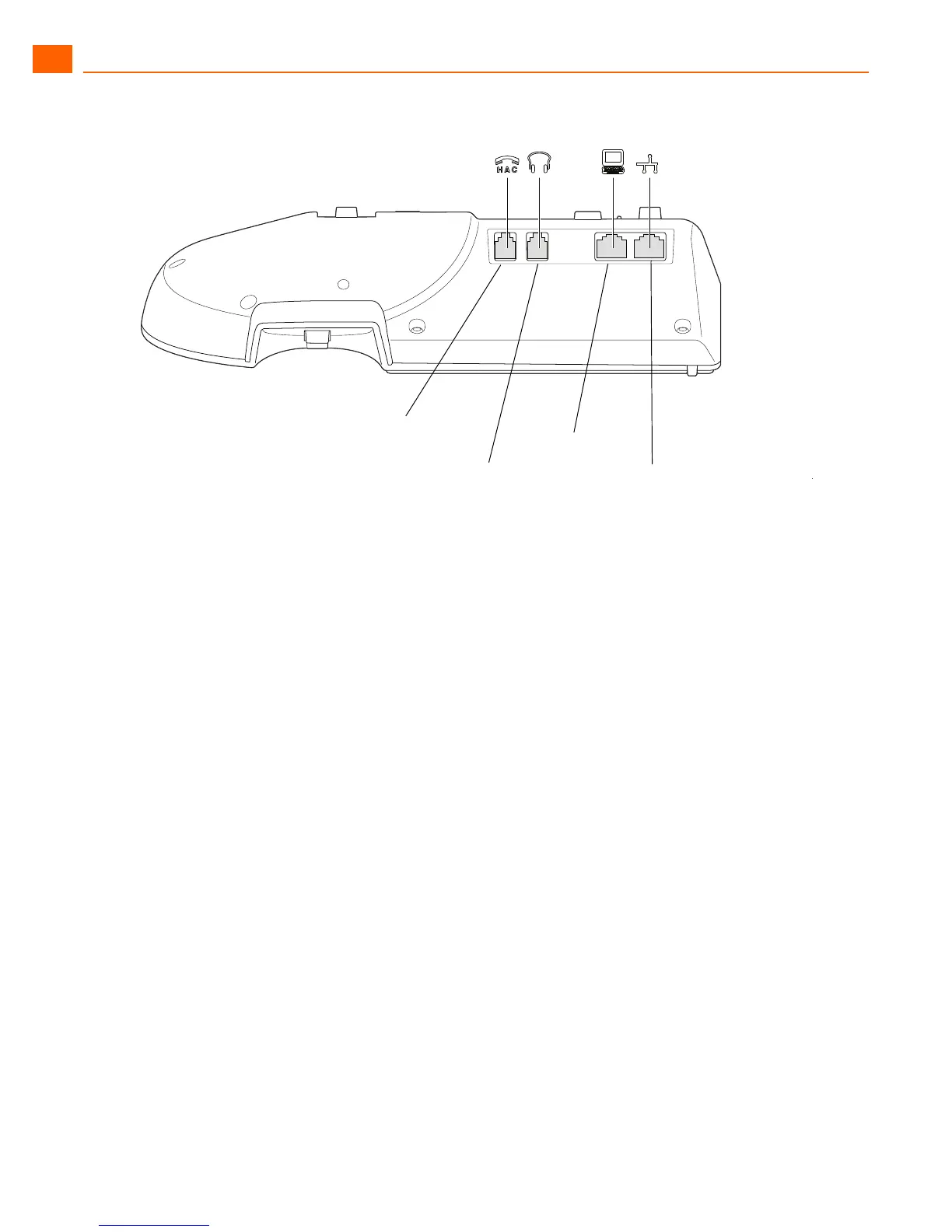
Figure 2: Ports on the Back of the IP Phone 480/480g
Your Phone’s Display
The display screen on your ShoreTel IP phone shows your name and extension, call handling mode,
call appearance buttons, workgroup agent status, programmed buttons, and other information.
Figure 3 shows the elements on the phone display screen.
Network and
Power Port
PC Port
Headset Jack
Handset Jack is
hearing aid compatible





 To Next Page