22 User Guide ShoreTel IP Phone 480/480g
Getting Started Using Voicemail
1
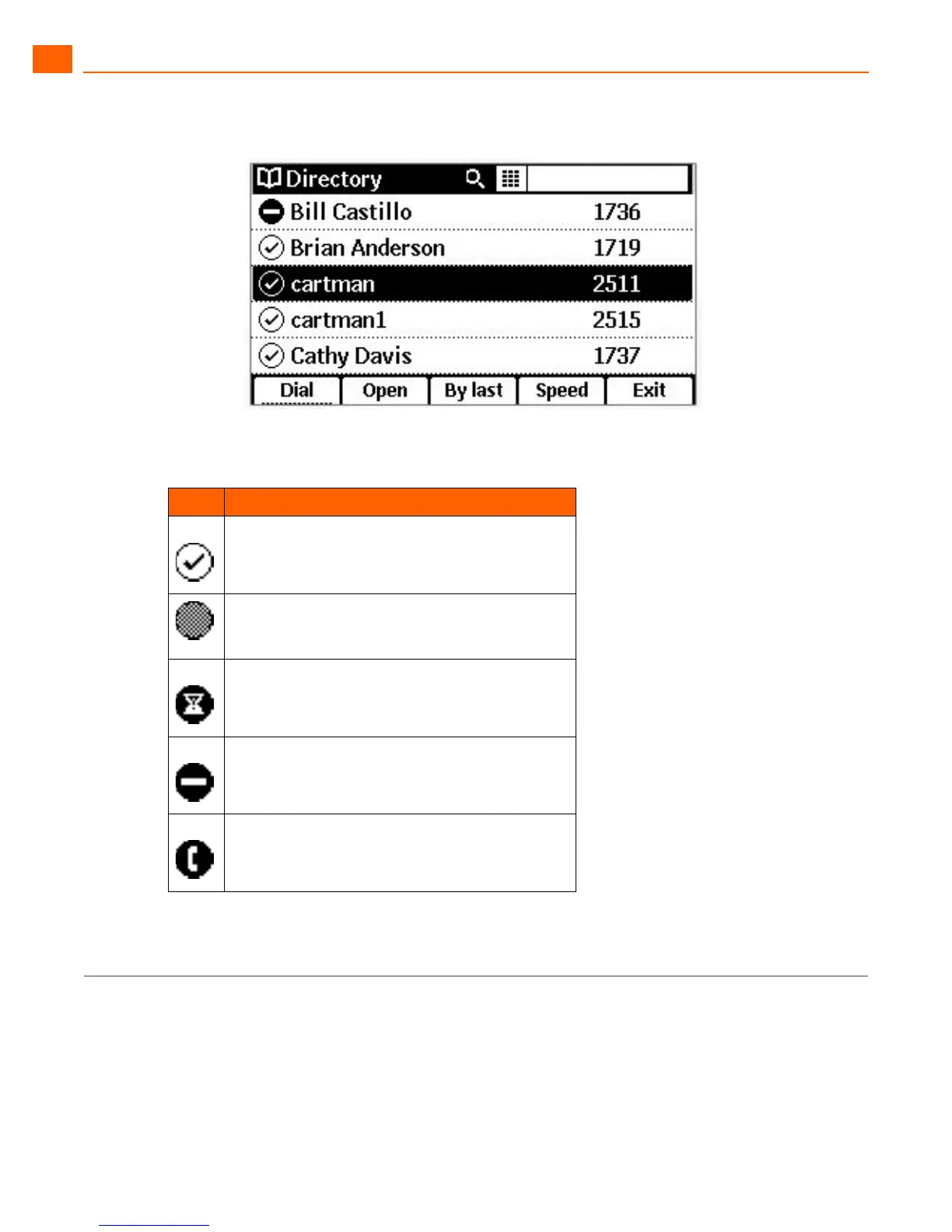
Figure 4: Directory with Presence Icons
Using Voicemail
To access your voicemail messages, press the Voicemail button.
For complete details about voicemail, see Chapter 4, Using Voicemail on page 49.
Table 4: Presence Icons in the Directory
Icon Description
Available
The user has set a call-handling mode other than
Standard and has not configured this mode as Do
Not Disturb for incoming calls.
The user’s extension is on hold or has a call
parked on it.
Do not disturb
On a call





 To Next Page