Sequencer Setup
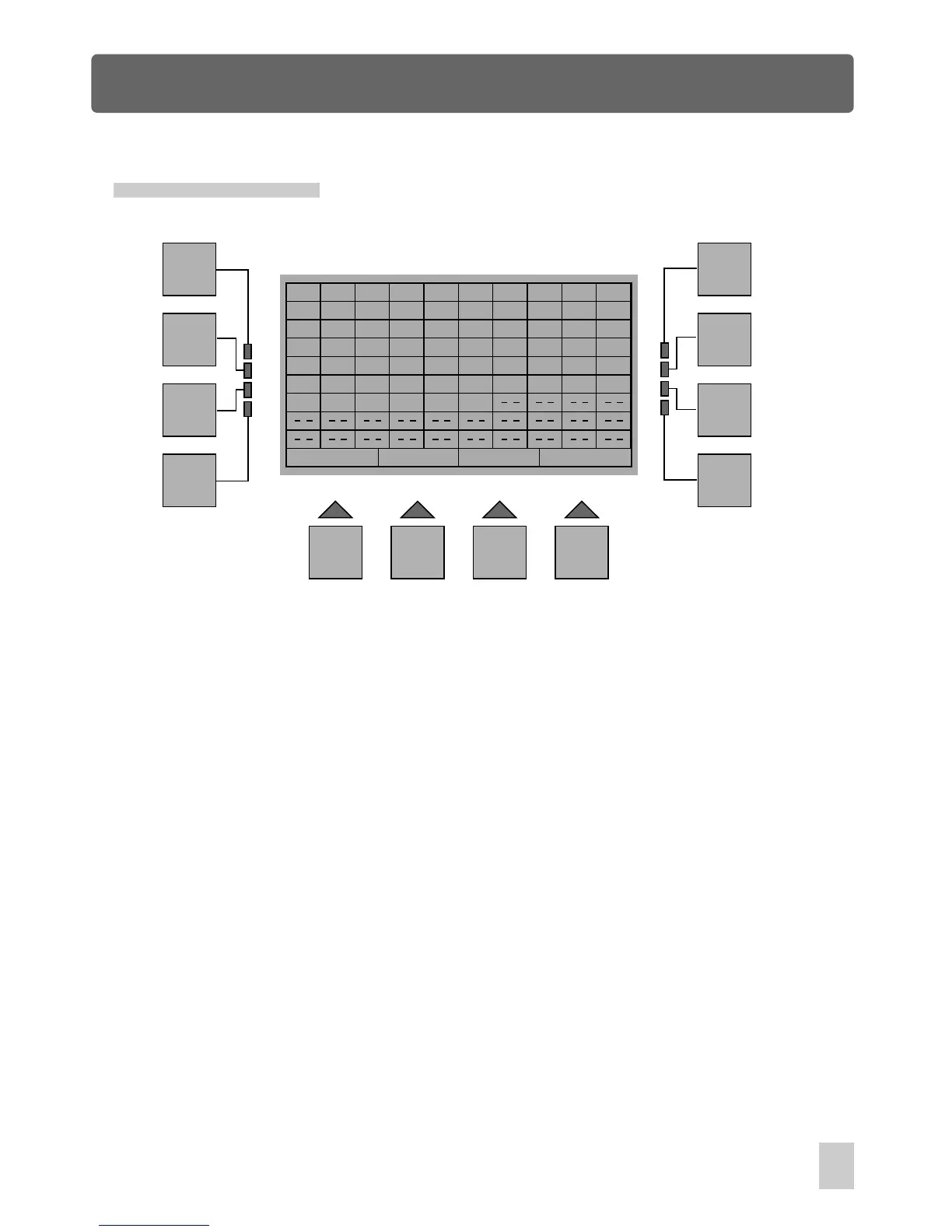
In Homepage phase, pressing the F2 button(SeqSetup) allows to enter Sequencer Setup.
You can choose the desired shows by means of Show buttons, d
This menu allows you to pick up to 100 shows to make up a sequencer, the selected
shows will appear in the display.
elete unused shows
by pressing the F12(Delete) button. Press the F11(P1-18) button to change between
1-18 and 19-36 shows, the F9(Esc) button to go back to the previous menu, the storage
is automatic.
Esc P1-18
Delete
F1
F2
F3
F4
F5
F6
F7
F8
F9 F10 F11 F12
1
1
2
3
5
1
1
1
1
1
1
1
1
1
1
1
1
1
1
1
1
2
2
2
2
2
2
2
9
9
9
9
9
9
9
2
2
2
2
2
2
2
16
16
16
18
16
16
36
19
36
22
36
35
1
1
1
1
1
1
1
1
1
1
1
1
Home Page Navigation
13



 To Next Page