Show Edit Utility
Esc
F1
F2
F3
F4
F5
F6
F7
F8
F9 F10 F11 F12
Show: 2
Clr Show
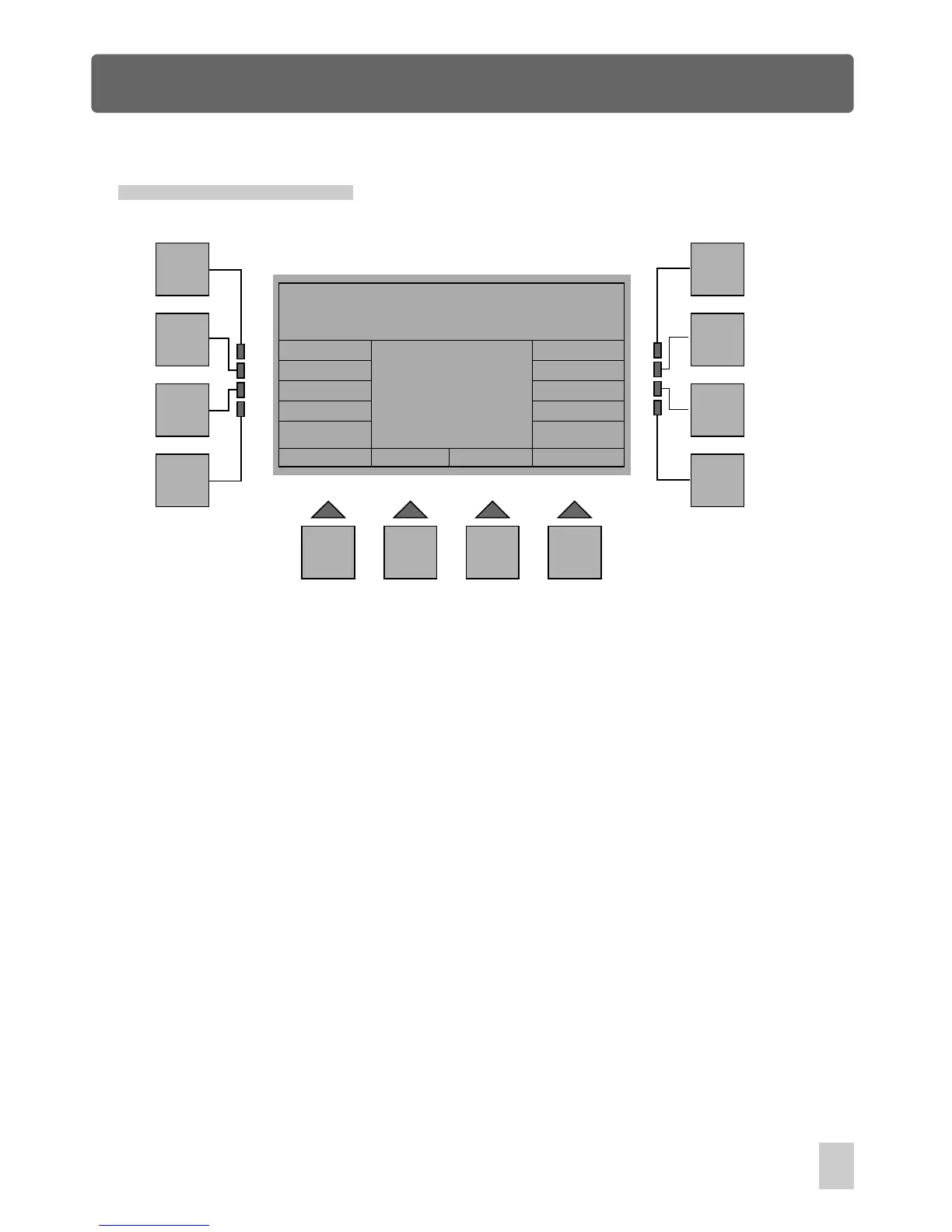
In Edit Show Menu, press F6(Utility) to access Show Edit Utility. The options available
are as follows:
Show Edit Utility
Clone Erase Copy ShowAll
InsShow
CpyShow
Memory Used
0%
[ ----------- ]
Esc :
Goes back to the previous menu.
Clr Show:
Allows to clear a show.
InsShow:
CpyShow: Enables to copy a show to replace another one
Clone:
Allows to clone the step(scene) so that you can modify the step
Erase:
Enables to erase one or more steps from this show
Enables to add a show after a step
Copy:
ShowAll:
Enables to copy one or more steps and add them after a step
Shows the fixture patch and the fixtures used for this show
In this menu, the central box of the window displays the current show and
memory used.
47
Edit Show Menu



 To Next Page