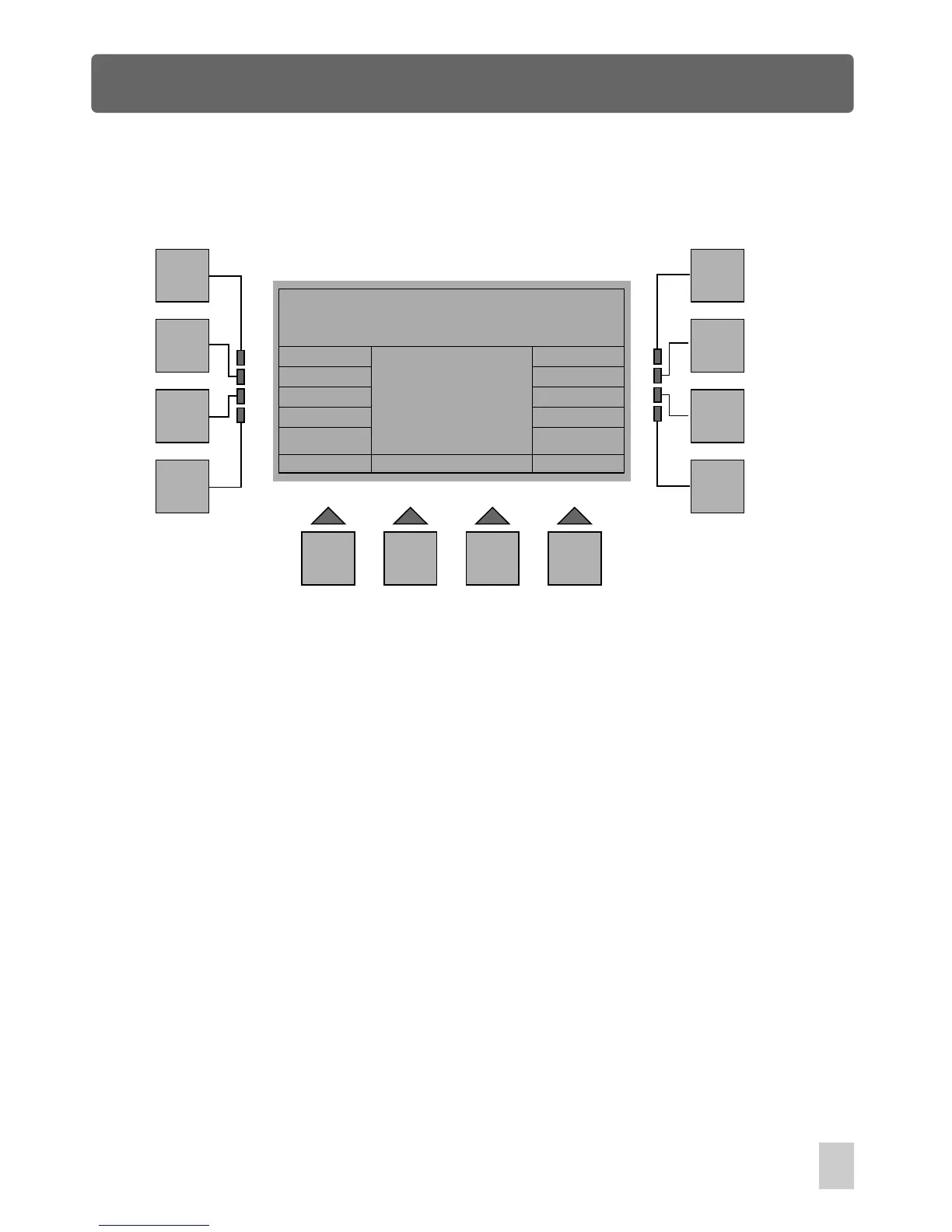
Scene Menu
Esc
F1
F2
F3
F4
F5
F6
F7
F8
F9 F10 F11 F12
Scene Menu
Used
In Homepage phase, press the F8 button(Scene) to access Scene Menu. A window
appears with some indications. The options available are detailed as follows:
Copy
Edit
Save
Esc :
Goes back to the previous menu.
Used:
Allows you to get acquainted with out of 128 scenes which is not
used in the shows
Copy:
Edit: Enables to create a new scene by means of the Fixture buttons.
Save:
Allows to capture the manual fixtures and to save as a scene.
Enables to copy any desired scenes to any position.
Scene Menu Window
53



 To Next Page