Setup Menu
Reset
Esc
F1
F2
F3
F4
F5
F6
F7
F8
F9 F10 F11 F12
!! All data will be deleted !!
Ok
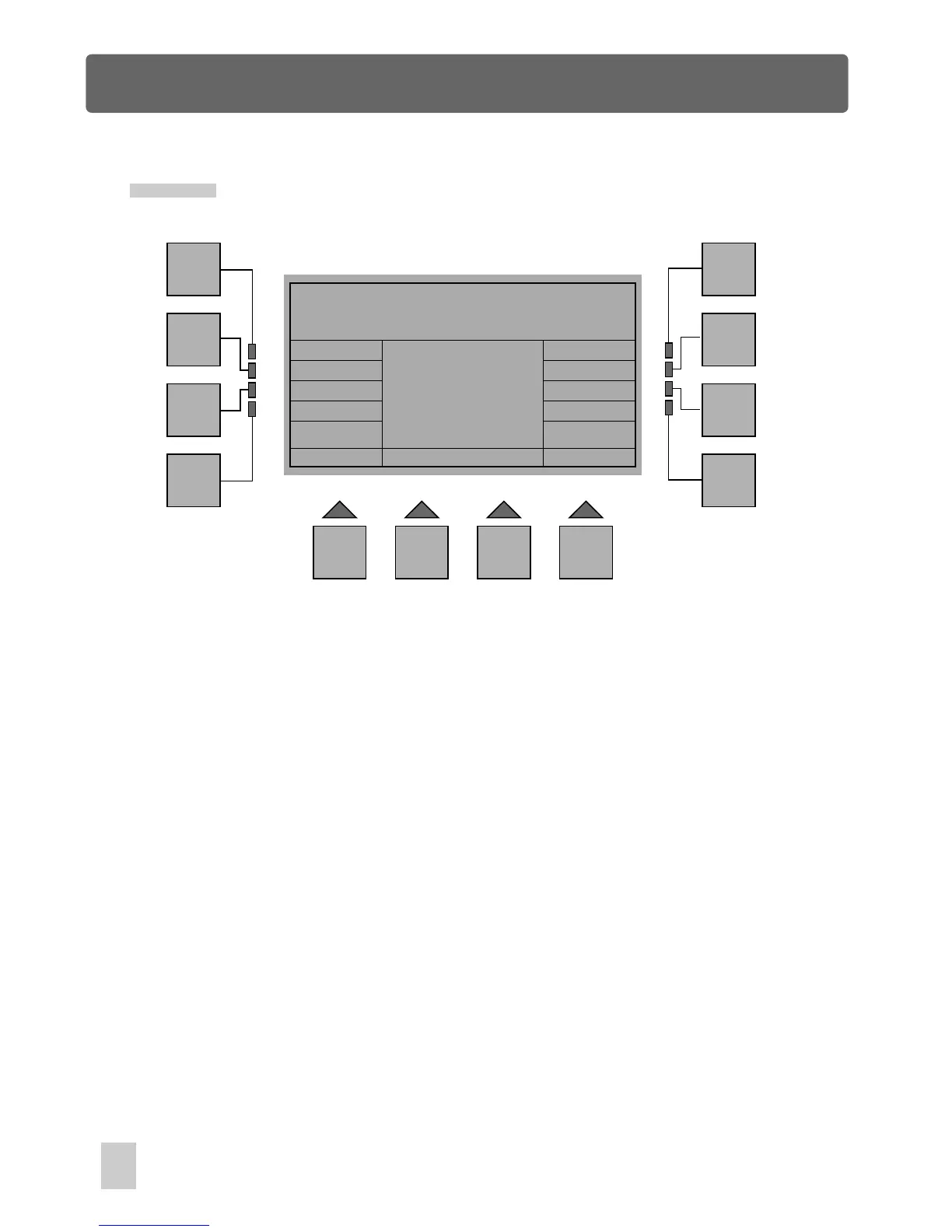
In Setup Menu, press F12(Reset), you will be required to insert your password. After
entry of password, you will access the Reset menu immediately. This menu gives a
warning message, which reminds that all data files, including the shows, scenes and
the library will be deleted if you confirm this reset.
Press the F5(Ok) button to delete all the data files and restore settings to default value.
Press the F1(Esc) button to abort this reset and to go back to the previous menu.
44



 To Next Page