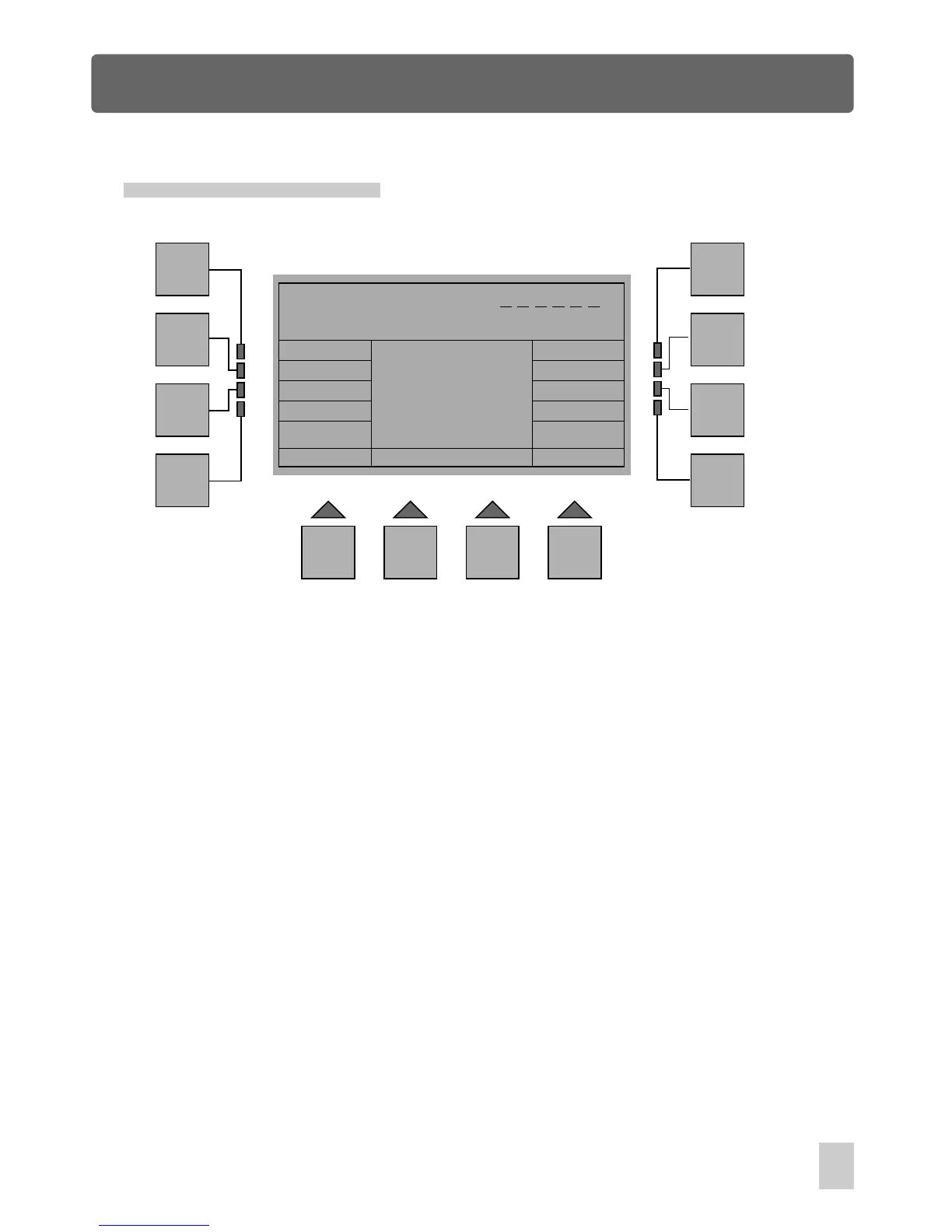
Setup Menu
Esc
F1
F2
F3
F4
F5
F6
F7
F8
F9 F10 F11 F12
Insert your Password
Press the F1(Esc) button to go back to the previous menu if you intend to abort
this procedure.
Change Password
In Setup Menu, press F9(Password) , you will be required to insert your current
password. When you have entered the password correctly, you will be required
to give a new password. Use the Show buttons to enter your new password,
next repeat the same password. As a result, the new password replaces the old
one successfully. If you fail to change the password, it will return to Setup menu
automatically.
43



 To Next Page