Setup Menu
MIDI Configuration
Esc
F1
F2
F3
F4
F5
F6
F7
F8
F9 F10 F11 F12
Mode...: Dis
Mode
MIDI CH: 1
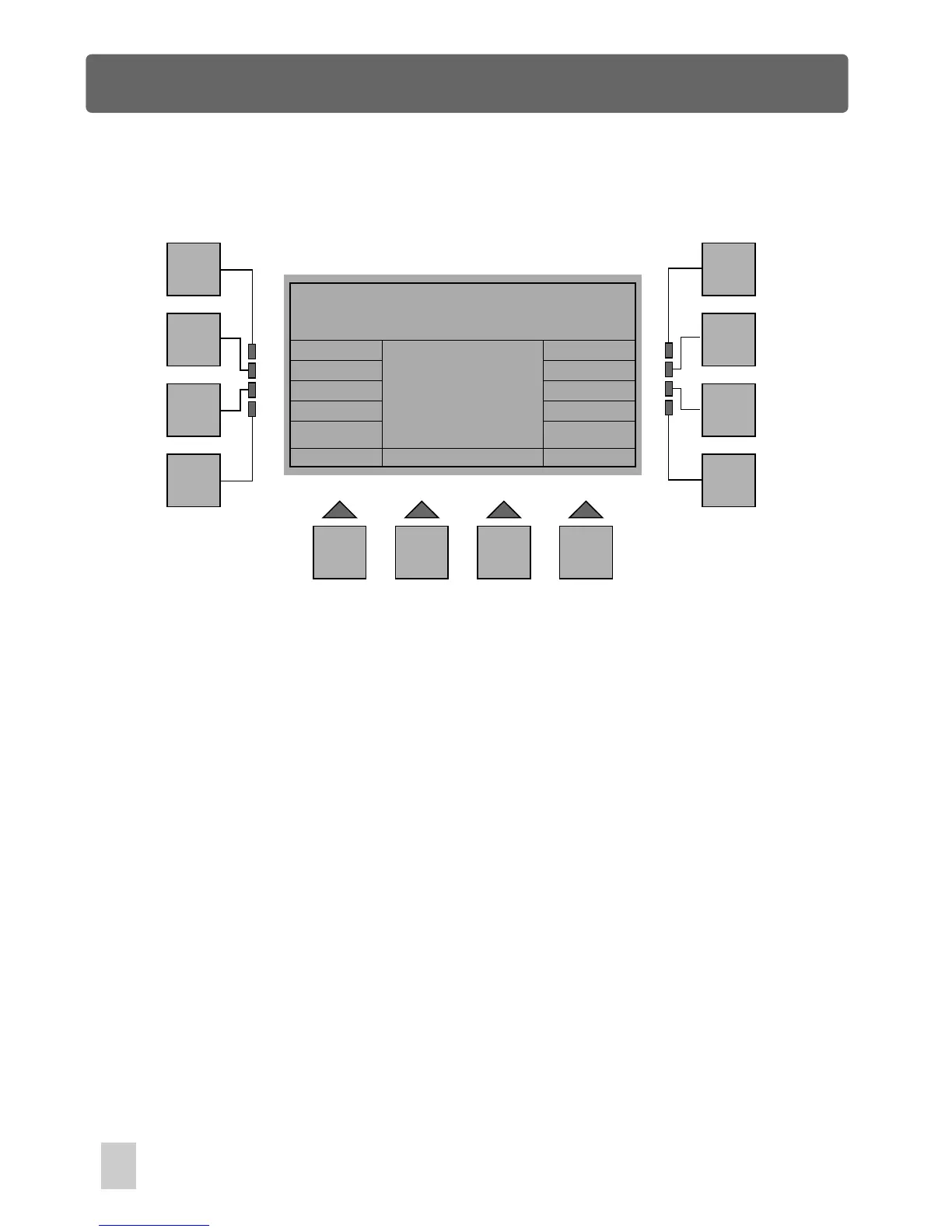
In Miscellaneous Menu, press F5(MIDI), a new window will appear. Pressing the F4
(Mode) allows to enable or disable MIDI mode, and using fader 1 enables you to
scroll to the MIDI channel number matching that of MIDI Keyboard or sequencer.
Press the F1(Esc) button to go back to the previous menu. The storage is
automatic.
MIDI Configuration
38



 To Next Page