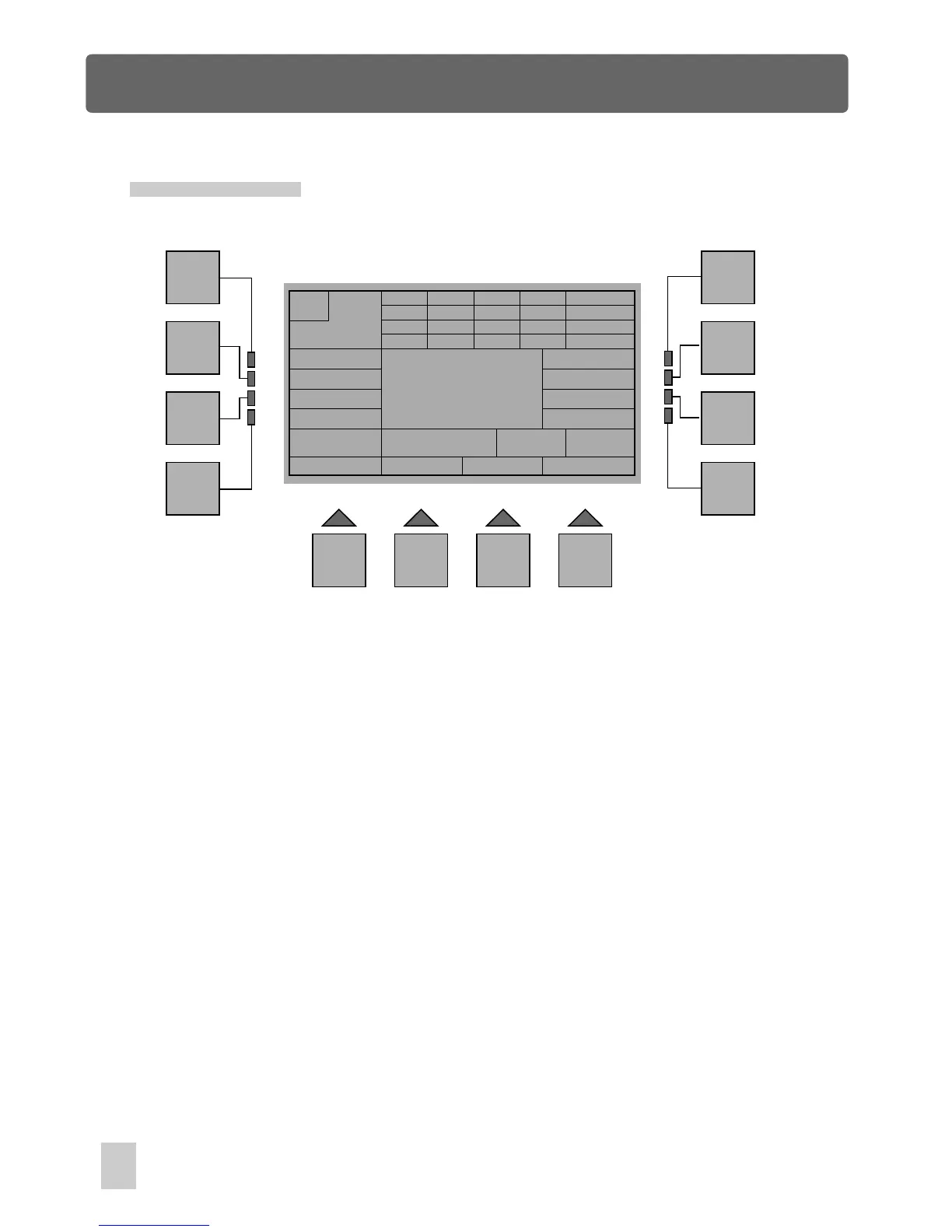
Scene Menu
Edit Scenes
In Scene Menu, press the F6(Edit) button, you will be required to select the target
scene you intend to edit. Use the Scene buttons in combination with Bank buttons
1-8 to select the scene, a new window will appear immediately reminding you to
start editing.
Use the Fixture buttons in combination with Bank buttons 1-4 to create a new scene.
Once completion, press the F12(Update) button, You will be required to confirm by
"Ok" or to exit by the F1 button. "Ok" confirms this operation, as a result, this show
will be saved. In this case, if there is a old scene 1, the new scene 1 will replace the
old one.
Press the F1(Esc) button to go back to the previous menu.
M
255
CH
1-4
5-8
9-12
13-16
000
025
000
000
000
255
128
000
000
000
000
000
000
000
000
255
X 255
XF 000
Y 255
YF 000
Esc
Scene: 1
Update
Fix: - -
DMX s/l
multi
F1
F2
F3
F4
F5
F6
F7
F8
F9 F10 F11 F12
multi
54



 To Next Page