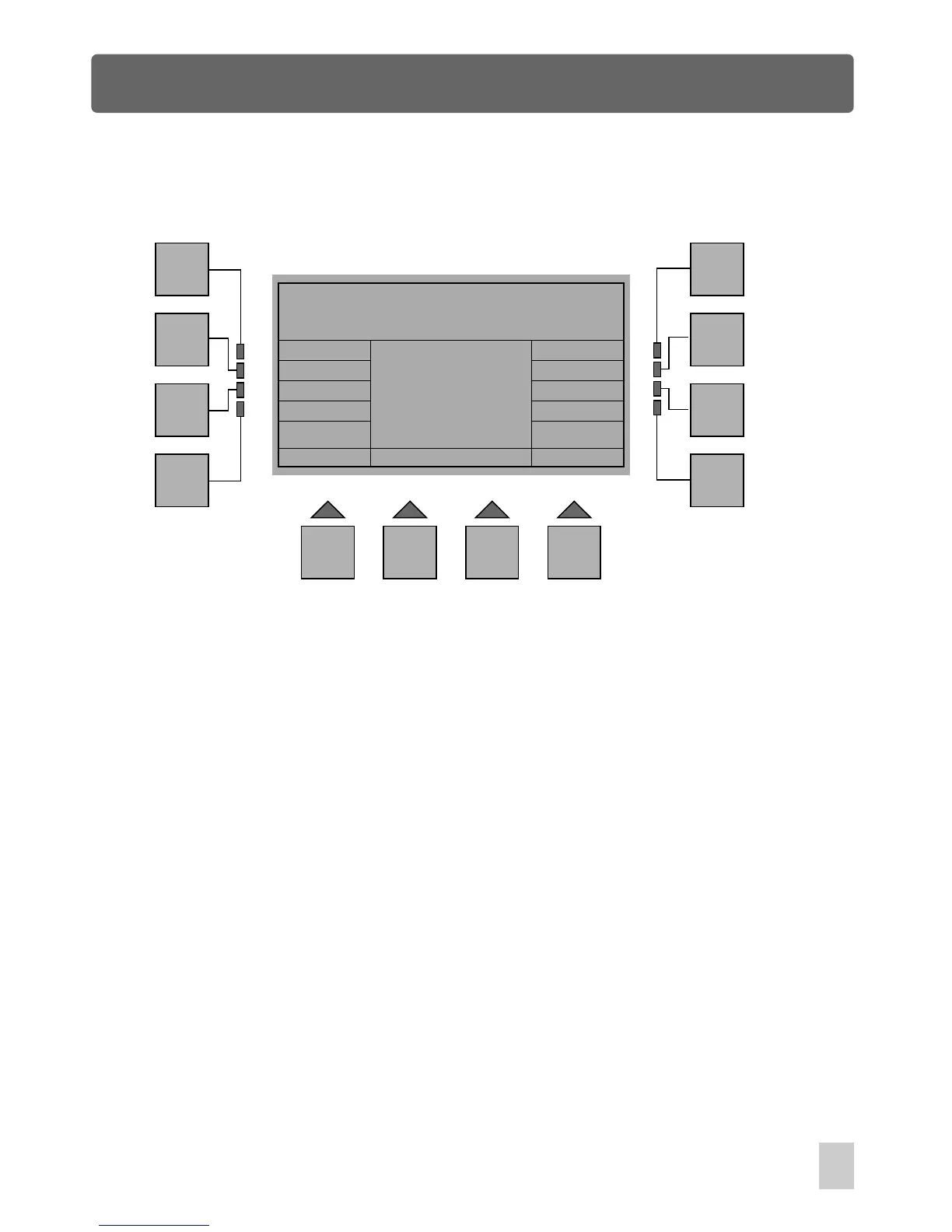
Setup Menu
Backup to PC Menu
Esc
F1
F2
F3
F4
F5
F6
F7
F8
F9 F10 F11 F12
FixSetup Setup
Show
Scene
In Download With PC Menu, press the F8 button(Backup), a new window appears.
This menu allows you to make backup copies of the Fixture Setup, Setup, Scenes
and Shows to your PC via RS-232 port.
To connect to a PC, you will need a serial lap link cable available at any computer
store. A standard RS-232 cable will not work. Connect the RS-232 port on Stage
Master Pro to one of the Serial " com" ports on your PC.
You will need a PC running Windows 95/ 98 or higher to connect to Stage Master Pro.
Windows comes with an accessory called Hyper Terminal that can communicate with
Stage Master Pro via one of the "COM" ports on your PC. Determine which of your
"COM" ports is available. COM 1 is generally used for the mouse so it is always
advisable to connect your COM 2 on your PC.Stage Master Pro to
Help - RS-232 connection and Windows Configuration
Backup to PC Menu
29



 To Next Page