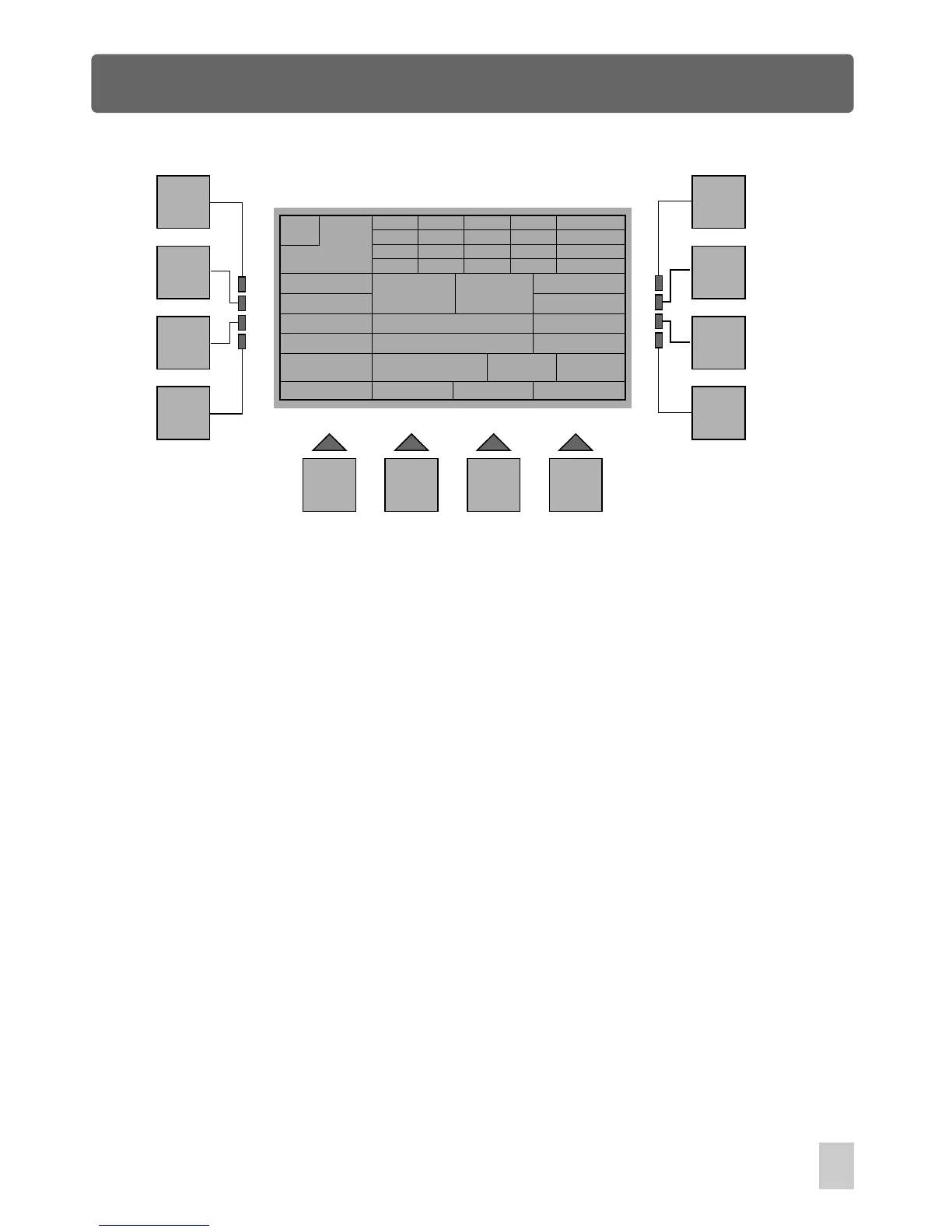
Edit Show Menu
M
255
CH
1-4
5-8
9-12
13-16
000
025
000
000
000
255
128
000
000
000
000
000
000
000
000
255
X 255
XF 000
Y 255
YF 000
Esc
Step Up
Step Dw
Step-Key
Utility
Run
Ch-Key
Step : 2
Show: 1
Clr Fix. Delete Insert
Update
Fix: - -
DMX s/l
G-Crs
2.0
G-Std
5.0
multi
F1
F2
F3
F4
F5
F6
F7
F8
F9 F10 F11 F12
S-Crs
2.0
S-Std
2.0
Esc :
Goes back to the previous menu.
Step Up:
Goes to the step by raising the step.
Step Dw:
Step-Key: Goes to the step by entry of step number, max. or min. Step.
Utility:
Gives access to Show Edit Utility.
Run:
Step demo to test the running effect.
In Homepage phase, press the F3 button(ShowEdit), you will be required to select a
show you want to work on. After entry of a show number by means of the Show
buttons, you will access Edit Show menu immediately. The console allows you to
record up to 36 shows through this menu. In this menu, the information indications are
detailed as follows:
multi
Goes to the step by lowering the step.
Ch-Key:
Clr Fix.:
Delete:
Insert:
Update:
S-Crs:
S-Std:
Numerical entry of the selected channel.
Release all manual fixtures.
Delete the current step.
Insert a new step.
Modify the current step.
Fade time of the current step
Standing time of the current step.
45



 To Next Page