Setup Menu
Esc
F1
F2
F3
F4
F5
F6
F7
F8
F9 F10 F11 F12
Miscellaneous Menu
ShowMode Display
Software
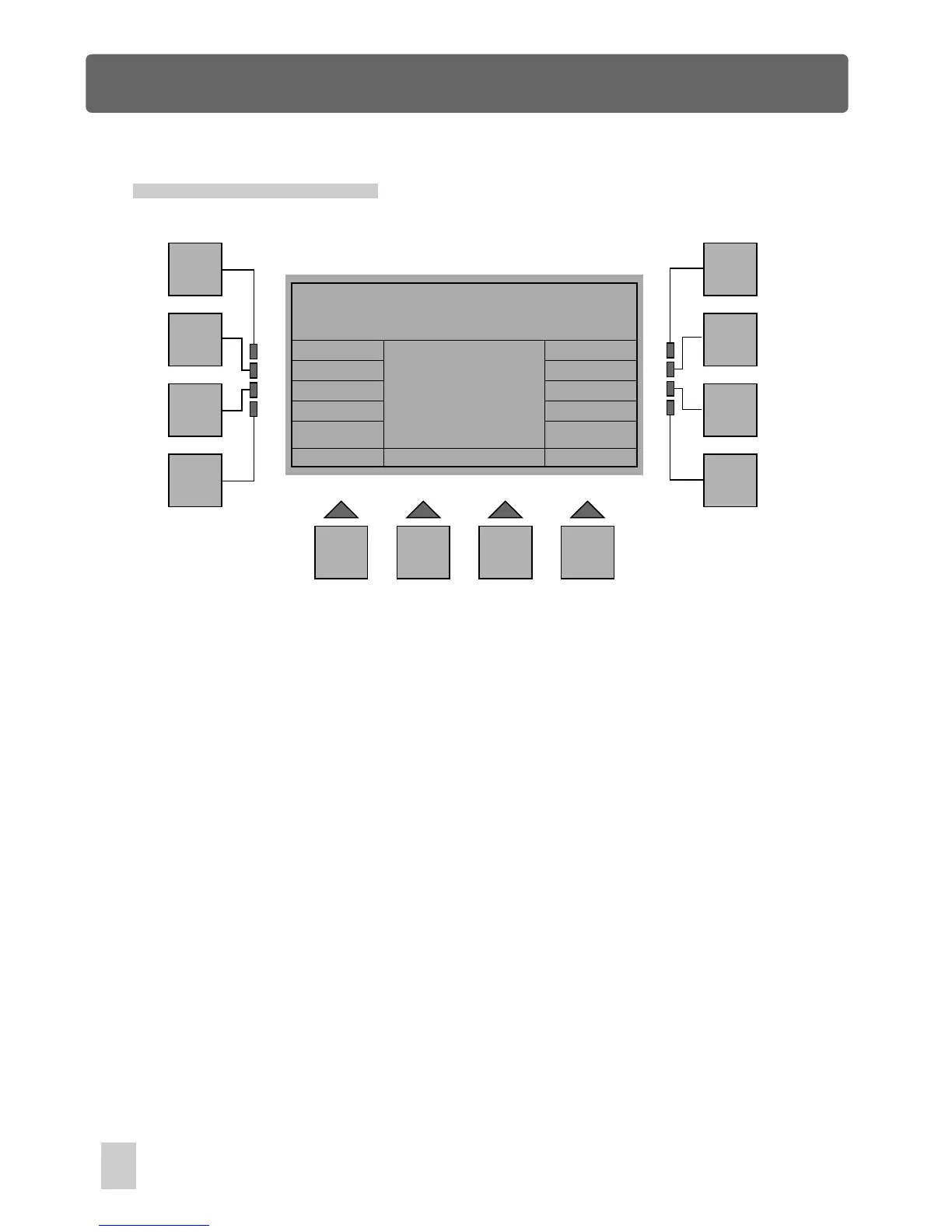
In Setup menu, press the F8 button(More) to access Setup Miscellaneous Menu. A
new window will appear with indications as follows:
Esc :
Goes back to the previous menu.
Joystick:
Gives access to Joystick Configuration.
Auto Run:
Allows to enable or disable the selected show or sequencer to run
automatically as soon as this console is switched on.
Setup Miscellaneous Menu
Auto Run
Joystick
Dimmer
Beeper
MIDI
ShowMode :
Allows to select between Multi Show and Single Show.
Beeper :
Beeper Enable/ Disable
MIDI :
Gives access to MIDI configuration.
Dimmer :
Enables to adjust gooseneck dimmer.
Display :
Enables to adjust dispaly contrast.
34



 To Next Page