Setup Menu
Name Fixture Channel
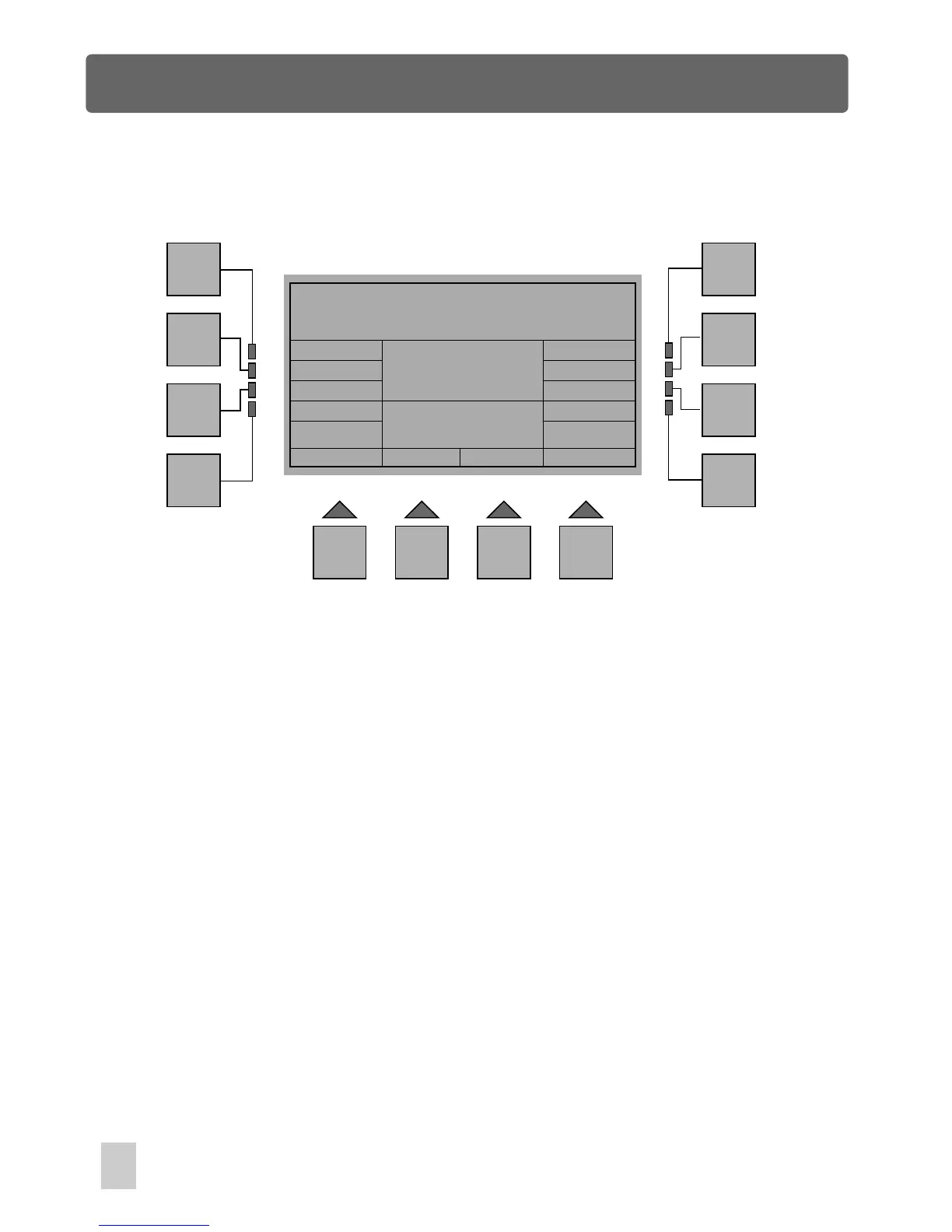
In Fixture Setup menu, press the F8(ChName) button, a new window will appear
reminding you to name this fixture channel. The channel name consists of a
maximum of 8 letters. Use fader 1 to scroll to the character for the first letter of the
channel name, fader 2 for the second letter, and so on, until fader 8 for the last letter.
You can also use the F10(Up) and F11(Down) buttons to scroll to the channel name
available in the library.
Press the F1(Esc) button to go back to the previous menu.
Esc
F1
F2
F3
F4
F5
F6
F7
F8
F9 F10 F11 F12
Fixture Channel Name Input
Channel Name:
Channel
Name Table
Up
Down
18



 To Next Page