Setup Menu
Gooseneck Dimmer Adjustment
Esc
F1
F2
F3
F4
F5
F6
F7
F8
F9 F10 F11 F12
Dimmer: 50
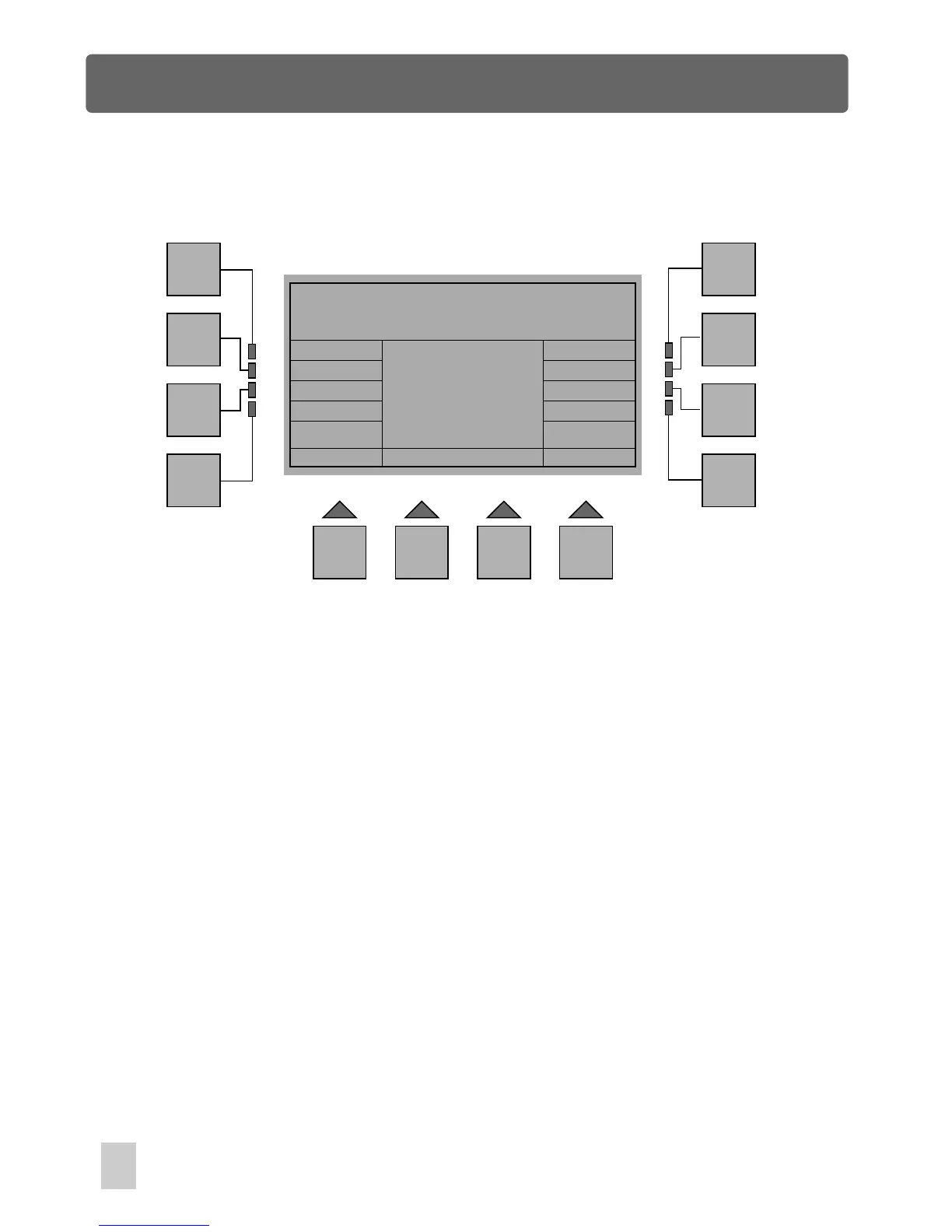
In Miscellaneous Menu, press F7(Dimmer), a new window will appear. In this menu,
using the fader 1 allows you to adjust the dimming level of the gooseneck light from
zero to full intensity. Out of the adjustment, "Off" indicates the gooseneck light gives
zero output, "100" indicates it is fully on.
Press the F1(Esc) button to go back to the previous menu. The storage is
automatic.
Gooseneck Dimmer Adjustment
40



 To Next Page