Setup Menu
Copy From Fixture
Esc
F1
F2
F3
F4
F5
F6
F7
F8
F9 F10 F11 F12
Fixture Copy Menu
Copy
Up
Down
Keypad
Fixture: 1
Name:
Copy
to
Fixture: 1
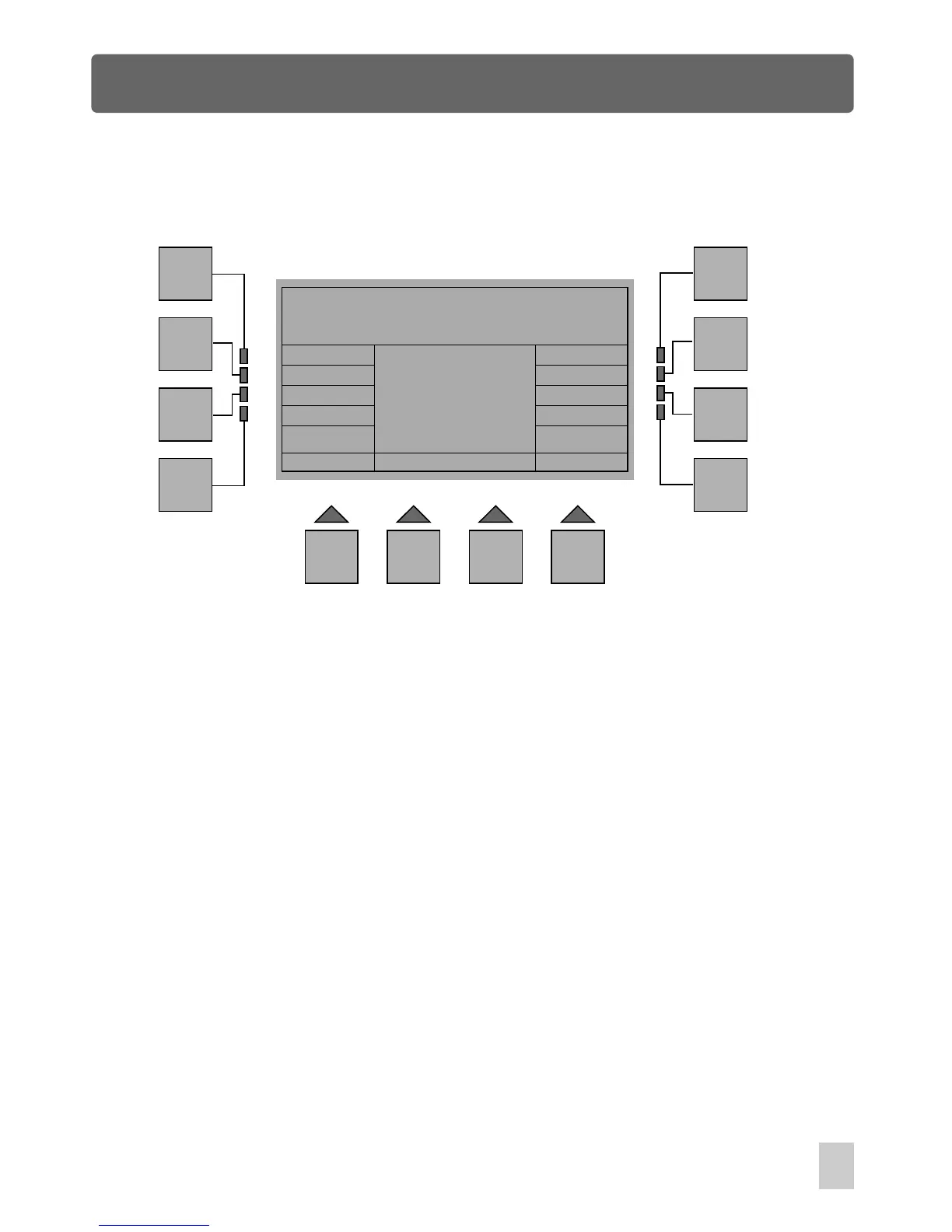
In Fixture Setup menu, press the F10 or F11(Copy From Fix) button to access the
Fixture Copy Menu, a new window will appear reminding you how to copy a fixture
to replace the existed fixture.
First use the F6(Up) or F7(Down) button to select the desired fixture, pressing the
F12(Keypad) button also allows you to enter a fixture No. by means of Show
buttons. The selected fixture number and name will appear in the window. Next,
press the F9(Copy) button, a dialog box will appear reminding you whether you are
sure or not. Press "Ok" to confirm this setting or the F1 button to exit.
Press the F1(Esc) button to go back to the previous menu.
21



 To Next Page