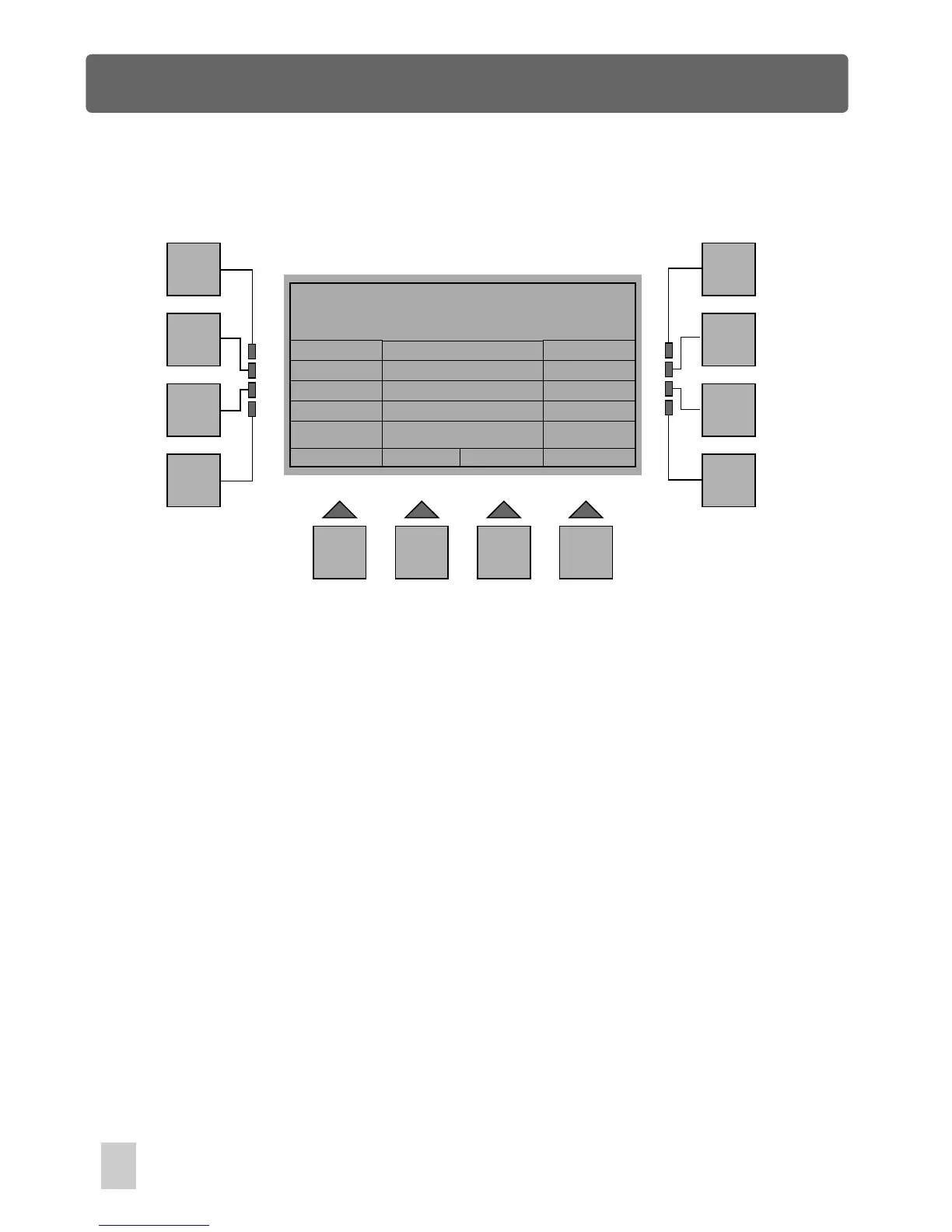
Erase one or more Steps
Esc
F1
F2
F3
F4
F5
F6
F7
F8
F9 F10 F11 F12
Step Multi Erase
End
Start
Erase
Keypad
Up
Down
>> 1
9
50
Edit Show Menu
In Show Edit Utility Menu, press F10(Erase) to access Step Multi Erase menu. This
menu allows you to erase one or more steps from the show.
First press F3(Start) to move the forward cursor ">>" in line with , then you can
select starting step .
Next press F4(End) to move the forward cursor ">>" in line with End, select the end
step by means of .
Press F10(Erase), you
Start
using F6(Up), F7(Down) or F12(Keypad)
F6(Up), F7(Down) or F12(Keypad)
will be required to confirm by "Ok" or to exit by the F1 button.
"Ok" confirms this operation, as a result, these steps from the starting to end step will
be erased. In this case, the steps from 1 to 9 will be deleted from this show.
Press the F1(Esc) button to go back to the previous menu.



 To Next Page