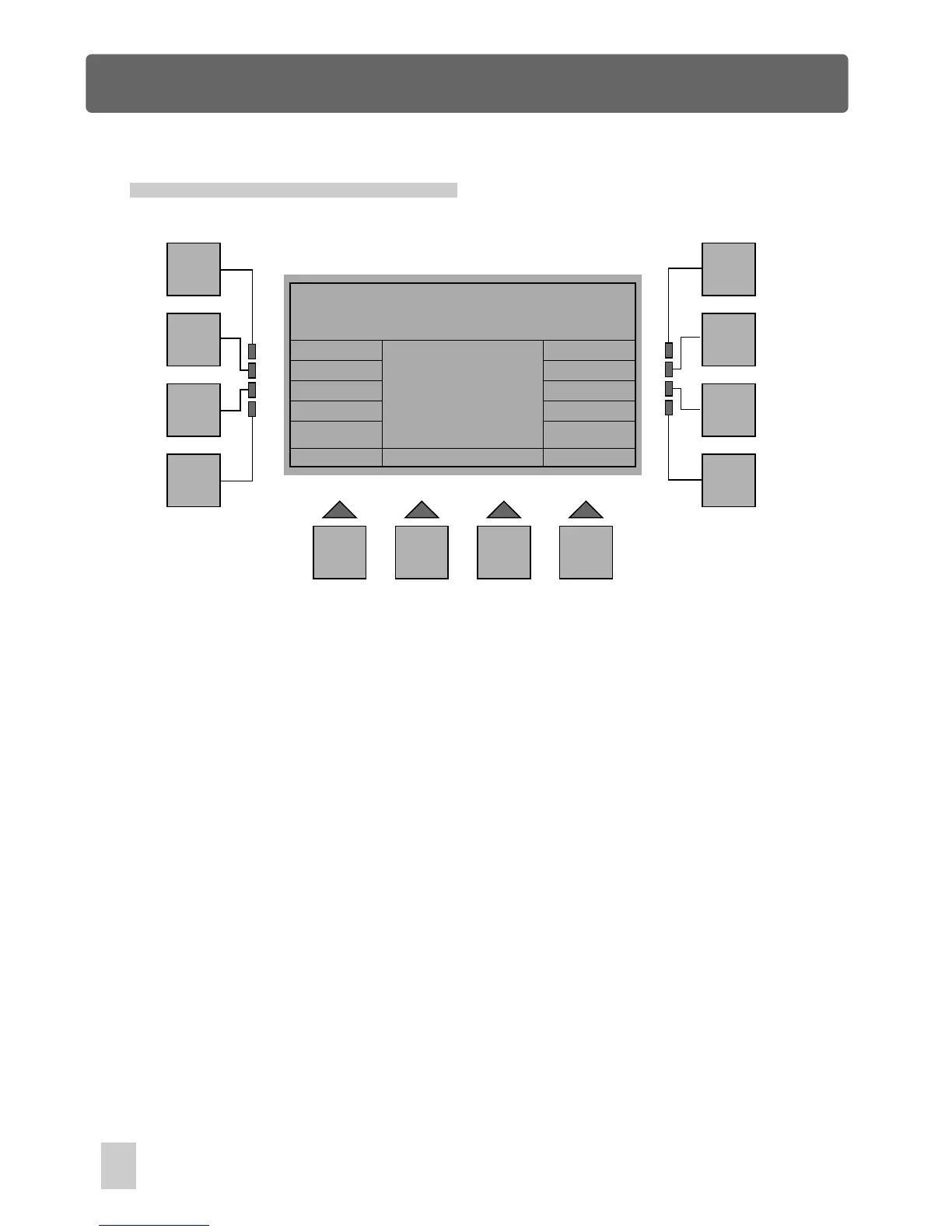
Setup Menu
Music Gain Adjustment
Esc
F1
F2
F3
F4
F5
F6
F7
F8
F9 F10 F11 F12
Gain: 1
Test: [ ]
In Setup Menu, press F10 or F11(Music Gain) to access Music Gain Adjustment. In
this menu, using the fader 1 allows to adjust music gain from 1 to 100. The line Test
and the brackets will be used to test whether the audio sensitivity is suitable or not.
The cursor within the brackets will flash once when it detects the music beat. As a
result, you can adjust the optimum music gain.
Press the F1(Esc) button to go back to the previous menu. The storage is automatic.
Music Gain Adjustment
42



 To Next Page