Shure Incorporated
17/59
1.
2.
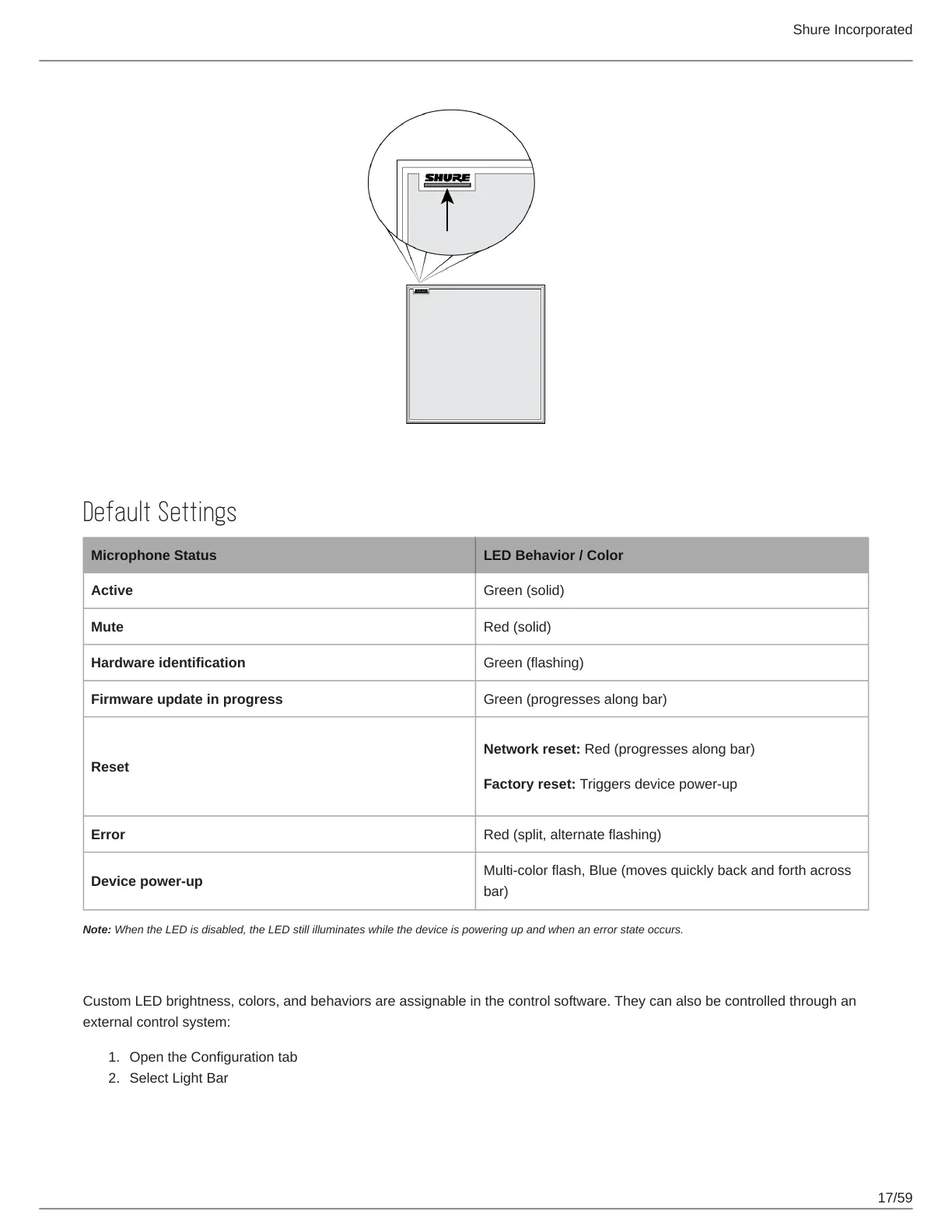
Default Settings
Microphone Status LED Behavior / Color
Active Green (solid)
Mute Red (solid)
Hardware identification Green (flashing)
Firmware update in progress Green (progresses along bar)
Reset
Network reset: Red (progresses along bar)
Factory reset: Triggers device power-up
Error Red (split, alternate flashing)
Device power-up
Multi-color flash, Blue (moves quickly back and forth across
bar)
Note: When the LED is disabled, the LED still illuminates while the device is powering up and when an error state occurs.
Customizing Lighting Settings
Custom LED brightness, colors, and behaviors are assignable in the control software. They can also be controlled through an
external control system:
Open the Configuration tab
Select Light Bar


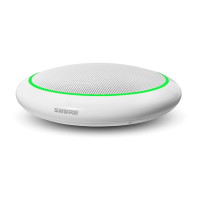
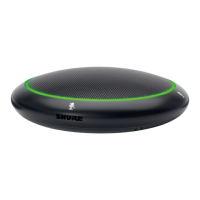

 To Next Page