Shure Incorporated
30/59
1.
2.
Installing the Junction Box Accessory
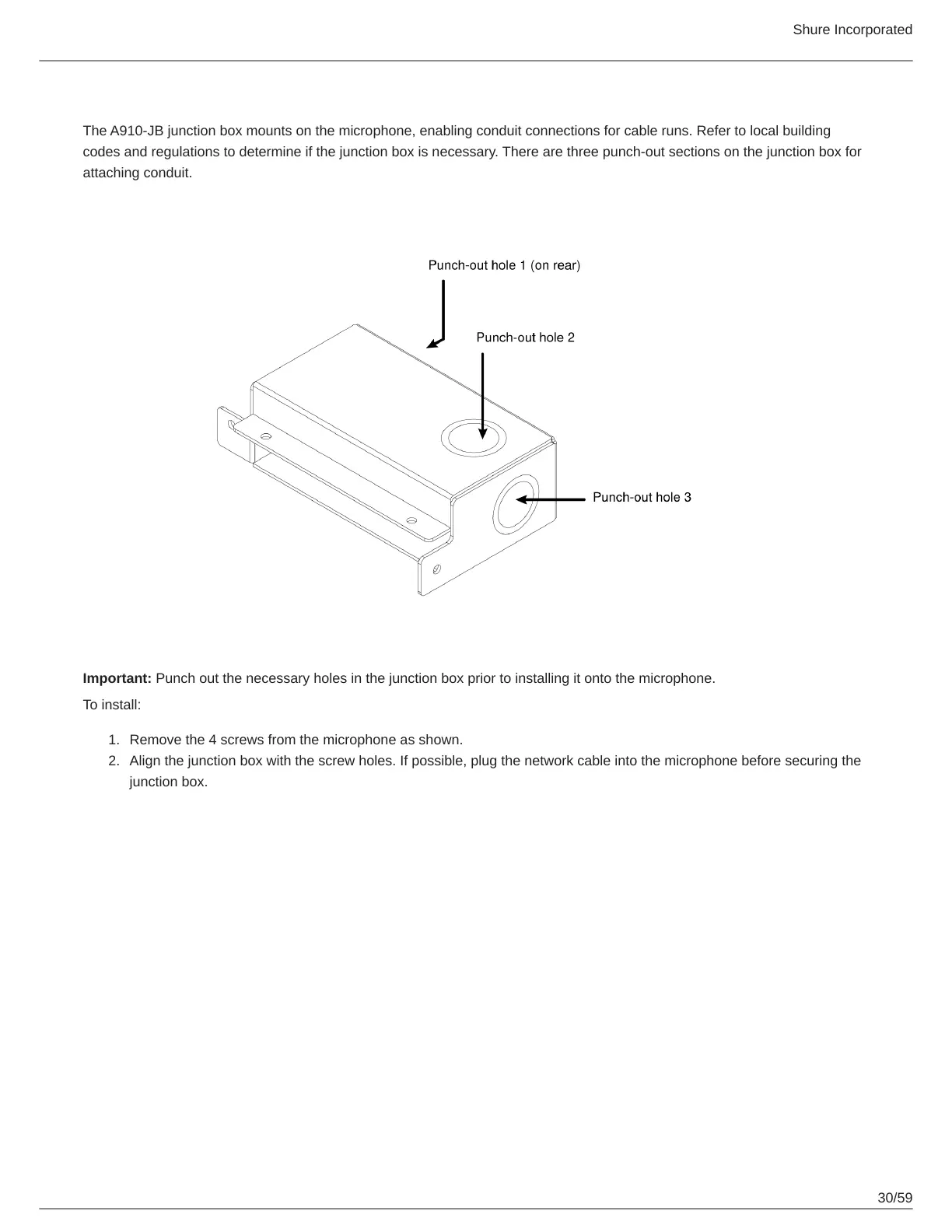
The A910-JB junction box mounts on the microphone, enabling conduit connections for cable runs. Refer to local building
codes and regulations to determine if the junction box is necessary. There are three punch-out sections on the junction box for
attaching conduit.
Important: Punch out the necessary holes in the junction box prior to installing it onto the microphone.
To install:
Remove the 4 screws from the microphone as shown.
Align the junction box with the screw holes. If possible, plug the network cable into the microphone before securing the
junction box.


 To Next Page
 Loading...








