Steering Menu
(Recommended for
installers only)
For setup of Rudder output and
Rudder end limits (Figure 22 and
figure 23)
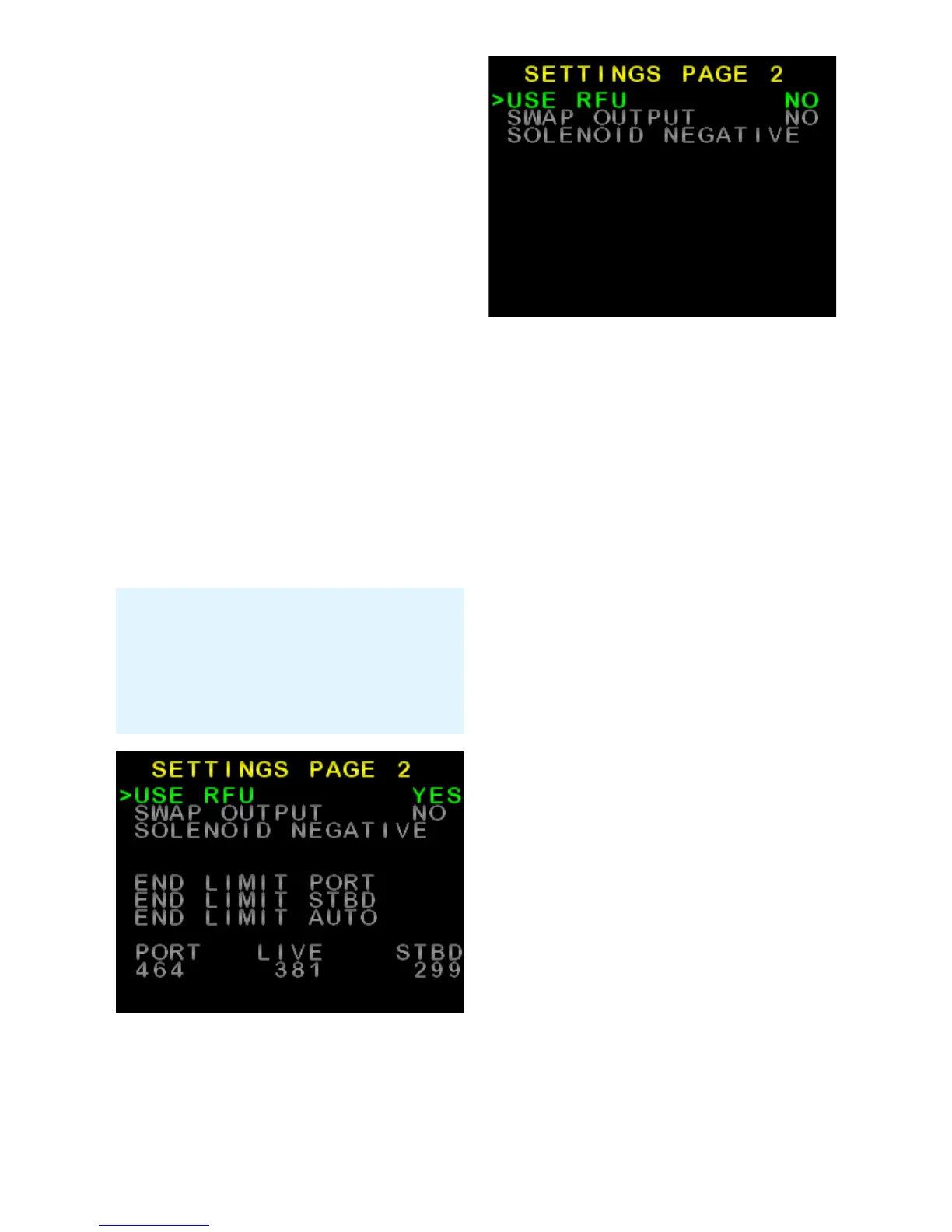
• USE RFU – Choose to use Rudder
Feedback or not.
• SWAP OUTPUT – Choose to
reverse the rudder output
• SOLENOID – Choose common
connection polarity when used with
solenoids.
• END LIMIT PORT – Manually set
the Port rudder limit
• END LIMIT STBD – Manually set
the Starboard rudder limit
• END LIMIT AUTO – Automatically
set rudder limits and rudder output
direction
Figure 22: Advanced Steering Menu
(Settings Page 2), with USE RFU
enabled
Figure 23: Advanced Steering Menu
(Settings Page 2), with USE RFU
disabled
Coms Menu
(Recommended for
installers only)
This menu is used to monitor live
incoming NMEA data.
• A list of NMEA data headers is
displayed. Headers in White are
being received (Figure 24).
• Press ► to scroll down to desired
header, press AUTO to view
the data.
• Press MODE to return to list
screen.
• Press MODE again to return to
Install Options 1 menu.
• Press MODE to return to Main
Screen
(See images next page)
26 of 35
SI-TEX SP-110C
Note: The set Port and Starboard
rudder limits, and live rudder
position is displayed at the bottom
of the screen (When USE RFU set
to YES)



 To Next Page