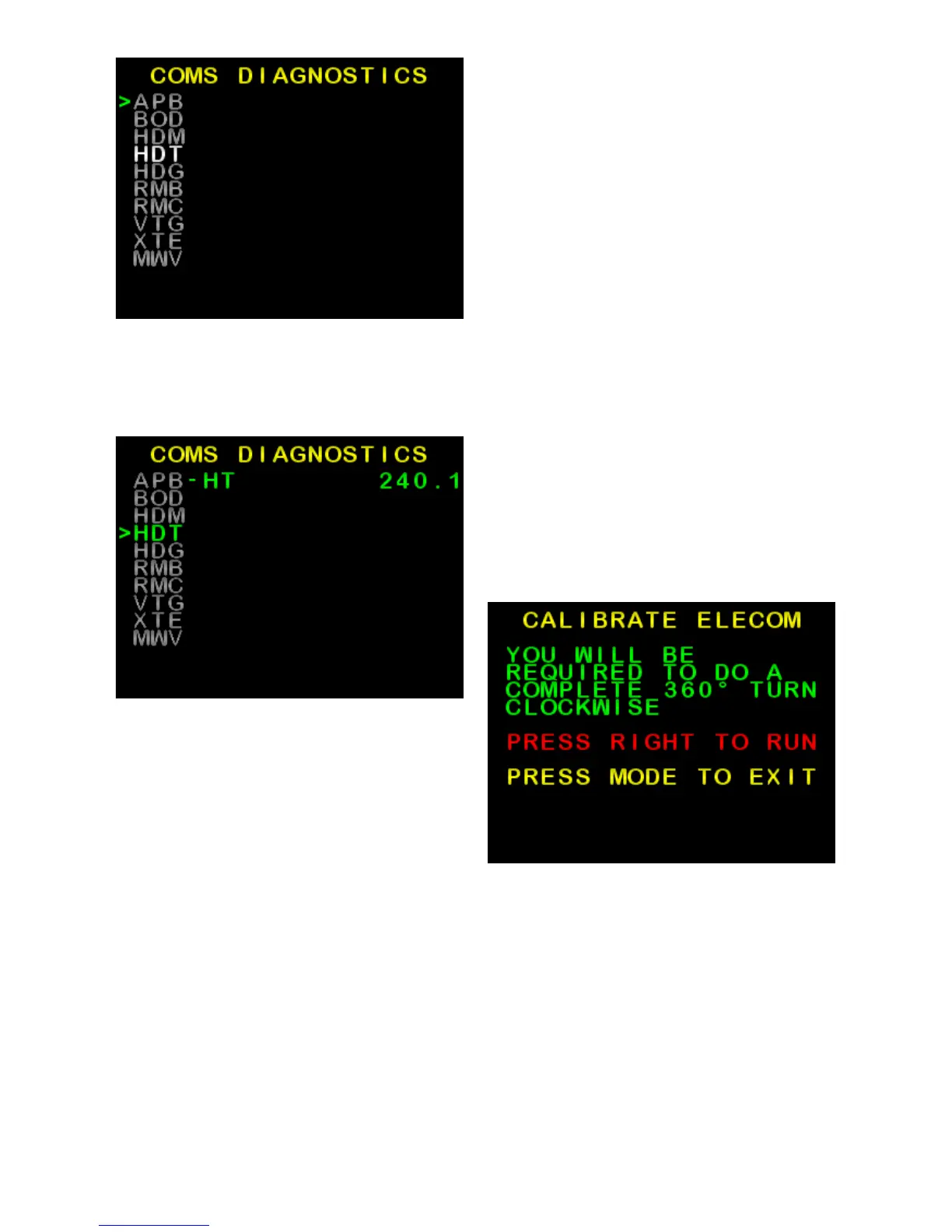
Figure 24: Example Coms Menu
(COMS DIAGNOSTICS)
Figure 25: Example live HDT
(Heading True) compass data
Elecom Menu
(Compass Calibration)
To carry out this procedure the boat
must be in open waters and be able
to safely turn clockwise through 360º.
The purpose of this is to compensate
for local magnetic influences of the
vessel.
• From the Install Options 1 menu,
use ► to scroll down to ELECOM
MENU and press AUTO button.
Press ► to confirm or MODE to
exit (Figure 26)
• When the screen prompts to TURN
THE BOAT, Start turning the boat
clockwise at low speed, hold the
turn constant.
• When calibration is complete, the
screen returns to Install Options
1 menu.
Figure 26: Confirmation screen
SI-TEX SP-110C 27 of 35



 To Next Page