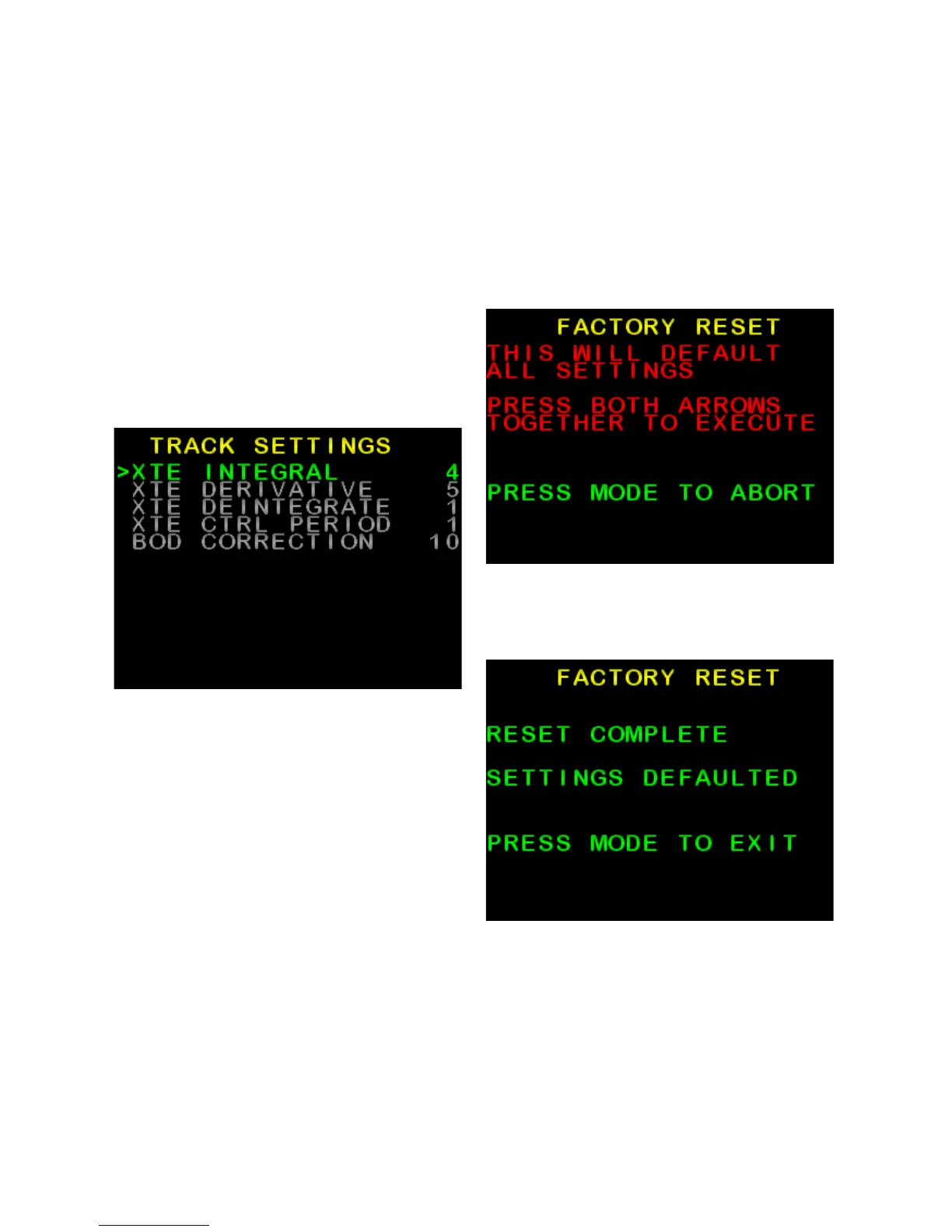
GPS Menu
(NMEA corrections)
These adjustments can be used to
improve tracking when in GPS mode.
• From the Install Options 1 menu,
use ► to scroll down to GPS
MENU and press AUTO button to
enter (Figure 33)
• Scroll to desired setting using ◄
or ►, and press AUTO to modify
setting
• Modify setting using ◄ or ►, and
press MODE to return to list of
settings.
Figure 33: Example GPS Menu
(Track Settings)
Factory Default
This will reset all settings to default
values,
• From the Install Options 1 menu,
use ► to scroll down to FACTORY
DEFAULT, press AUTO button to
enter (Figure 34)
• Follow on-screen instructions
Figure 34: Factory Default (Factory
Reset) warning screen
Figure 35: Factory Default complete.
SI-TEX SP-110C 29 of 35



 To Next Page