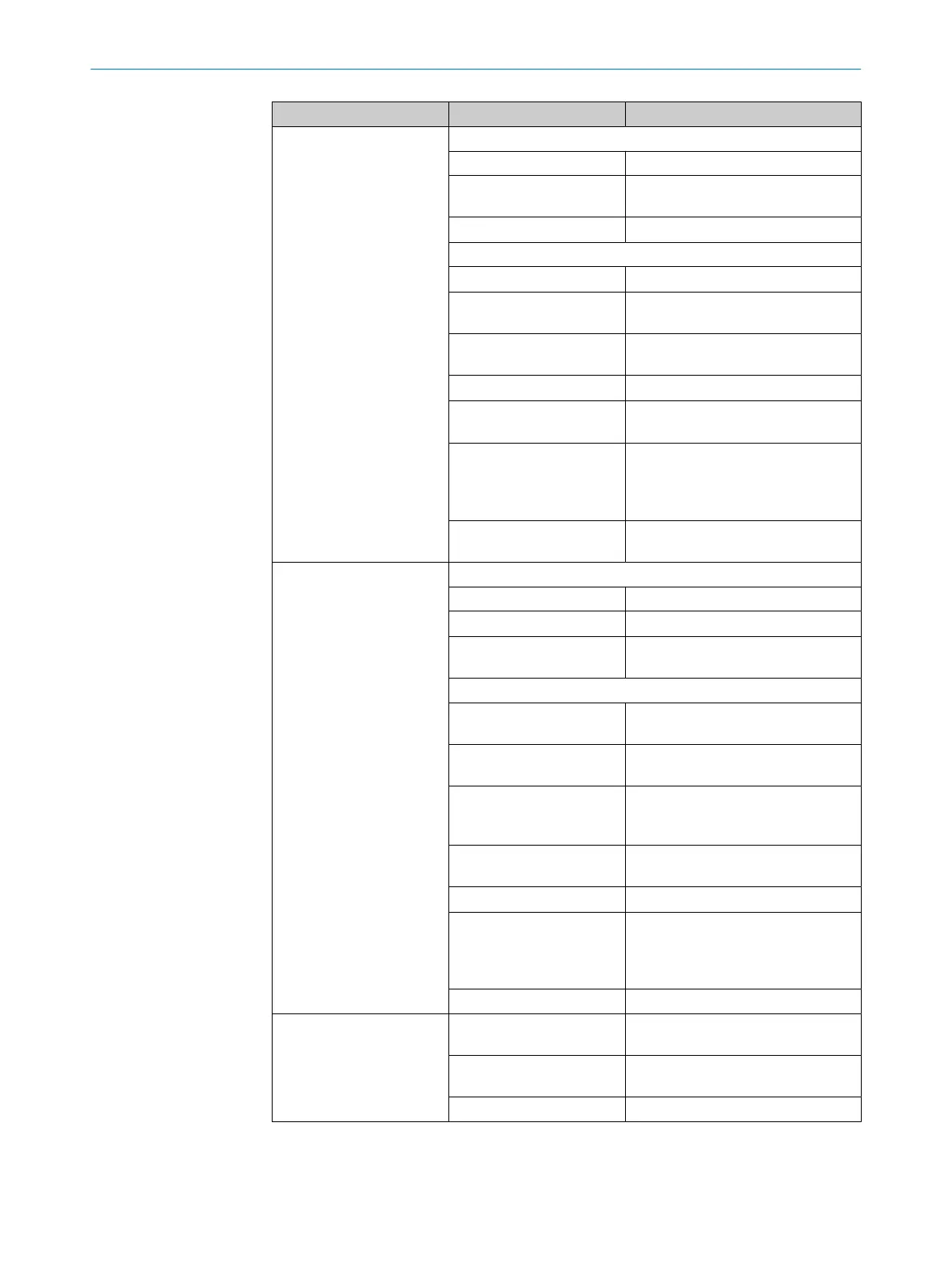
Display LED (color) Description
SF/RUN/MS PROFINET: System failure (SF)
o
No error
Ö (Red)
DCP signal service is initiated via the
bus
O (Red)
Error has occured
EtherNet/IP™: Module status (MS)
O (Green)
Device in operation
Ö (Green)
Standby/device is not configured, no
IP address assigned
Ö (Red)
Warning, but device still operational
or firmware update
O (Red)
Error, device not operational
Ö ÖÖ(Green, red,
green)
Self-test when switching on
Ö Öo(Red, green, off)
Flash sequence for visually identify‐
ing the product .
MS and NS LEDs flash simultane‐
ously.
o
No supply voltage or no Ether‐
Net/IP™ app installed
BF/ERR/NS PROFINET: Bus failure (BF)
o
No error
Ö (Red)
No data exchange
O (Red)
No configuration, low speed physical
link, or no physical link
EtherNet/IP™: Network status (NS)
O (Green)
Device has an IP address and a CIP
connection
Ö (Green)
No connection, device has an IP
address, but no CIP connection
Ö (Red)
Warning, connection time out, reset
by performing a reset or establishing
a new connection
O (Red)
Error, IP address has already been
assigned to a different device
Ö Öo(Green, red, off)
Self-test when switching on.
Ö Öo(Red, green, off)
Flash sequence for visually identify‐
ing the product .
MS and NS LEDs flash simultane‐
ously.
o
No supply voltage or no IP address
L/A P1 FB
O (Green)
Connected to network
(10/100Mbit/s)
O (Yellow)
Data transmission over the network
(10/100Mbit/s)
o
No fieldbus connection
3 PRODUCT DESCRIPTION
18
O P E R A T I N G I N S T R U C T I O N S | Inspector83x 8029044/1MYO/2024-04 | SICK
Subject to change without notice



 To Next Page