Preventive Maintenance
20 MCS100E HW Maintenance Manual 8009624/2009-09 (V1.4) ©SICKMAIHAKGmbH
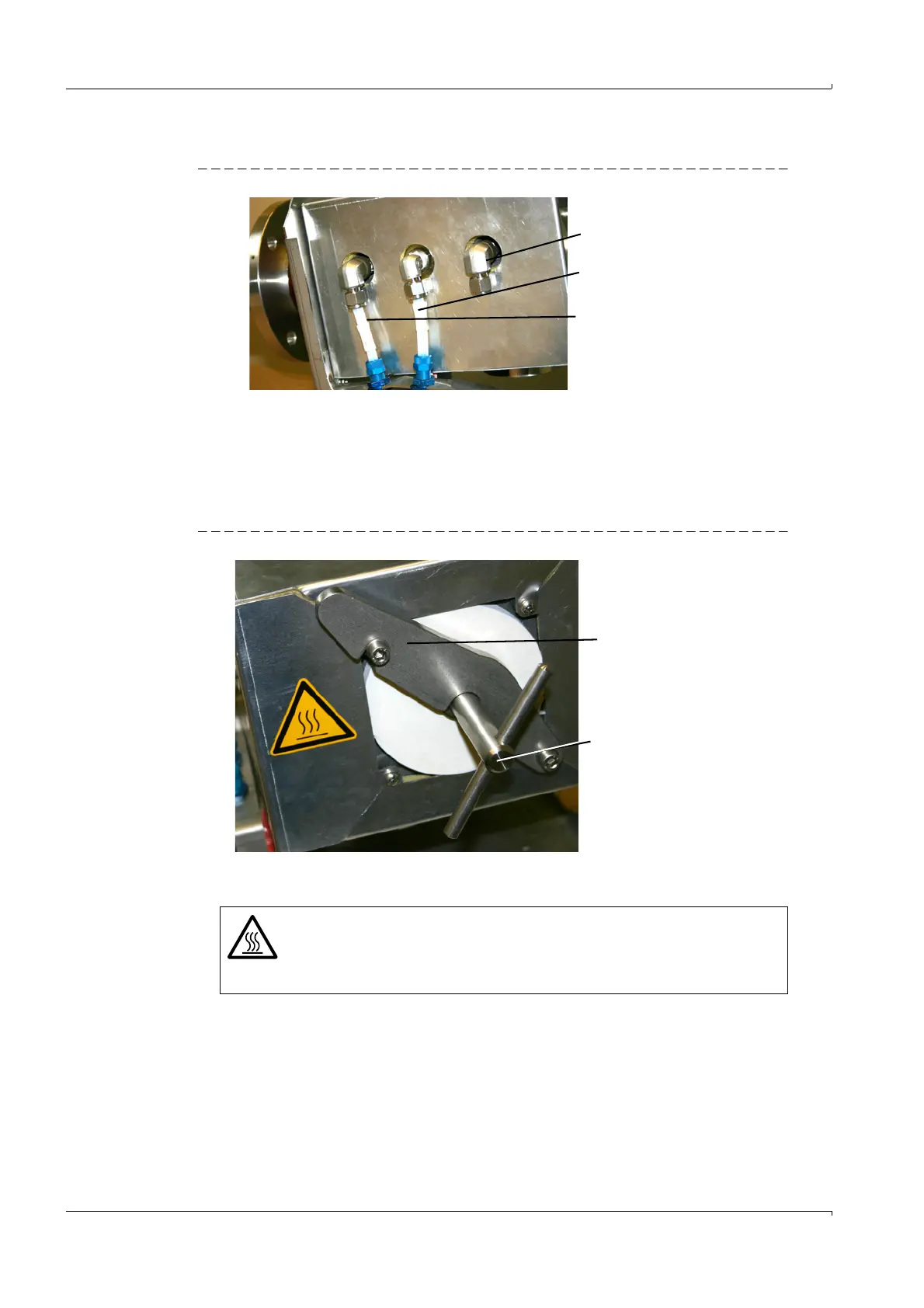
3 Check the gas connections
Fig. 11 Gas connections
– Optical condition
–Firm seat
–Leakage
If the fine filter catridges are to be replaced
1 Loosen the rotary handle counterclockwise.
Fig. 12 Rotary handle
2 Swing the mounting bracket to the right.
3 Pull the filter cover out using the rotary handle.
Caution: The filter cover is relatively heavy. Do not drop the cover.
If the filter cover is hot: Place the filter cover on a heat-resistant mat.
Zero gas
Control
Backflush
Mounting bracket
Rotary handle
WARNING: Risk of burns
The inner parts of the gas sampling probe can be especially hot (185 °C).
b
Wear suitable gloves as required.
b
Provide a heat-resistant support as required.















 To Next Page