Preventive Maintenance
22 MCS100E HW Maintenance Manual 8009624/2009-09 (V1.4) ©SICKMAIHAKGmbH
9 Replace the filter cover.
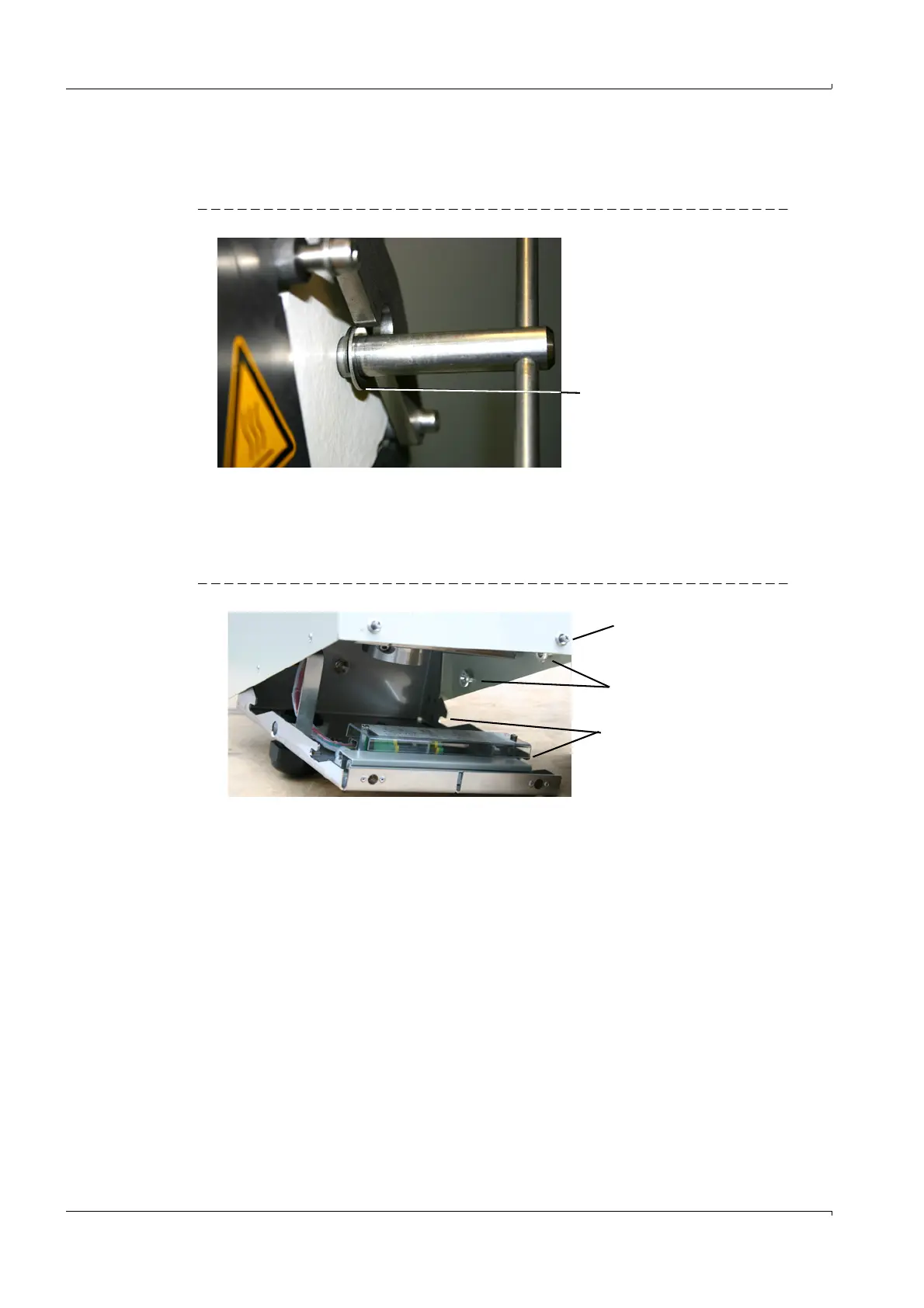
10 Swing back the mounting bracket. Make sure that the pressure disk is behind the
mounting bracket.
Fig. 16 Pressure disk, position
11 Tighten the rotary handle clockwise.
Replace the hood for weather protection
1 Insert the cover pilot pins into the guide slots and press the hood for weather protection
on.
Fig. 17 Hood for weather protection
2 Press the screw closures in against the spring tension and screw tight.
3 If switched off: Switch the fuse in the measuring system on.
Position of pressure disk
Screw closure
Pilot pins
Guide slots















 To Next Page