Preventive Maintenance
26 MCS100E HW Maintenance Manual 8009624/2009-09 (V1.4) ©SICKMAIHAKGmbH
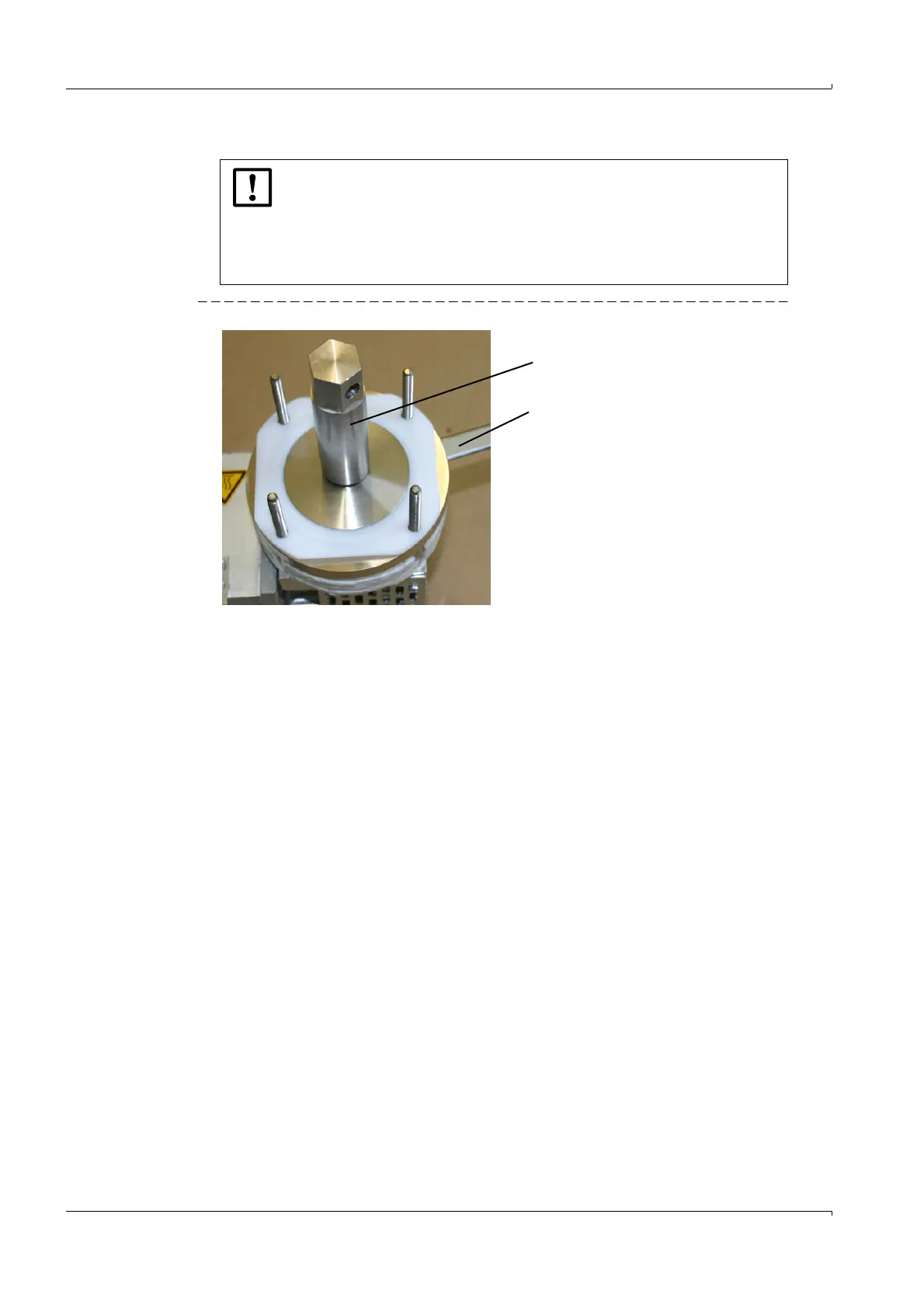
8 Unscrew the pressure disk with the tool for pressure disk.
Fig. 23 Unscrewing the pressure disk
9 Remove the pressure disk.
10 Remove the pump membranes.
Cleaning
Carefully clean the metal parts with compressed air, a cloth and, if required, fine emery
cloth. Wash off with water.
The metal surfaces must be dry, clean and smooth.
The pressure disk has a very tight seat.
b
Only use a well fitting tool for pressure disk.
b
Fix pump firmly.
b
When unscrewing the pressure disk, retain the con-rod with the 13 mm
retaining tool (Push the tool through the insulation).
b
Heat-up the pressure disk with a hot-air gun.
Tool for pressure disk
2024953
13 mm retaining tool
4055591















 To Next Page