MCS100E HW Maintenance Manual 8009624/2009-09 (V1.4) ©SICKMAIHAKGmbH 31
Preventive Maintenance
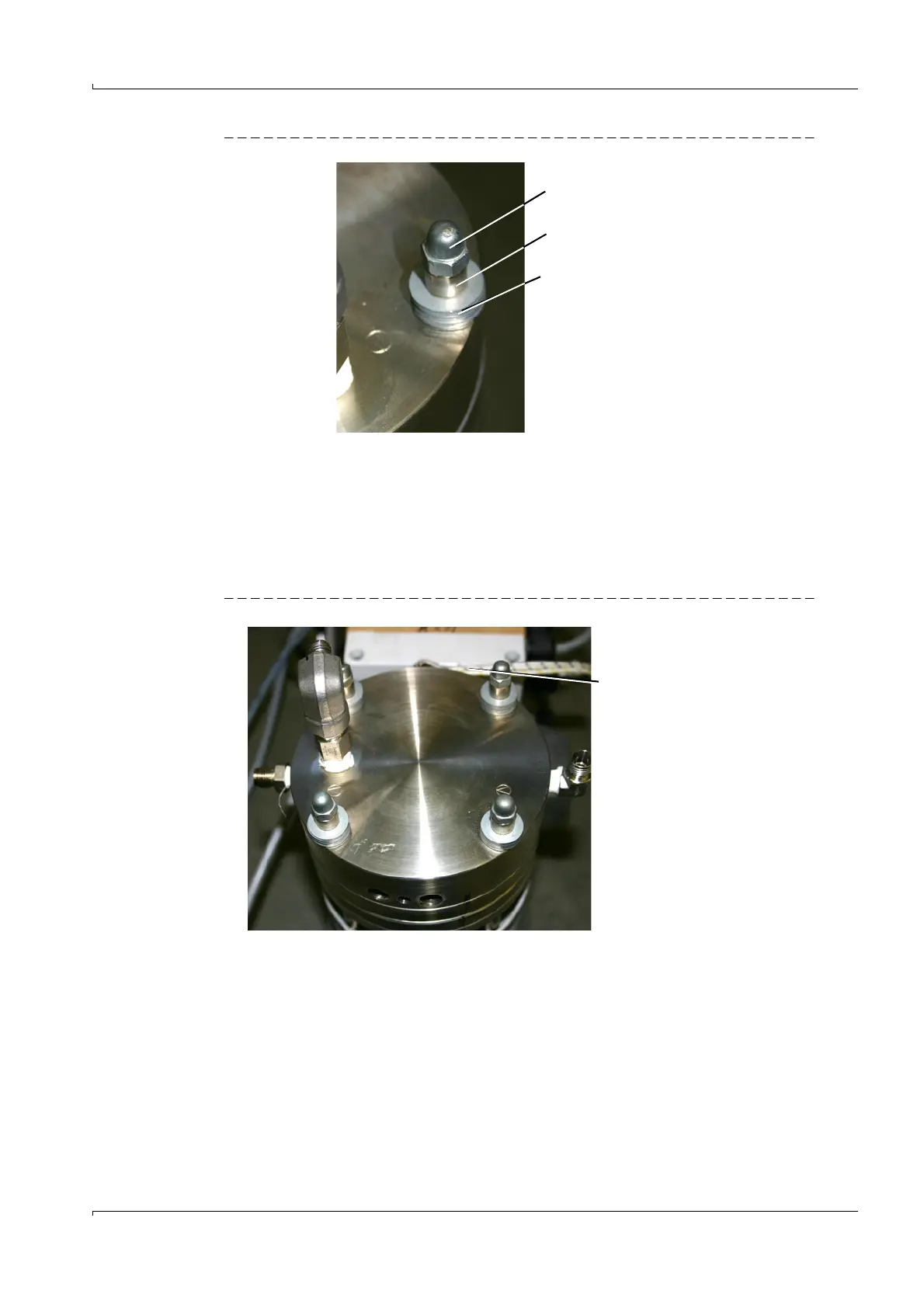
Fig. 32 Screw connection of pump head
2 Unscrew the cap nuts.
3 Remove the spacer bolts.
4 Remove the cup springs.
Note: The position of the cup springs is not optional. It is advisable to remove all the cup
springs at the same time and put them in a safe place.
5 Remove the pump head and lay it down.
Pay attention to the connections of the heating cartridge and the Pt100.
Fig. 33 Pump head
Cap nut
Spacer bolt
Cup springs
Heating cartridge
and Pt100 connections















 To Next Page