2
Semi-transparent objects
3
Opaque objects
4
Bottles/trays
5
Check of foil tear
M Manual (specific setting via IO-Link)
•
Select the desired object mode by turning the Teach-Turn adjustment. The blue
LED of the selected object mode flashes. Confirm the selection by pressing the
Teach-Turn adjustment. The LED is now illuminated continuously.
•
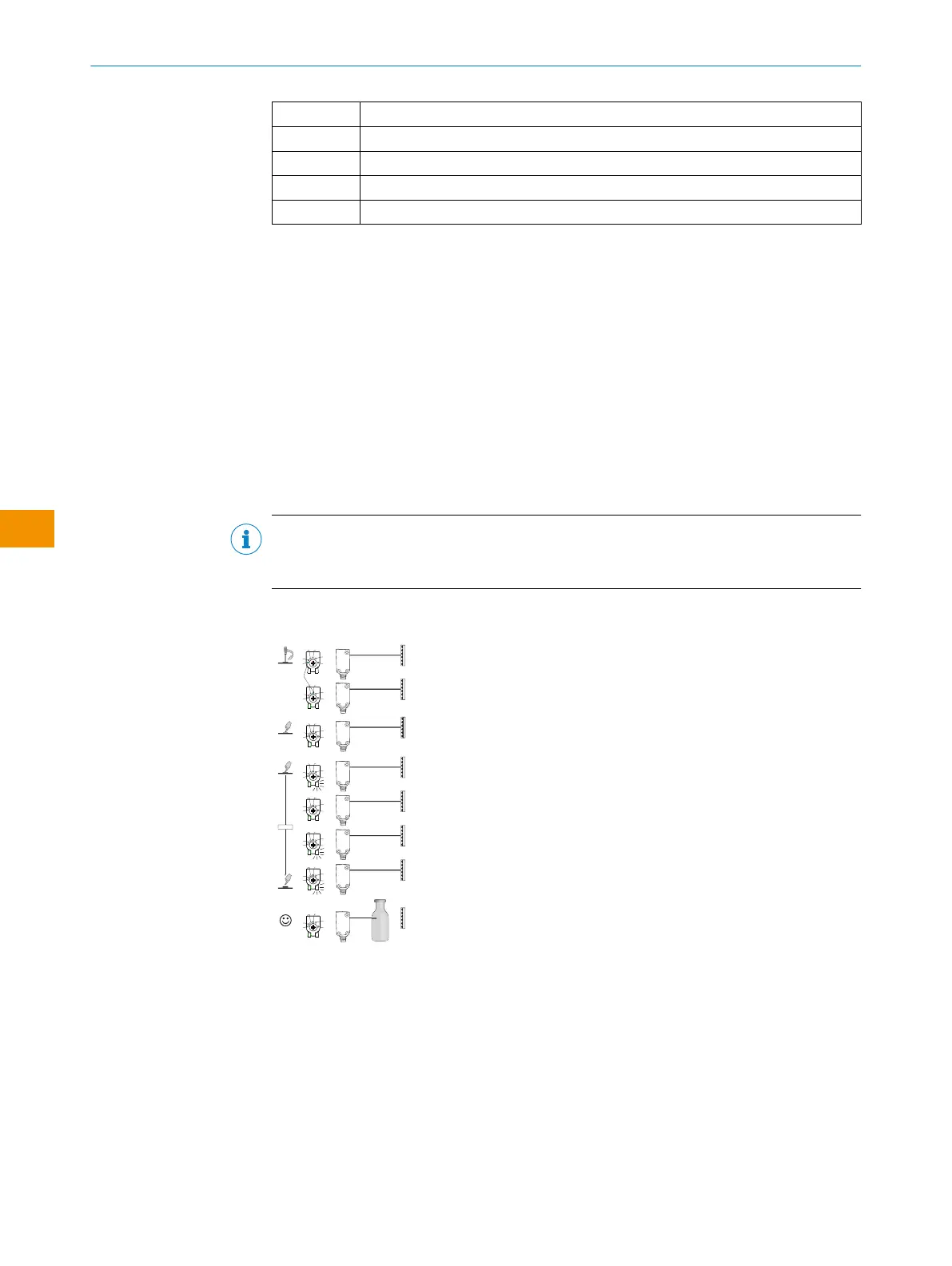
Press the Teach-Turn adjustment for about 1…3sec to set the switching threshold.
If mode 1to 4is selected, the yellow LED lights up when the reflector is in view of
the sensor.
•
Lead the object into the path of the beam. The yellow LED goes out, meaning the
object is detected and the setting is correct.
•
With object selection 5, the film must be in the path of the beam when the
potentiometer is pressed. The yellow LED does not light up until the film is no
longer in the beam path. When this has been checked, the setting is correct.
•
The blue LED of mode M lights up if a setting has been selected via IO-Link that
deviates from the predefined parameter sets of modes 1-5. This mode cannot be
selected directly on the device.
NOTE
The WLG4Sis equipped with AutoAdapt technology. The switching threshold is automat‐
ically adjusted in the event of contamination or after cleaning.
Table 9: MultiMode 1-4
1 2 3 4
1...3 sec.
1
M
2
3
4
5
1
M
2
3
4
5
1
M
2
3
4
5
1
M
2
3
4
5
1
M
2
3
4
5
1
M
2
3
4
5
1
M
2
3
4
5
1
3
4
1
M
2
3
4
5
2
Lorem ipsum
Figure 13: Object mode 1 - 4
The sensitivity and operating reserve are optimized by pressing the teach-in button until
the yellow LED flashes (approx. 1-3seconds). Lead an object into the path of the beam.
The yellow LED goes out, meaning the object is detected and the setting is correct.
OPERATING INSTRUCTIONS
42
O P E R A T I N G I N S T R U C T I O N S | WLG4S 80282151N09/2024-03-12 | SICK
Subject to change without notice
en











 To Next Page