Using the system
12
Building Technologies 009929_a_en_--.doc
Fire Safety & Security Products 11.2006
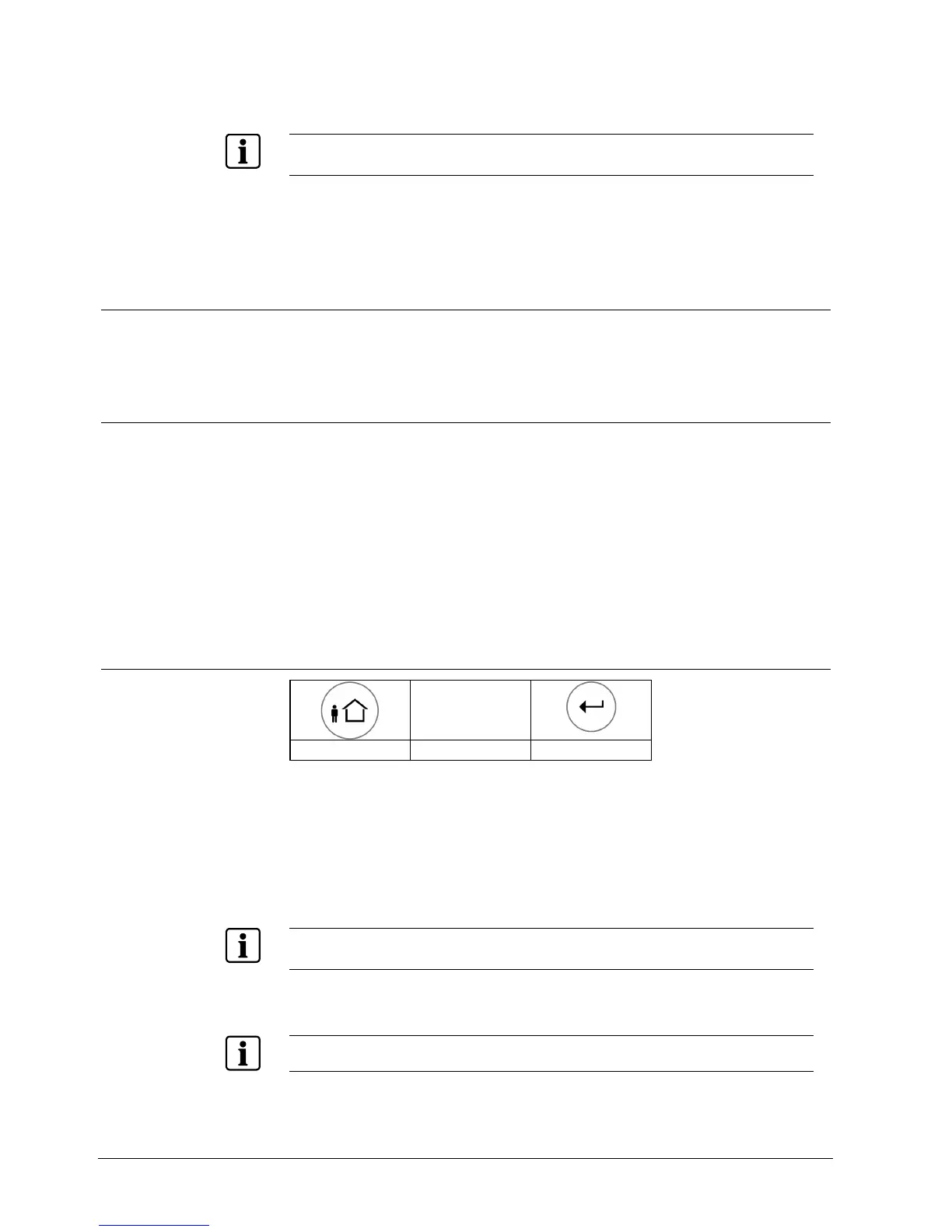
Quick stay arming
1. Press <STAY> to arm the system.
During the exit delay you can leave the premises. If you wish to stay, or if you do not want any-
body to enter the protected premises, you may cancel the Entry/Exit delay by pressing the <EN-
TER> key.
Î The system is armed immediately.
Î The <STAY> indicator indicates that the system is armed in stay mode. The
indicators may go out a few seconds after the exit delay is expired, depending
on the installer's setting.
3.5 Disarming the system
1. Enter the User PIN code
2. Press <ENTER> or <STAY> if enabled by the installer.
The <STAY> indicator goes off to indicate that the system is disarmed.
3.6 Disarming the system, stopping and resetting outgoing alarms
Disarming the system with the remote control
1. Press Disarm on your remote control
Stopping and resetting alarms
1. Enter your PIN code.
2. Press <ENTER>
Î The <OK> indicator goes off, the system is now disarmed.
This stops the alarm at any time and turns off any audible sirens. The outgoing
signals are stopped.
3.7 How to arm partitions
PIN
CODE
<ARM> PIN <ENTER>
The protected area can be grouped into two separate partitions (A or B). The sys-
tem can be grouped for the user‘s convenience to separate e.g. the offices from
the warehouse area in a business environment, or the different rooms of a private
residence, e.g. living room, bedroom, etc.
Arm Partition A or B
1. Press and hold <A> or <B> during two seconds to ARM the desired partition.
During the exit delay you can leave the premises. If you wish to stay or if you do not want anybody
to enter the protected premises, you may cancel the Entry/Exit delay by pressing the <ENTER>
key.
2. The slow beeping stops and the partition is armed immediately.
To arm partitions with the code see 3.2.
The indicators may go out after a few seconds, depending on the installer's setting












 To Next Page