Using the system
15
Building Technologies 009929_a_en_--.doc
Fire Safety & Security Products 11.2006
3.13 Messages and events
3.13.1 How to read system messages
Any system failure that may occur is indicated by system messages. System mes-
sages are automatically displayed and are listed in the tables below. Read the
messages and call for service if necessary.
Message Description – Action
Battery Low The backup battery status is low (charger or bat-
tery failure)
Main Failure The main power is disconnected or caused by
power outage.
Telephone Line Failure The telephone line is disconnected or disrupted
Radio Device Battery Low Replace battery of the device in account
Supervise Detector Failure Radio detector failed to communicate
Zone Inactivity Time-out No movement detected during the expected time
in that zone
Dialer Kiss-off Failure Communication failed. The phone line is available,
but the panel has not been able to establish a
connection.
Tab. 3 System messages
3.13.2 How to read trouble messages
Any failure or abnormal event that may occur is indicated by a trouble message
and the trouble indicator lights up.
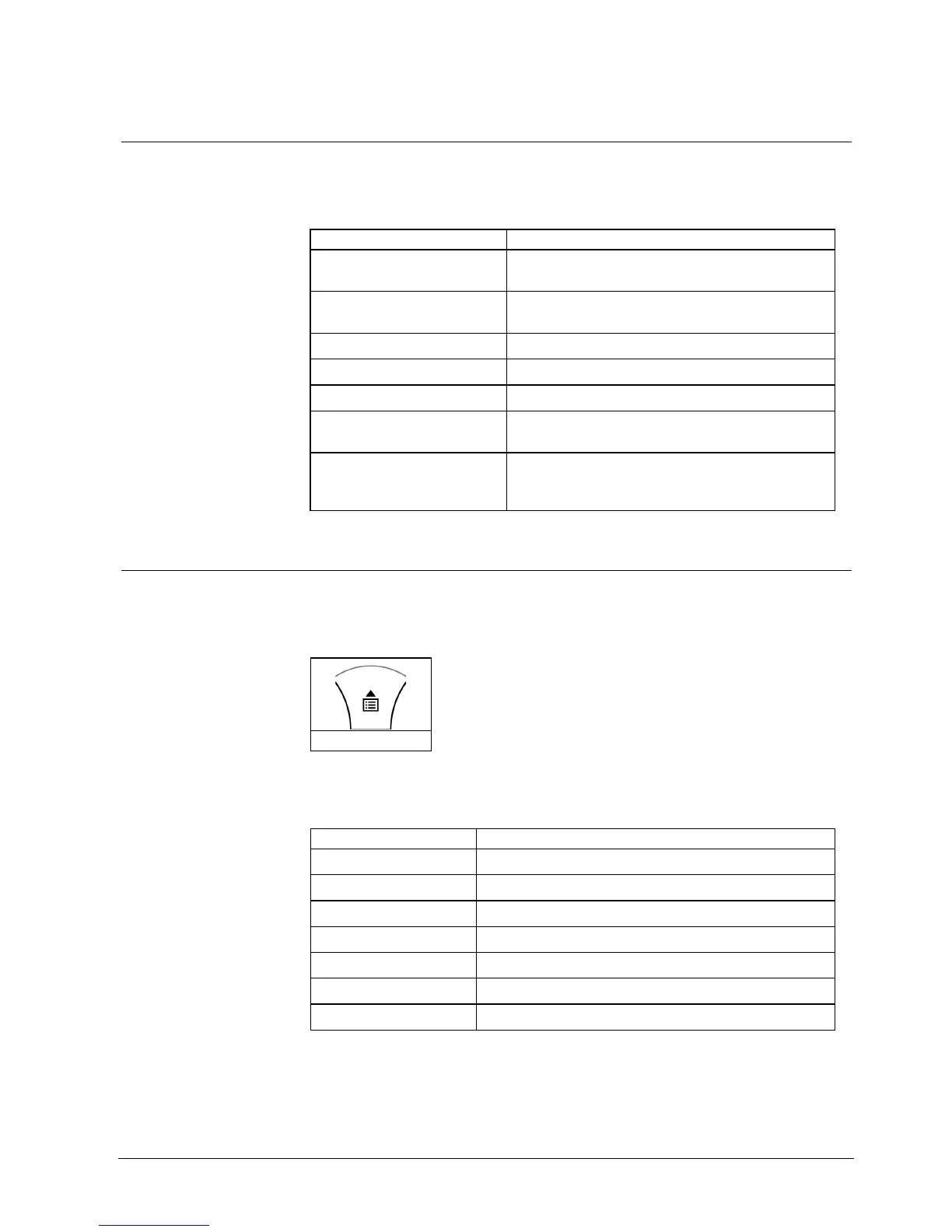
Used key:
<CTRL> (MEM)
Reading messages
1. Press the < UP>-Arrow (MEM) to read out messages and other events stored in
memory.
Message Description - Action
Zone Tamper Tamper of a particular zone
System Tamper Main cabinet open or dismounted from the wall
Pendant Panic Panic alarm initiated via radio pendant (remote control)
Panic Panic alarm initiated via keyboard
Fire Fire alarm initiated via keyboard
Medical Medical alarm initiated via keyboard
Duress code used Duress digit pressed by one of the users under threat
Tab. 4 Trouble messages












 To Next Page