Using the system
16
Building Technologies 009929_a_en_--.doc
Fire Safety & Security Products 11.2006
3.13.3 How to display events in the memory
The system memory stores the latest events.
Used keys:
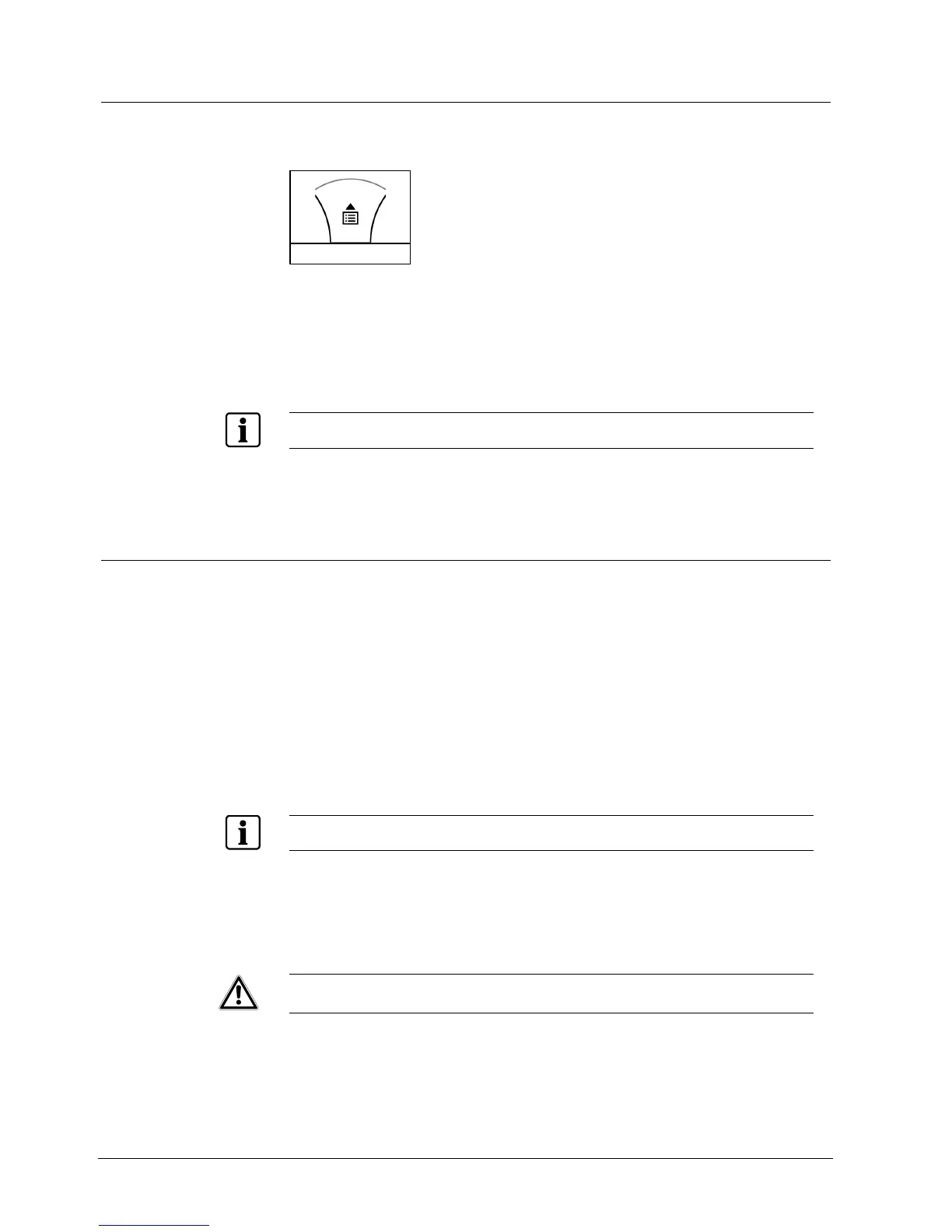
<CTRL> (MEM)
1. Press the < UP> arrow (MEM) to display a list of events.
Î The system will display the latest event and automatically scroll to the next
one every 2.5 seconds; a beep is emitted.
2. Use the arrow keys to scroll manually.
Î Each entry shows the type of event, date and time.
3. Press <ENTER> to cancel the memory readout.
When the message exceeds 16 characters, the display start to scroll..
3.14 How to change or add codes
3.14.1 Change codes
Enter the CLIENT mode:
1. Press: <PROG>
2. Enter: Master/User Pin Code (default 147258)
3. Press <ENTER>
Î DISPLAY: Client: User
Change the code:
1. Press <1>
2. Press <ENTER>
3. Press <1> (<1> to change master code, <2>…<100> for user code change)
4. Press <ENTER>
Use the numeric keyboard to enter your new master code.
The code may be any combination of 1 to 6 digits.
5. Enter the code
6. Press <ENTER> to save your new code.
Î The new code will be indicated to you. 1 long beep indicates an unacceptable
code.
4. .Press <PROG> and < ENTER > to exit the User Code Program mode.
WARNING It is recommended to use a multi-digit code.












 To Next Page