Using the system
9
Building Technologies 009929_a_en_--.doc
Fire Safety & Security Products 11.2006
3 Using the system
The system can generally be operated in two different ways:
z by navigating through the clear text menu with the arrow keys;
z by programming all functions with the special programming codes.
3.1 Entering the User/Installer program mode
There are two program mode levels , the CLIENT mode and the INSTALLER
mode. Normally the installer will give you access to the CLIENT mode so that you
can add, delete, or change the user codes.
3.1.1 Entering the program modes
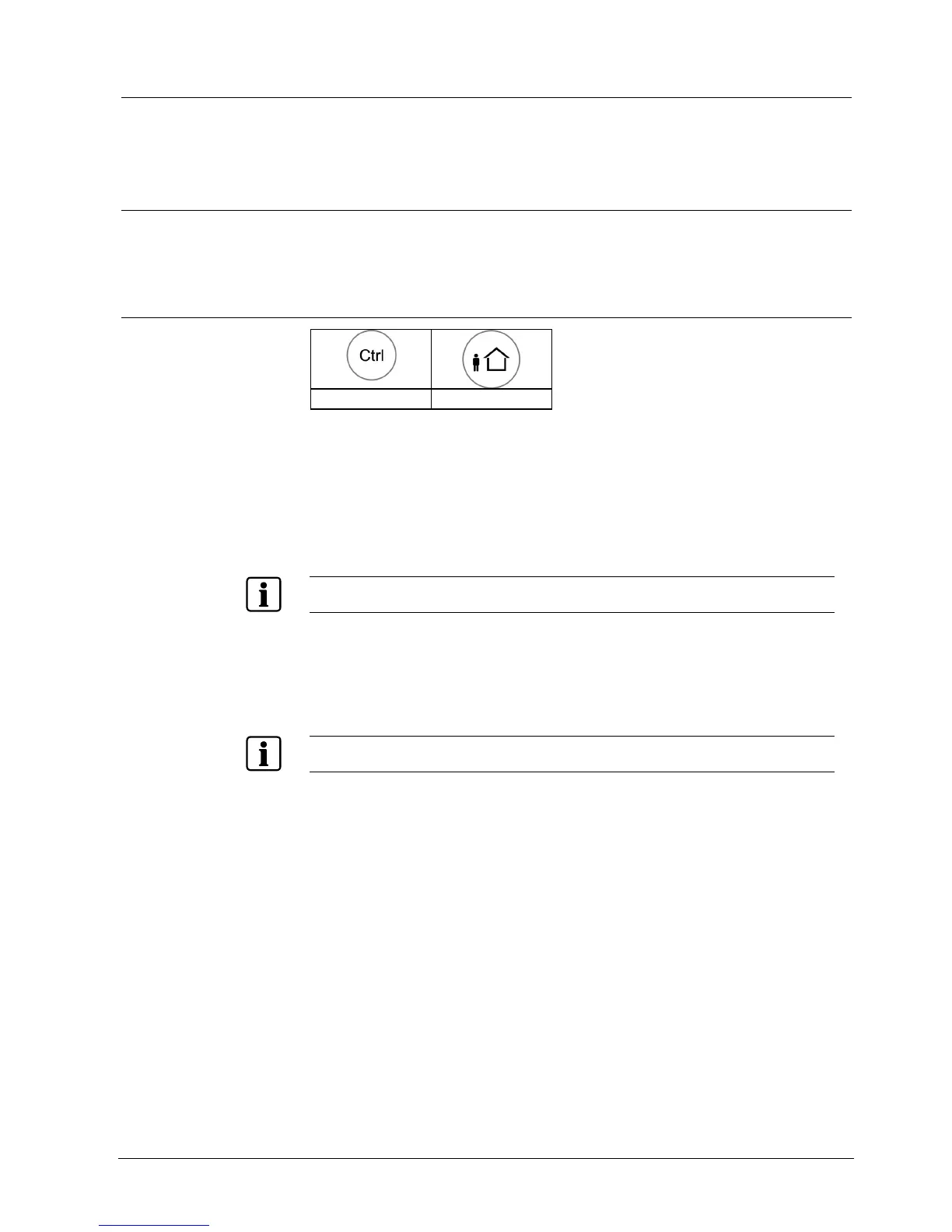
<CTRL> <ARM>
Entering the Local program mode on the LCD keypad
In this mode you may program local data such as keypad names, zone names,
groups, users, languages etc.
1. Press the <CTRL> and <ARM> buttons simultaneously for 2 seconds.
Î DISPLAY: Local Mode Kb 1 / User Name
To leave this mode, always press and hold <PROG>
To access the CLIENT mode, it is a prerequisite that the system is NOT armed
1. Press: <PROG>
2. Enter: Master/User pin code (default 147258)
3. <ENTER>
Î DISPLAY: Client: User
If there is a single long beep at this point and the program LED does not turn on, this means that
you can not access the PROGRAM MODE with your code.












 To Next Page