Preset Configurations
13
Siemens Building Technologies
Fire Safety & Security Products 07.2008
6 Preset Configurations
After entering programming mode, you can then select alternate configurations
that are pre-defined and accessed using short codes.
These short codes are in the form of A<x>. After selecting the pre-defined configu-
ration the reader will return to programming mode.
These are key presses and after pressing A there is only one key press between
values 0-9.
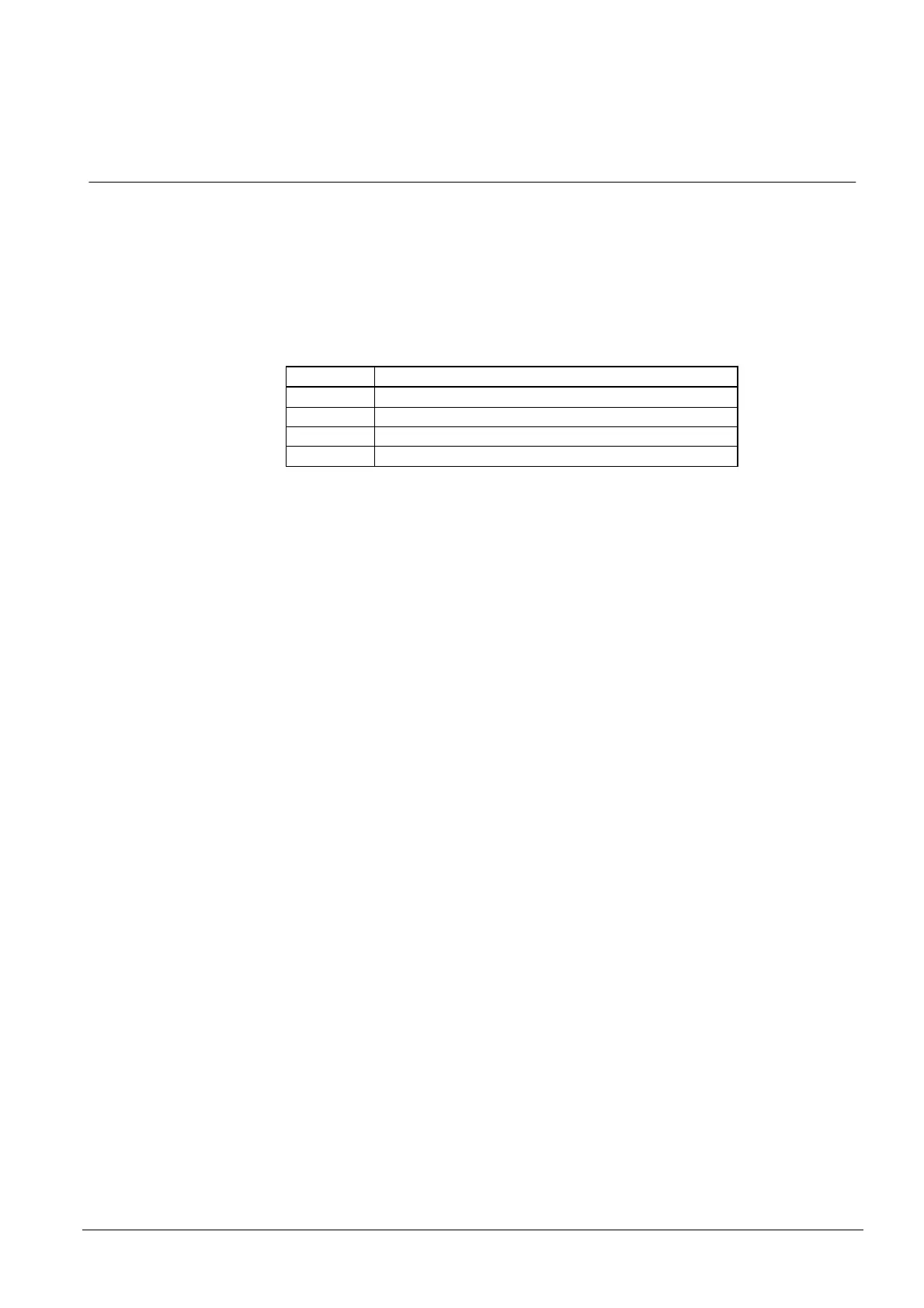
Command Function
A1 Preconfigured interface BCLINK
A2 Preconfigured interface 12 (26 bit Wiegand)
A3 Preconfigured interface BE (Clock & Data)
A4 Preconfigured interface 59 (48 bit Wiegand)
The Preconfigured interfaces are stored in non-volatile memory and will have other
parameters such as LED control and horn control defined later. These only apply
for A2, A3 and A4.
A3 Preconfigured should be interface BE (Clock & Data), with external control of
Red LED, Green LED and Horn. Also, the yellow LED should not be active at all,
show no indication of noise or key presses.










 To Next Page