Reconfiguring the function
30
Siemens Building Technologies
Fire Safety & Security Products 07.2008
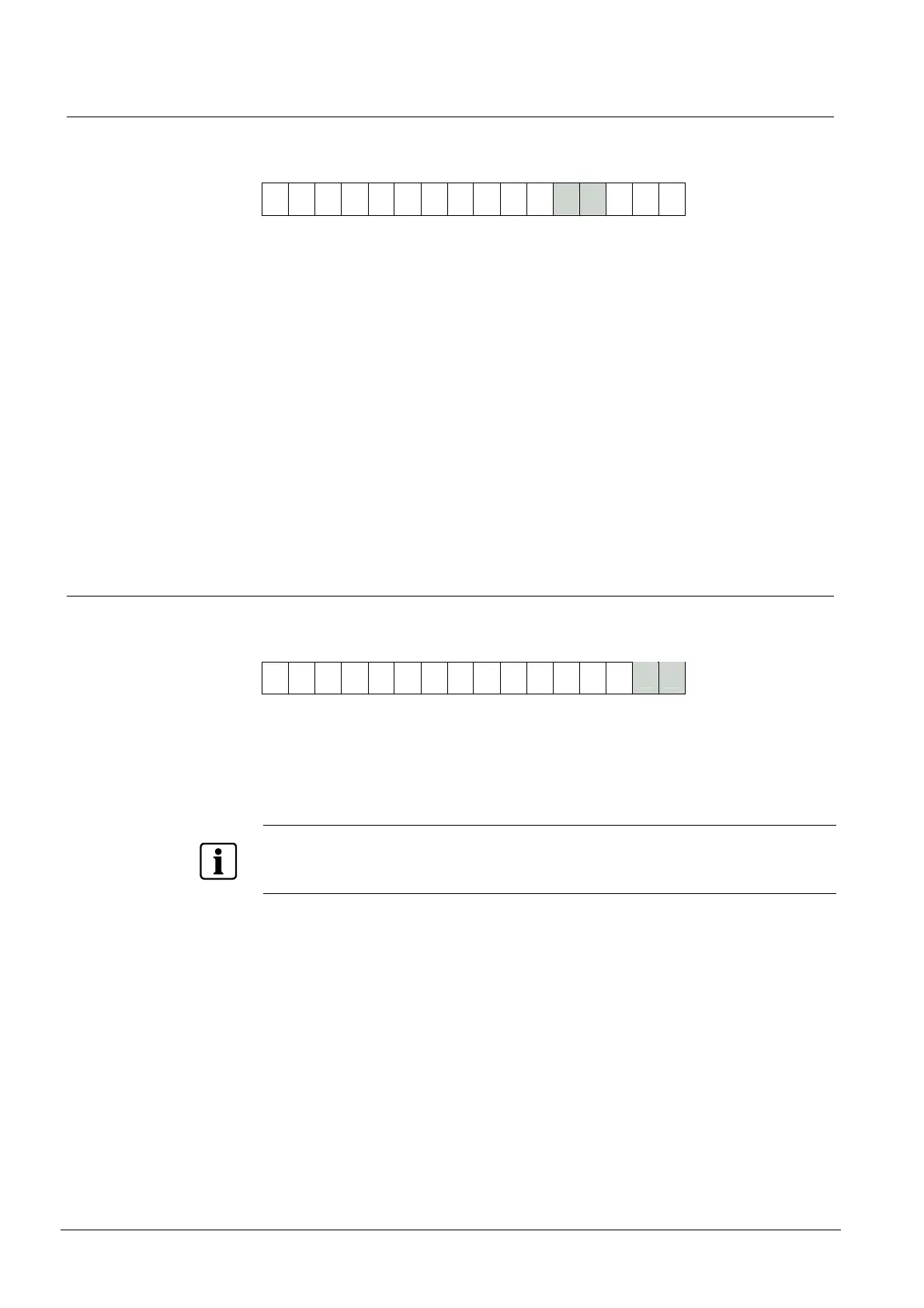
12.4.7 crrrrrrr (Secondary Code check disable, and repeat data delay - RDD)
13 14
0 0 0 0 0
Bit c, when set to 1, disables the Secondary Code check so the Reader outputs
data from a card or tag without checking that the Secondary Code is valid. (This bit
does not affect interfaces 47, 59, BC, BD or BE.)
The seven bits rrrrrrr set the repeat data delay time or RDD. If you set these bits
to any number from 0 to 127 (00 to 7F in hex), the RDD is set to this number of
seconds (note that the timings are approximate). You must convert the decimal
number into hexadecimal, for example, 10 is (A in hex, 20 is (14 in hex) etc. If you
are setting bit c, remember that you will have to add 128 (80 in hex) to the RDD
value.
What is the Repeat Data Delay?
When the Reader reads data from a card, it sends card data to the host. After it
has done this, it will not send the same card data to the host again until the RDD
time has elapsed. This prevents the system becoming overloaded with lots of data
from one card being read over and over again.
12.4.8 iiiiiiii (interface number)
1516
0 0 0 0 0
This field sets the data interface number (two hexadecimal digits). See the chapter
on Data interfaces and, if necessary, contact your supplier to find out what setting
you should be using. The interface number given to you by your supplier is a two
digit hexadecimal number and therefore can be entered directly into the 633-2 Pro-
grammer without conversion.
NOTE
The Proximity Readers have a limited set of interfaces available compared with earlier Readers.
Please check that the interface number you are using is available on the Reader - the following inter-
face numbers are available: 00, 02, 04, 0E, 12, 24, 47, 4D, 4E, 4F, 59, 60, 64, 6A, BC, BD and BE.










 To Next Page