Reconfiguring the function
25
Siemens Building Technologies
Fire Safety & Security Products 07.2008
12.3 The configuration card
If you need to change the data interface or any of the other settings, you need to
use a configuration card programmed in 63 bit display format on the 633-2 Pro-
grammer. Data fields in the configuration card set up various options described be-
low.
The configuration code is a 64-bit binary number which determines how the
Reader operates. Here is the complete 64-bit configuration code, with each bit rep-
resented by a letter or number. The fields in the code represented by the letters
and numbers are defined in the next section “Programming the configuration card”.
0xxs xxxx xxxx xxxx xxxx xbff xxxx xxxh xxhe hhhh pxxx xxrg crrr rrrr iiii iiii
The code is written down as sixteen 4-bit groups. Each 4-bit group can be repre-
sented by a single hexadecimal digit which can be typed directly into the 633-2
Programmer in 63-bit display format.
An x means that this bit of the code is not used.
(BCLINK users please note that “type” bits are not shown here.)
The next section “Programming the configuration card” defines each of the fields in
the configuration code. You should type each field into the 633-2 Programmer in
the order in which they are described. We have shown a diagram with each entry,
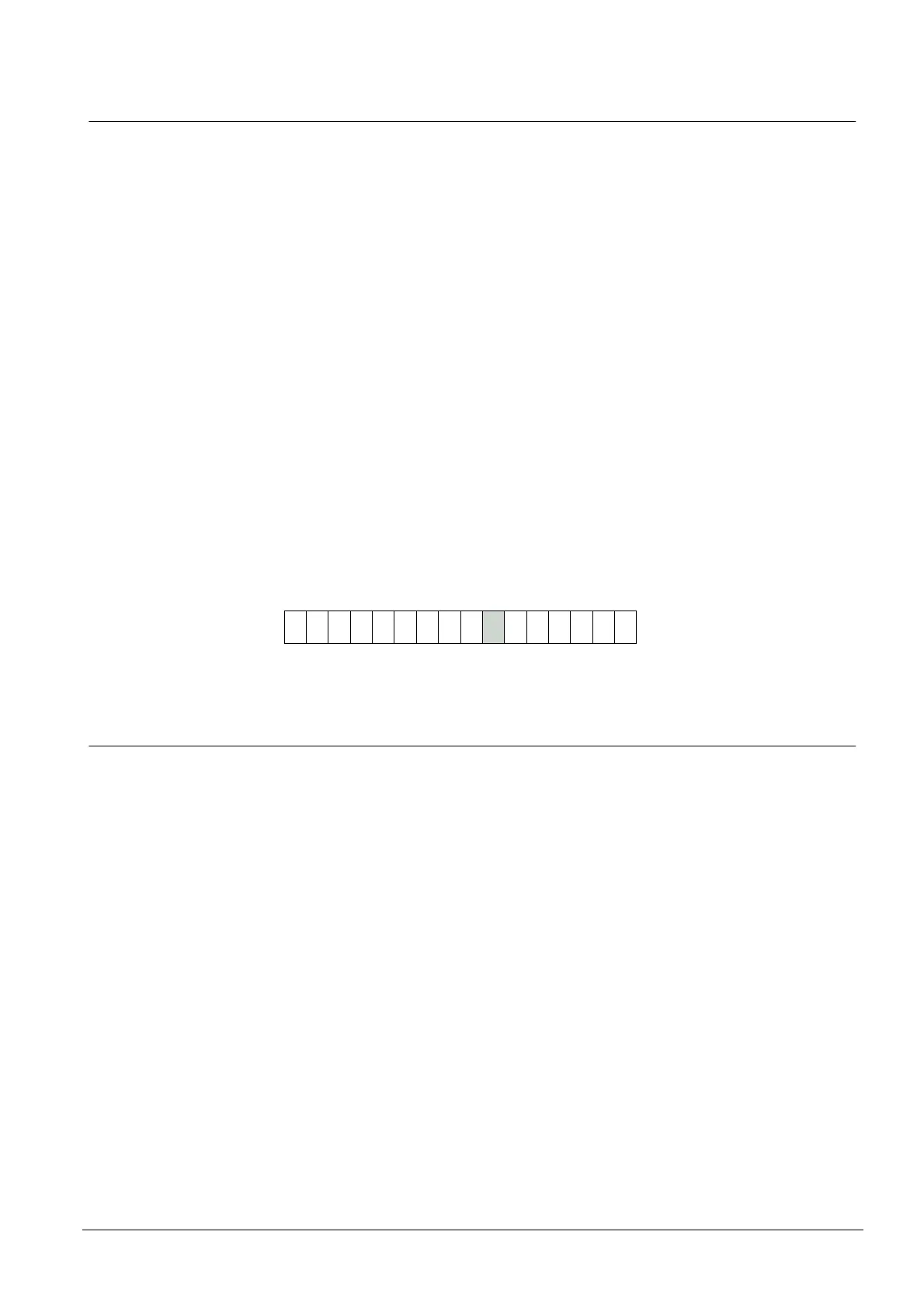
showing the position of the hex character in the configuration code. For example,
the hex character determining the horn configuration is the ninth character:
9
0 0 0 0 0
Because the second to the fifth and the seventh characters are unused, they are
set to zero, and we have shown this in the diagram.
12.3.1 The DC/SC card
To teach the Reader its Distributor and Secondary Codes you use any of the nor-
mal cards which will be used with the system (any of the cards which are issued to
cardholders). We shall call this the “DC/SC card”.










 To Next Page