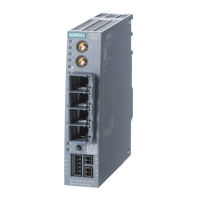
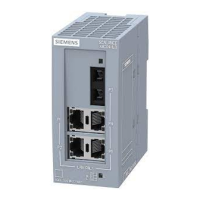
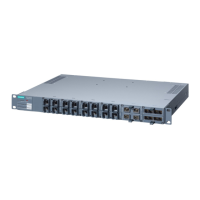
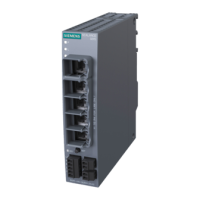
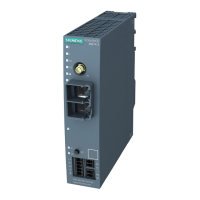
Connecting SCALANCE M-800 to WAN
1.3 Connecting M826 with SHDSL
SCALANCE M-800 Getting Started
80 Getting Started, 06/2015, C79000-G8976-C337-04
4. Click "Set Values".
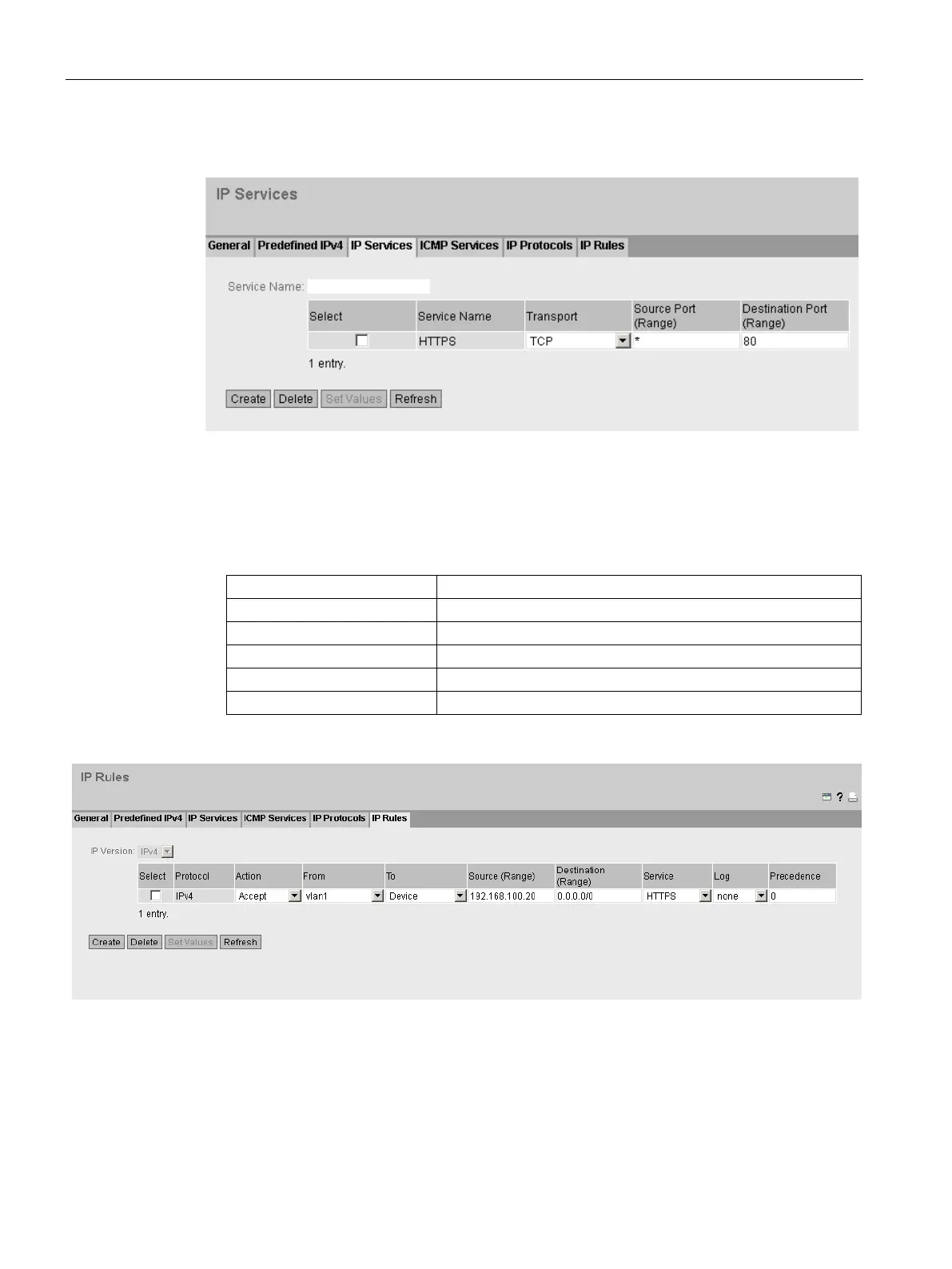
Allow only a specific device HTTPS access
1. Click on "Security" > "Firewall" in the navigation area and on the "IP Rules" tab in the
content area.
2. Click "Create". A new entry is created in the table.
3. Configure the firewall rule for the created HTTPS service with the following settings:
192.168.100.20 (the required device)
0.0.0.0/0 (all addresses)
4. Click "Set Values".

 To Next Page
 Loading...