Specifications
6.5 Interface assignment Terminal Box DP
Mobile Panel 177 (WinCC flexible)
Operating Instructions (Compact), Edition 07/2005
6-15
Pin Internal interconnection Name Circuit
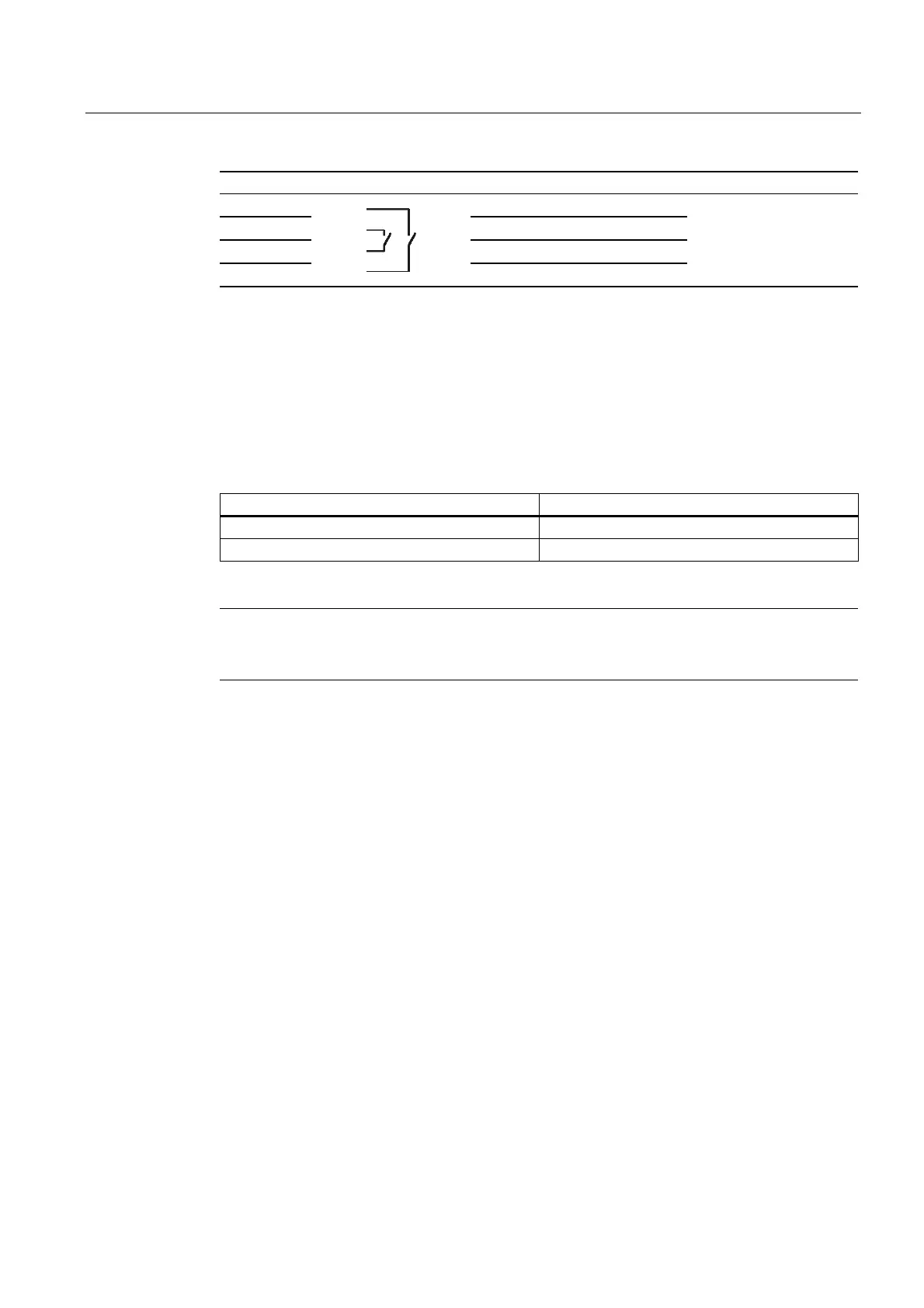
9 Enable 2+
10 Enable 1–
11 Enable 1+
12
Enable 2–
Enable switch
See Female header
1) Applies to Terminal Box Plus
The Terminal Box Basic does not have the "STOP button pressed" signal.
The "STOP button depressed" signal has no error detection and, therefore, must not be used
for safety-critical applications!
"Mobile Panel plugged" signal
Mobile Panel on the Terminal Box Signal at the digital input of the controller
Not plugged "0"
Plugged "1"
Note
The "Mobile Panel plugged" output of the Terminal Box Basic is connected to the power
supply. In the case of the Terminal Box Plus, this output is fed to a relay using two pins.
Observe the following points when connecting the "Mobile Panel plugged" signal:
• Connect terminal strip 2, pin 7 of the terminal box to the digital input of the controller
• Terminal Box Basic Terminal strip 2, pin 8 of the terminal box remains free
• Terminal Box Plus: +24 V have to be supplied to terminal strip 2, pin 8










 To Next Page