Appendix
A.1 Connection point recognition
Mobile Panel 177 (WinCC flexible)
Operating Instructions (Compact), Edition 07/2005
A-3
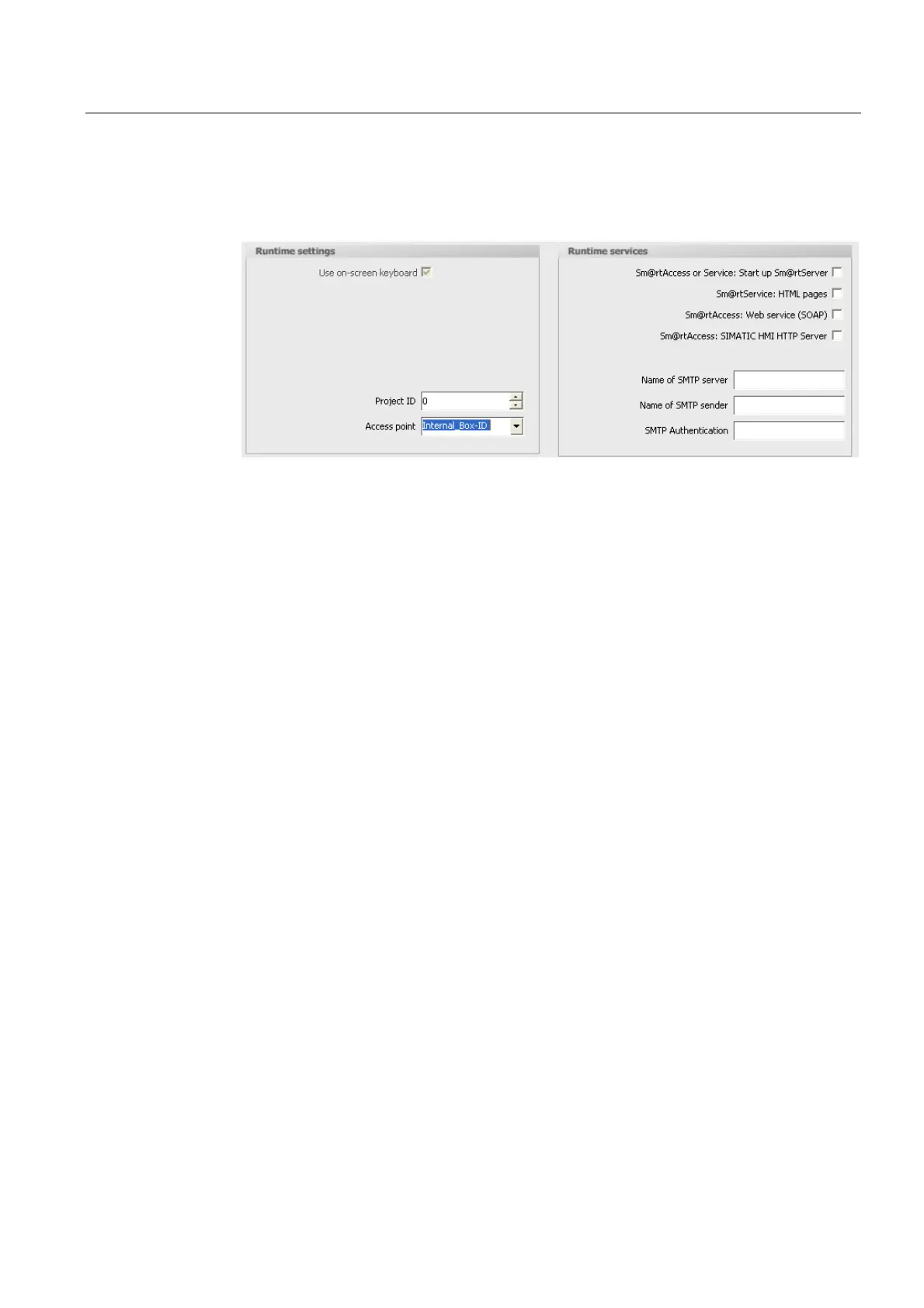
4. Select the "Internal_Box-ID" tag in the "Settings for runtime" section at the "Access point".
When you connect the HMI device to the terminal box, the box ID is written automatically
into the "Internal_Box-ID" tag.
5. When communication is established between the HMI device and controller, the old value
currently existing in the controller is then written automatically into the "External_Box-ID"
tag. The "Auxiliary Tag" is required so that the current value of the box ID can be
transferred to the PLC.
6. A program in the PLC evaluates the live bit. After the control program has determined
that communication has been established, the control program changes the current value
of the "Auxiliary_ Tag" tag once in order to induce a change in value.
7. The value change in the "Auxiliary_ Tag" executes the "SetValue" system function. The
system function now re-assigns the value of the "Internal_Box-ID" tags to the
"External_Box-ID" tags.
8. To configure this system function open the properties view of the "Auxiliary Tag". Click
"Change value" in the properties view of the "Auxiliary_Tag" tag in the "Events" group.
The "Function list" dialog box opens. Click the first line of the function list. The list opens,
showing the system functions available in the project.










 To Next Page