SIMATIC RF360R
Configuration Manual, 03/2022, C79000-G8976-C629-02
33
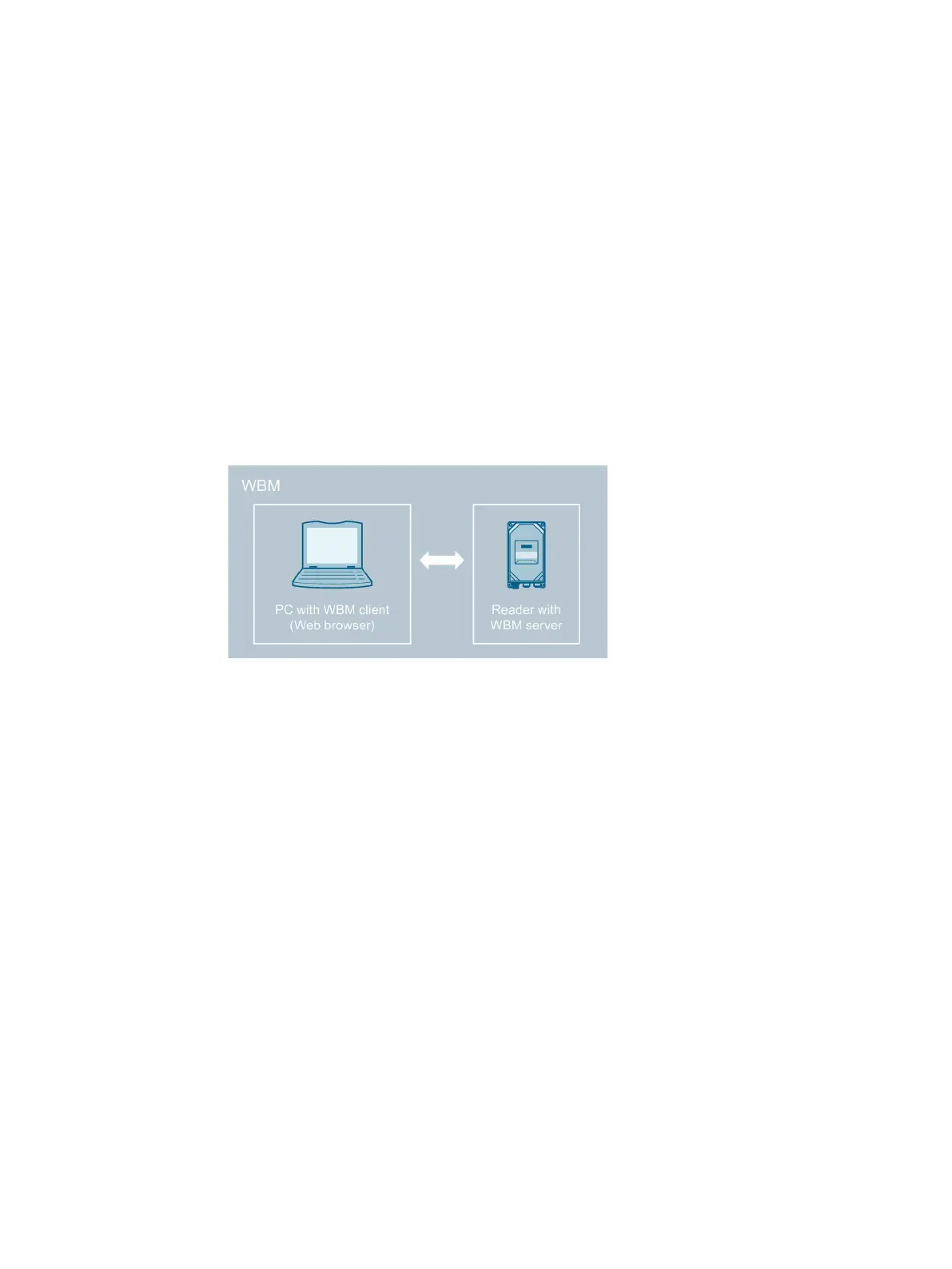
The readers are equipped with a Web server that provides Web Based Management (WBM) to
the Web client for configuring the readers. The WBM can be called via the Web browser of a
PC/laptop.
The WBM server provides the Web client (PC/laptop) with the parameter data of the reader
and accepts parameter changes from the Web client. Note that changed parameter values are
not automatically transferred to the reader. You must always manually transfer changes in
the configuration to the reader.
Hereafter, the term "WBM" is used to represent the WBM interface displayed in the Web
browser.
Figure 6-1 Design and function of the WBM
6.1 Starting WBM
Requirement
The reader is connected, turned on and ready for operation ("RUN" LED is lit or flashing green)
and the reader has been assigned an IP address.
To achieve a good workflow with the WBM, we recommend that you use a PC that meets the
following minimum requirements:
• CPU: DualCore
• RAM: 2 GB











 To Next Page