Configuring with the WBM
6.3 The menu items of the WBM
SIMATIC RF360R
44 Configuration Manual, 03/2022, C79000-G8976-C629-02
6.3.3 The "Settings - Reader Interface" menu item
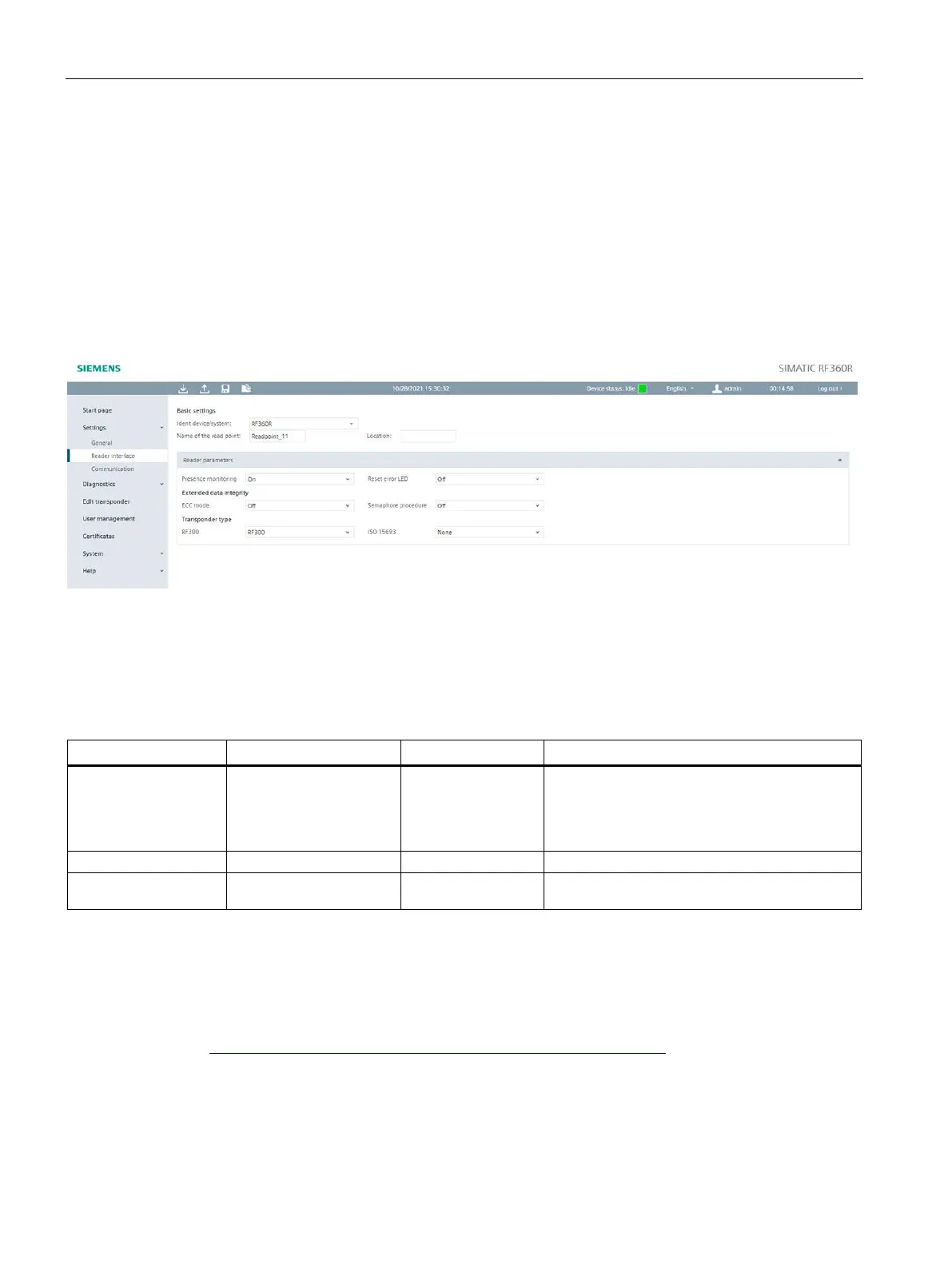
In the "Settings - Reader parameters" menu item, you can configure the reader parameters
(reset parameters). If the reader is connected to an S7 controller, the configuration is made
via the controller. The parameters in the "Reader parameters" area are not displayed in this
case.
This page is divided into the following areas:
• Basic settings
• Reader parameters
Figure 6-5 The "Settings - Reader Interface" menu item
Basic settings
In this section, you define the basic settings for the selected read point.
Table 6- 5 Parameters of the "Basic settings" parameter group
General reader
Selection of the device/system connected to the
reader.
Depending on the selection made, different
parameters are shown or hidden in the
following "Reader parameters" section.
Text box to set the name of the read point.
Input box to enter information on the location
of the read point.
Reader parameters
If you have selected the "General reader" parameter value in the "Ident devices/system"
parameter, the reset parameters of the reader are displayed in hexadecimal format in this
area. You can find more detailed information on this in the "Ident profile and Ident blocks,
standard function for Ident systems
(https://support.industry.siemens.com/cs/ww/en/view/109793329)" manual.











 To Next Page