Configuring with the WBM
6.2 The WBM
SIMATIC RF360R
36 Configuration Manual, 03/2022, C79000-G8976-C629-02
6.2 The WBM
Using the WBM, you can configure the SIMATIC RF360R readers.
After you have created new user profiles, you need to log on with one of these user profiles
when you restart the WBM.
Remember that simultaneous access to a reader using two WBM clients (Web browsers) is
possible but not recommended.
If changes are made when two WBM clients are accessing a reader at the same time, this
can lead to errors in the configuration or an undesired result.
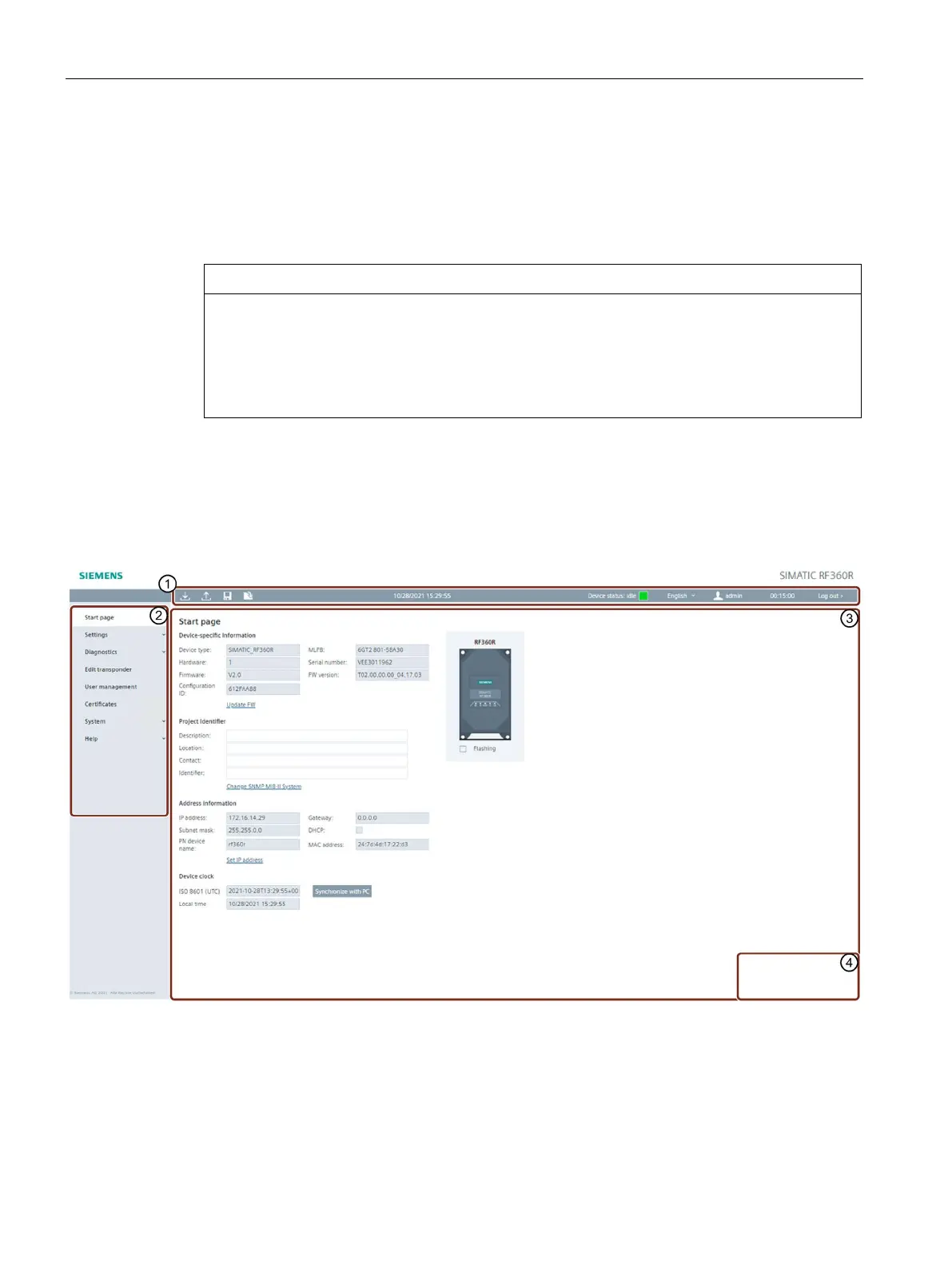
Layout of the WBM
After successful connection establishment to the reader and logon (when authentication is
enabled), the start window of the WBM appears:
The WBM start window is divided into the following areas:
Toolbar / status bar (including logout area)
Figure 6-2 Start window of the WBM











 To Next Page