Configuring with the WBM
6.3 The menu items of the WBM
SIMATIC RF360R
Configuration Manual, 03/2022, C79000-G8976-C629-02
71
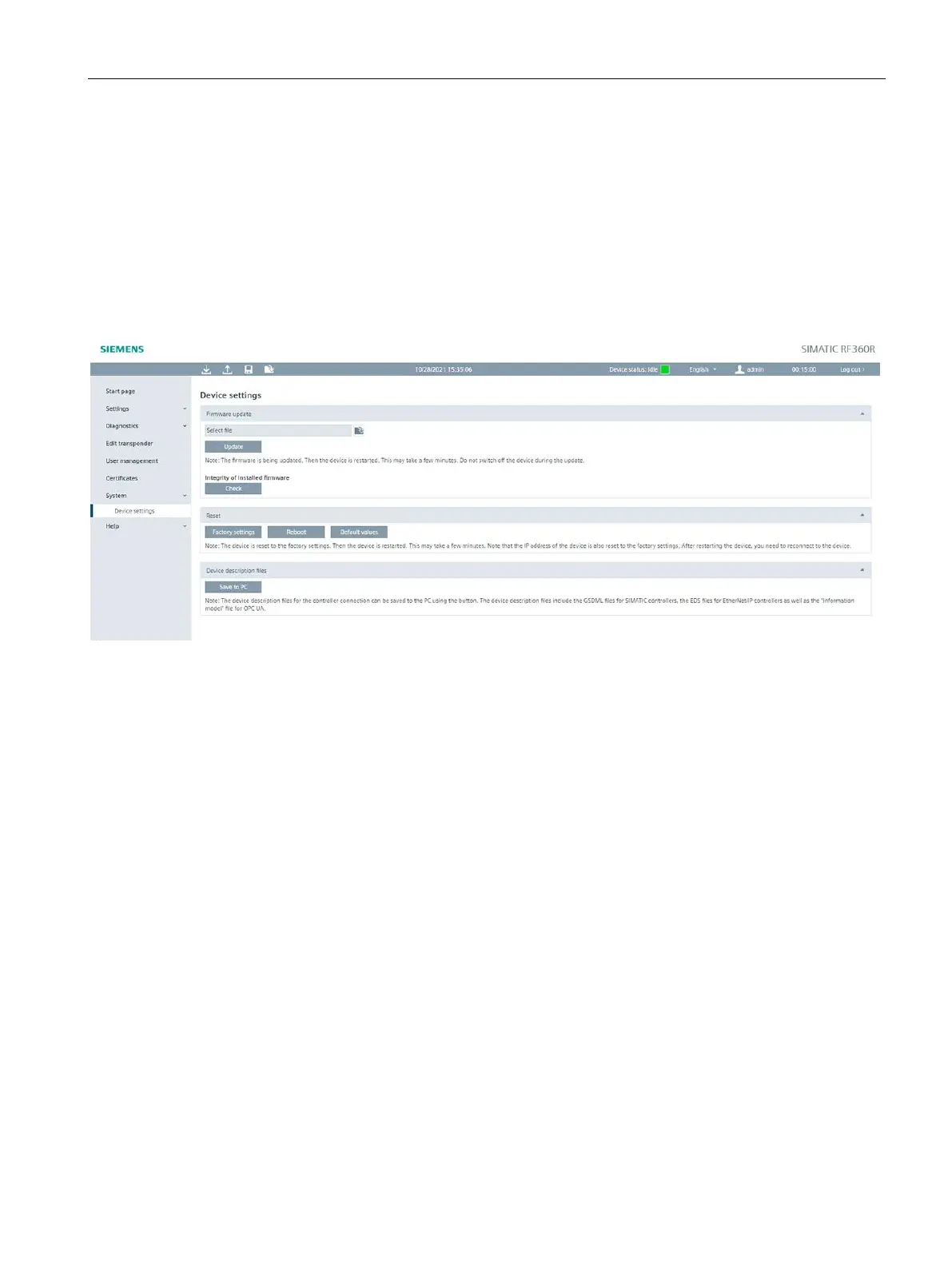
6.3.12 The "System - Device settings" menu item
In the "System - Device settings" menu item, you can update firmware, reset the reader to the
factory settings, change the IP address of the reader, load certificates onto the reader and
transfer control files to the PC. This page is divided into the following areas:
• Firmware update
• Reset
• Device description files
Figure 6-17 The "System - Device settings" menu item
Firmware update
• Firmware update
With the "Firmware update" button, you can update the firmware of the communications
module. For a detailed description of firmware updates, refer to the section Firmware
update (Page 94).
• Check
You can use the "Check" button to check the integrity of the firmware. You can use this
function to check whether the firmware matches the firmware published by Siemens or
whether it has possibly been maliciously modified.











 To Next Page