Configuring with the WBM
6.3 The menu items of the WBM
SIMATIC RF360R
50 Configuration Manual, 03/2022, C79000-G8976-C629-02
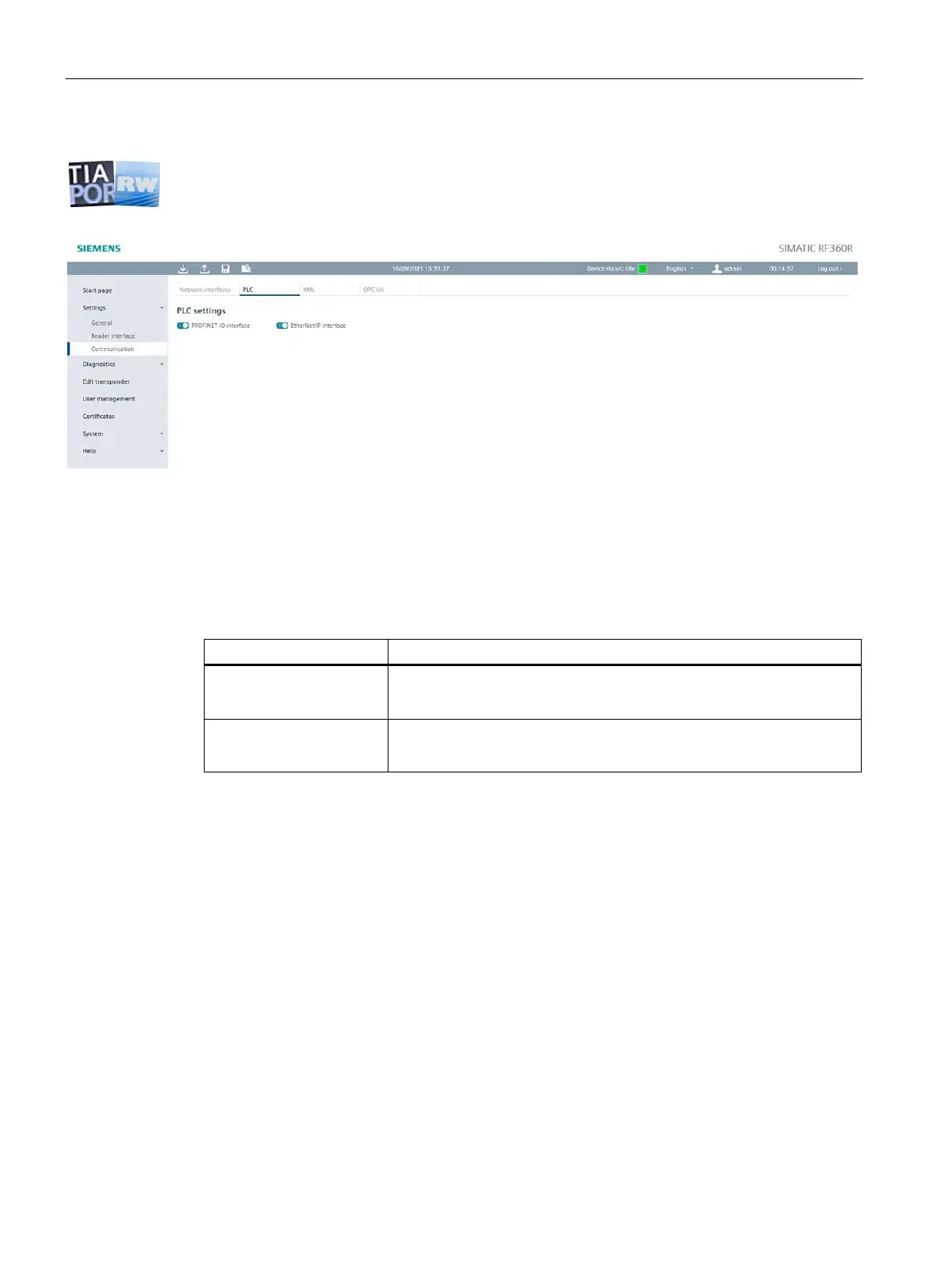
The "PLC" tab
The "PLC" tab is divided into the following area:
• PLC basic settings
Figure 6-7 The "Settings - Communication" menu item, "PLC" tab
PLC basic settings
In the "PLC basic settings" area, you can define which interfaces may be used for
communication with the controller.
Table 6- 11 Description of the PLC basic parameters
In this area, you can define whether the reader may be accessed via the
controller (STEP 7). With this setting, the Ethernet interface is closed for
communication with the controller.
In this area, you can specify if it allowed to access the reader via
EtherNet/IP. With this setting, the Ethernet interface is closed for
EtherNet/IP communication with the controller.











 To Next Page