Service and maintenance
8.1 Diagnostics
SIMATIC RF360R
80 Configuration Manual, 03/2022, C79000-G8976-C629-02
Procedure
Reading out the diagnostics information of the reader
Proceed as follows to read the diagnostics information of the reader using STEP 7 Basic /
Professional (TIA Portal):
1. Change to the network view.
2. Right-click on the required reader and select the "Online & diagnostics" entry in the shortcut
menu.
3. Select the "Diagnostics" parameter group.
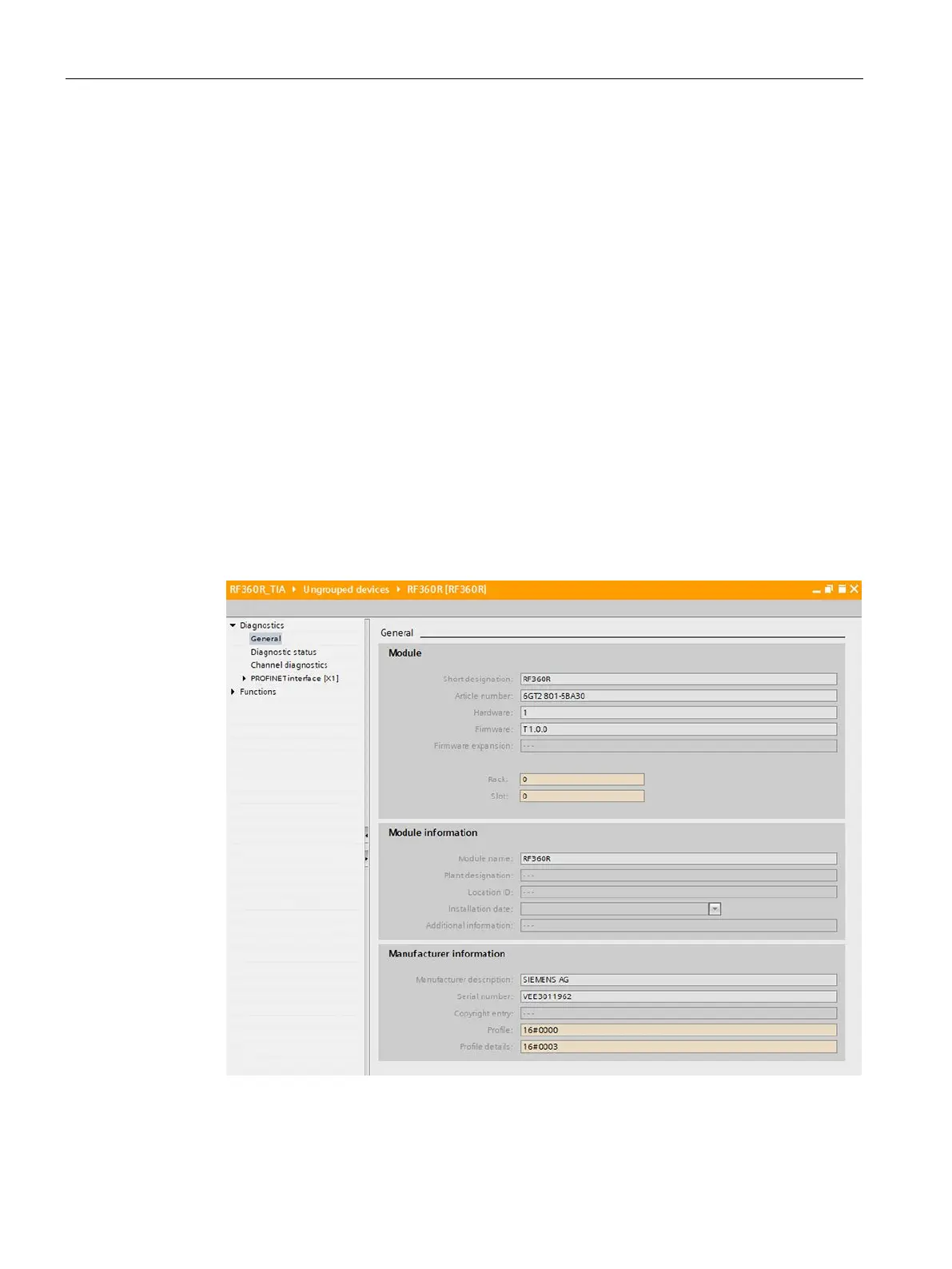
In the diagnostics window, you have the following options for diagnosing the reader:
– General information, such as the name, article number or firmware version of the
reader is displayed under the "General" entry.
– Current status information of the reader is displayed under the "Diagnostic status"
entry.
– Current diagnostic information of the reader interface is displayed under the "Channel
diagnostics" entry.
– The status information and other information about the PROFINET interface under the
"PROFINET interface" entry.
Figure 8-2 Display of the reader diagnostics information











 To Next Page