Controller
8-13
SIMATIC Rack PC 840 Manual
A5E00104826-03
8.1.4 Terminating the AHA-2940 Ultra Wide
Termination on the AHA-2940Ultra Wide itself is controlled by software comands
via the SCSISelect utility. The default setting is set to Automatic. When set to
Automatic, if the AHA-2940Ultra Wide detects that SCSI cables are connected to
any of its three SCSI connectors, it automatically sets the termination setting for
the low and high bytes of the 16-bit Wide SCSI bus. The low byte controls 8-bit
SCSI; the low and high bytes together control 16-bit Wide SCSI.
We recommended that you leave the AHA-2940Ultra Wide set to its default setting
of Automatic. If you want to manually set the AHA-2940Ultra Wide termination
setting, see the chapters and this description. The following table lists the
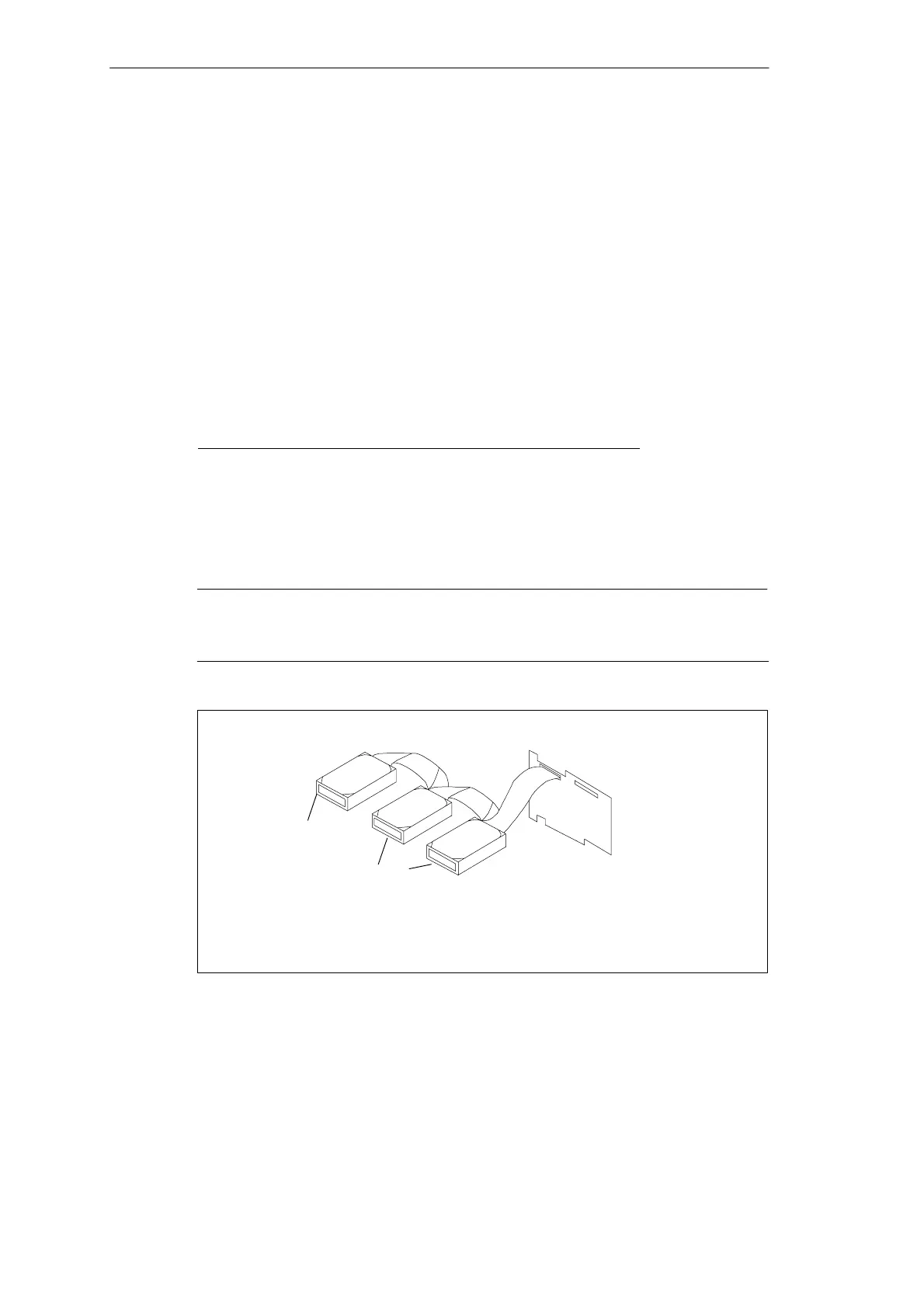
termination configurations. Figures 8-1 and 8-2 show termination examples for the
AHA-2940Ultra Wide.
Device Connected to AHA-2940Ultra Wide Low High
68-pin internal connector only
ON ON
68-pin external connector only ON ON
68-pin internal and 68-pin external connectors OFF OFF
50-pin internal connector only ON ON
50-pin and 68-pin internal connectors OFF ON
50-pin internal and 68-pin external connectors OFF ON
Caution
Do not connect SCSI devices to all three connectors of an AHA-2940 Ultra Wide
host adapter!
No Termination
Terminated by Cable
No Termination
Cable with Terminator
Figure 8-1 Internal Termination












 To Next Page