SIGLENT
SDG2000X User Manual 97
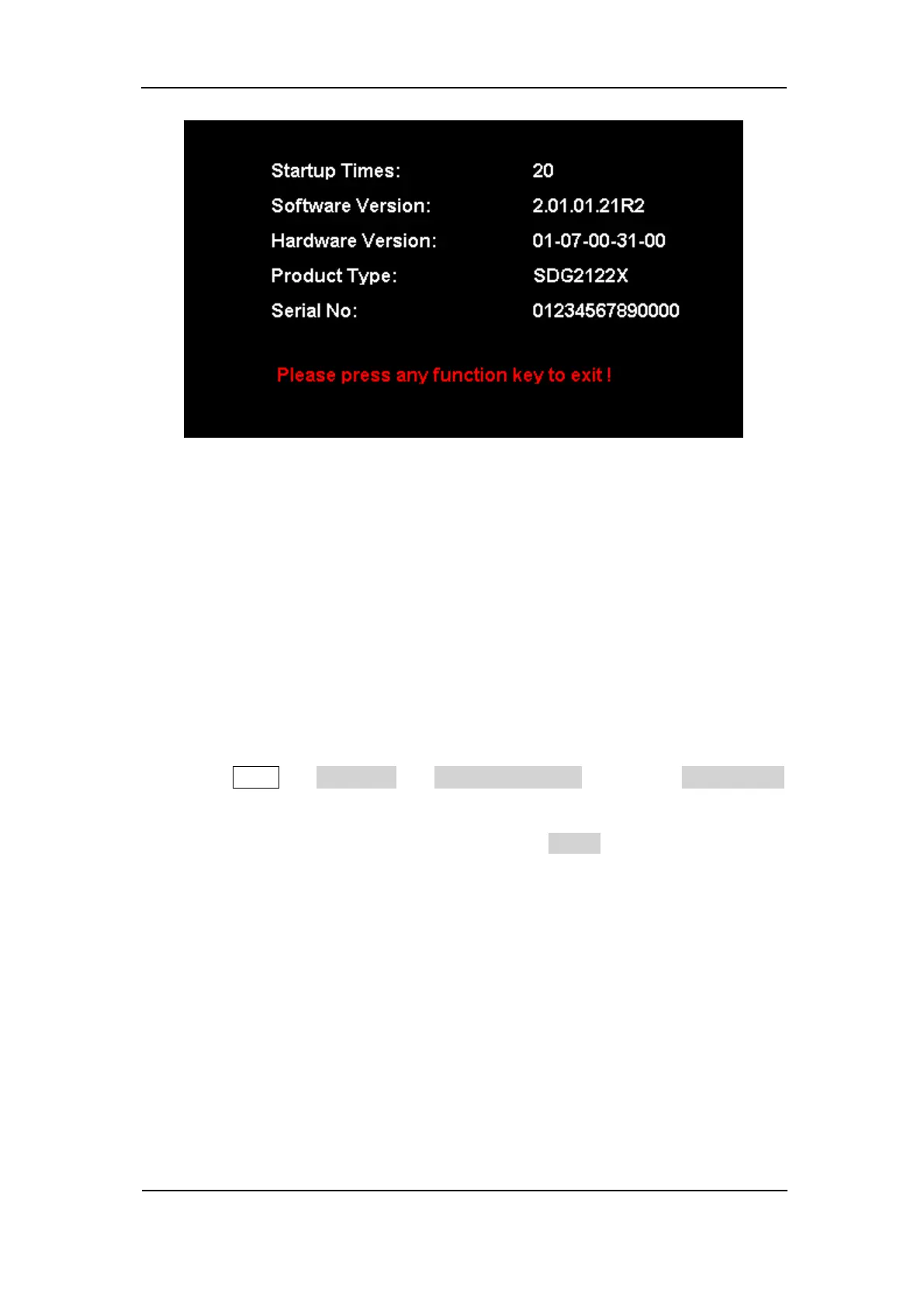
Figure 2-53 System Information Interface
8. Update
The software version and configuration file of the generator can be updated
directly via U-disk. Follow the steps below:
1. Insert U-disk with firmware update file (*.ADS) and configuration file
(*.CFG) to USB host interface on the front panel of the generator.
2. Press Utility → Page 1/2 → Firmware Update. Or press Store/Recall
directly.
3. Select the firmware file (*.ADS) and choose Recall to update the system
software.
4. After the updating is finished, the generator will restart automatically.
Note:
1. Don’t cut off the power during the generator is being updated!
2. A configuration file (*.CFG) may or may not be included with a given
firmware update. If a CFG file is not included with a firmware update then it
will not be required for that update.



 To Next Page