SIGLENT
SDG2000X User Manual 15
1.6 To Use Numeric Input
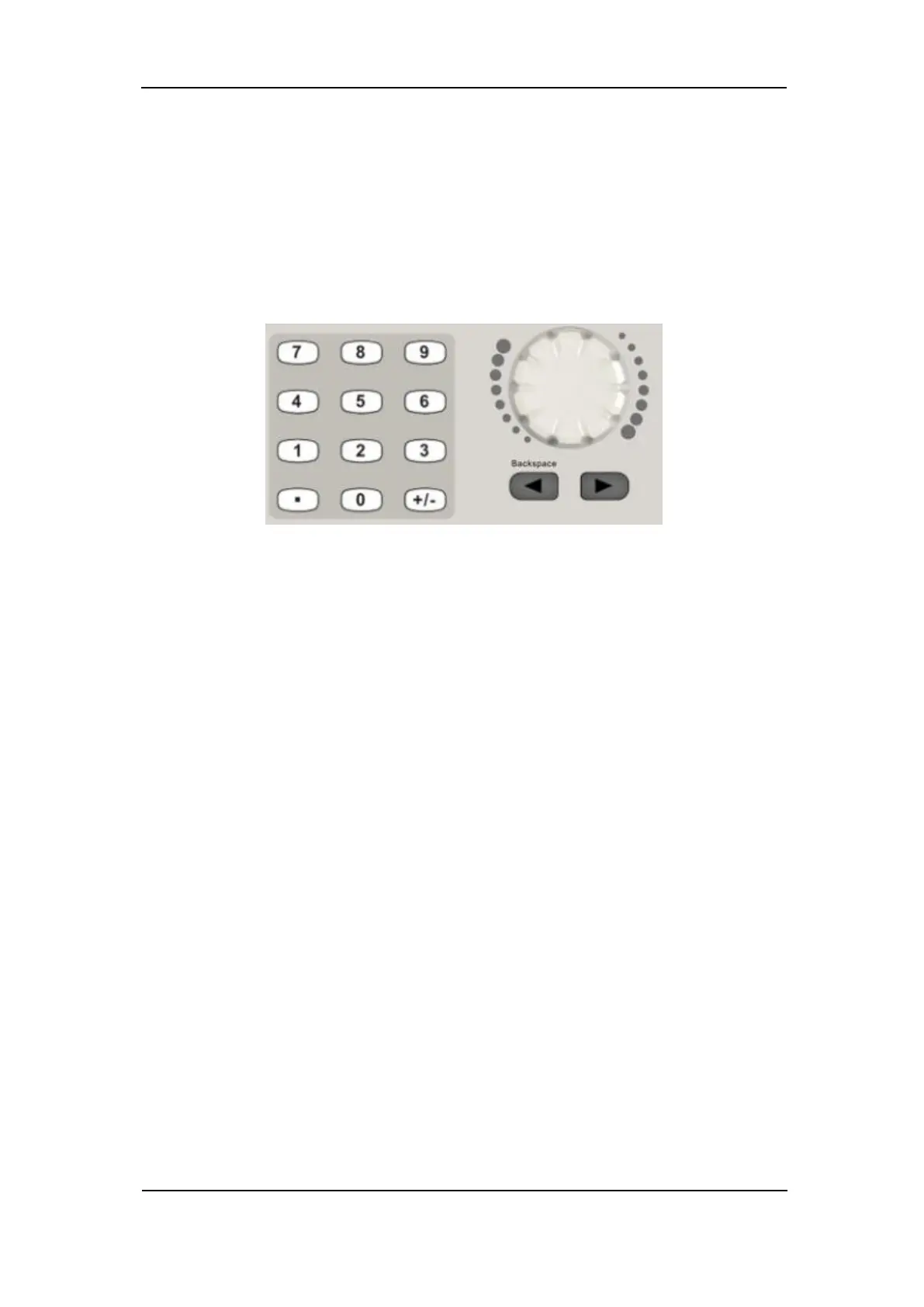
As shown in Figure 1-18, there are three sets of keys on the front panel, which
are arrow keys, knob and numeric keyboard. The instructions below will help
to familiarize you with the digital input selection.
Figure 1-18 Front Panel Digital Input
1. The numeric keyboard is used to enter the parameter’s value.
2. The knob is used to increase (clockwise) or decrease (counterclockwise)
the current digit when setting parameters
3. When using knob to set parameters, the arrow keys are used to select the
digit to be modified; When using numeric keyboard to set parameters, the
left arrow key is used as a Backspace function.



 To Next Page