SIGLENT
20 SDG2000X User Manual
When using the numeric keyboard to enter the value, the left arrow key can be
used to move the cursor backward and delete the value of the previous digit.
To Set the Amplitude
The amplitude setting range is limited by the “Load” and “Frequency/Period”
settings. For detailed information, please refer to “SDG2000X Datasheet”.
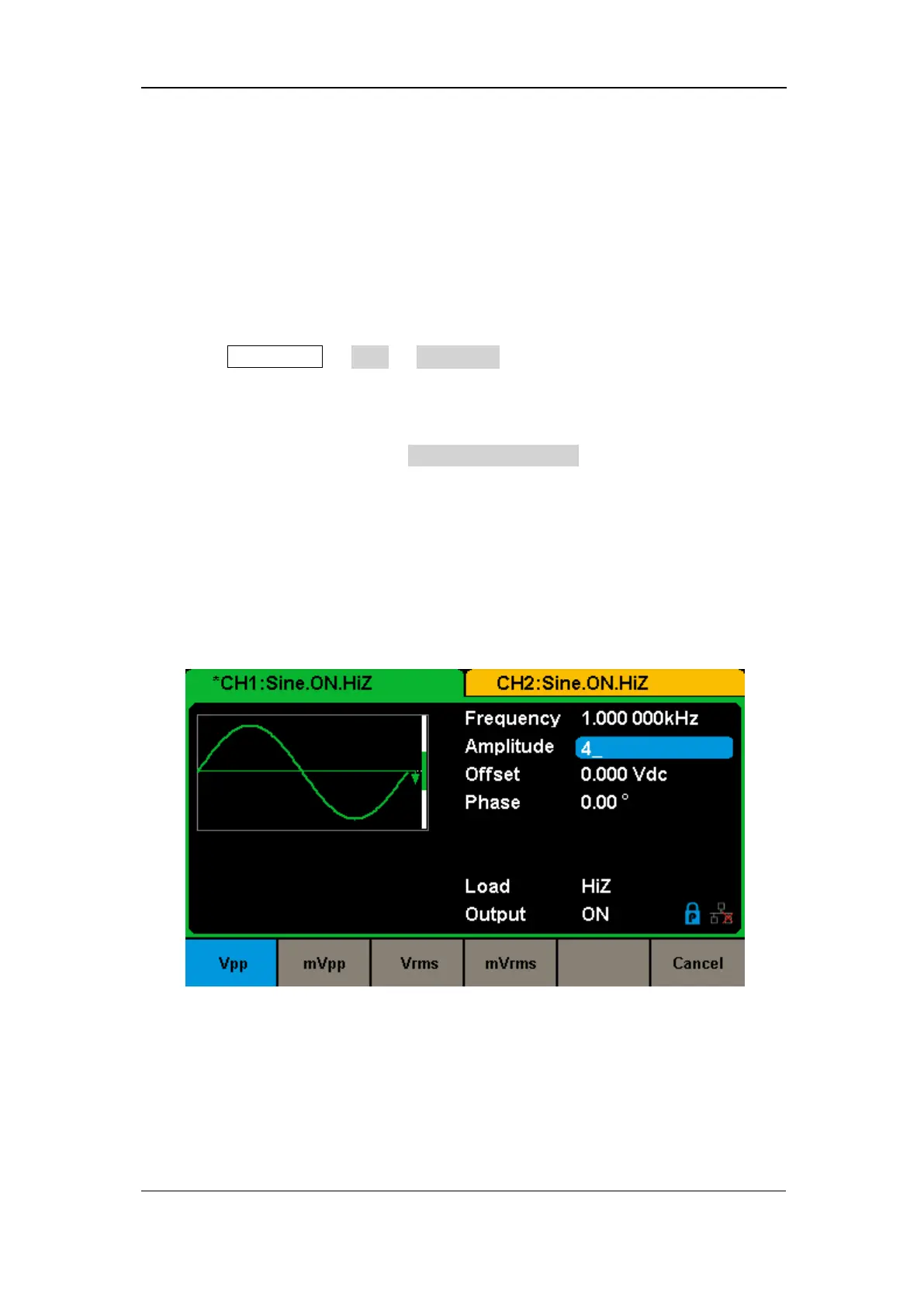
1. Press Waveforms → Sine → Amplitude, to set the amplitude.
The amplitude shown on the screen when the instrument is powered on is the
default value or the set value of last power down. If setting the waveform’s
high level is desired, press the Amplitude/HighLevel key again to switch into
the high level parameter (the current operation is displayed in inverse color).
2. Input the desired amplitude.
Use the numeric keyboard to input the parameter value directly, and press the
corresponding key to select the parameter unit. Or use the arrow keys to
select the digit to edit, and then use the knob to change its value.
Figure 2-3 Setting the Amplitude
To Set the Offset
The offset setting range is limited by the “Load” and “Amplitude/HighLevel”



 To Next Page