SIGLENT
34 SDG2000X User Manual
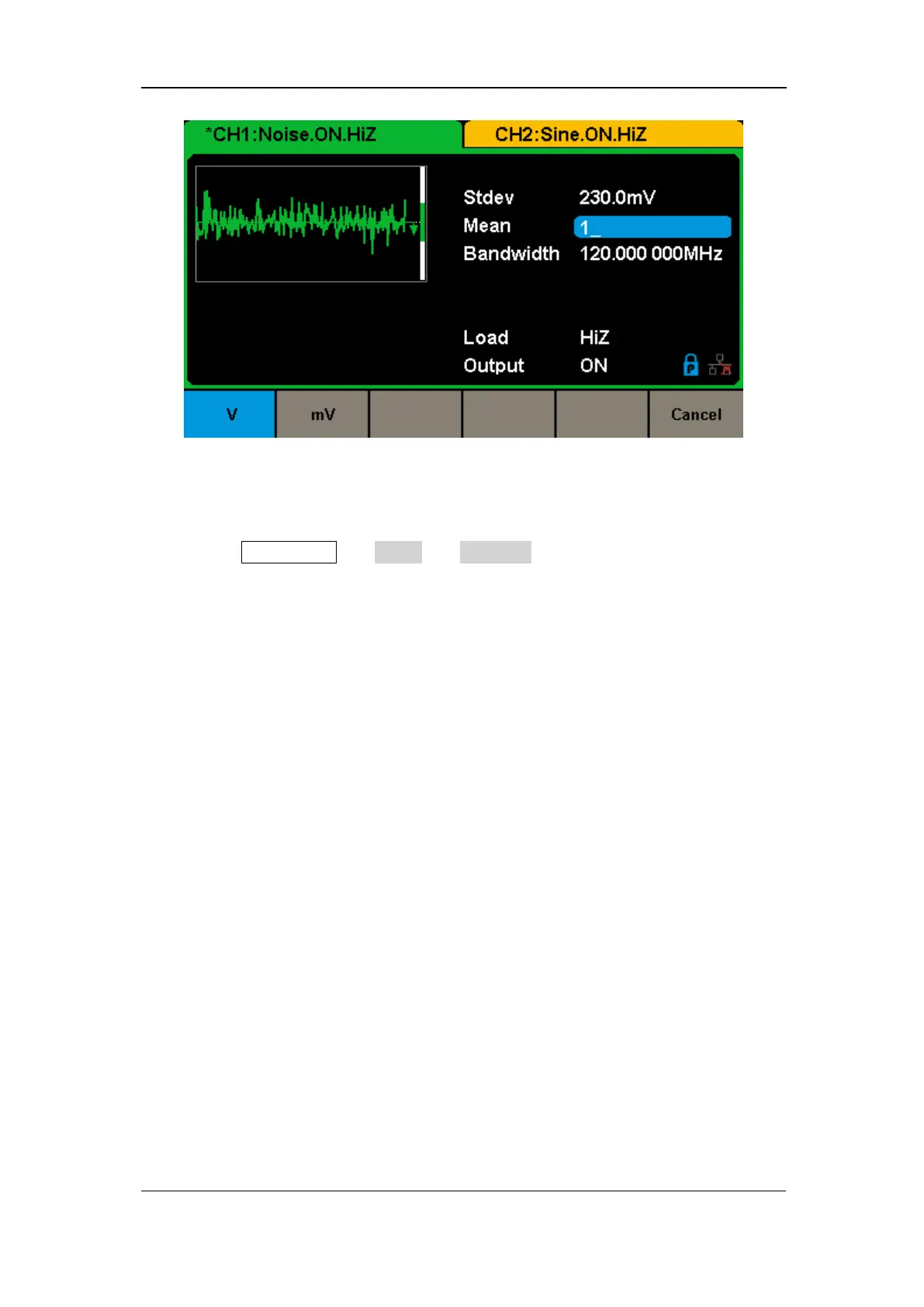
Figure 2-15 Setting the Mean
To Set the Bandwidth
1. Press Waveforms → Noise → BandSet and choose “On” to set the
bandwidth.
The bandwidth shown on the screen when the instrument is powered on is the
default value or the set value of last power on. When changing the function, if
the current value is valid for the new waveform, it will be used sequentially.
2. Input the desired bandwidth.
Use the numeric keyboard to input the parameter value directly, and press the
corresponding key to select the parameter unit. Or you can use the arrow keys
to select the digit you want to edit, and then use the knob to change its value.



 To Next Page