102
LOCKING FILES
Locking protects files from being
accidentally deleted.
CAUTION !!
Locking does not prevent files from being erased when the card is
formatted. Review card contents carefully before formatting.
TIP
Locked files have a “read-only” status when viewed on a computer.
TO LOCK A SINGLE FILE
1
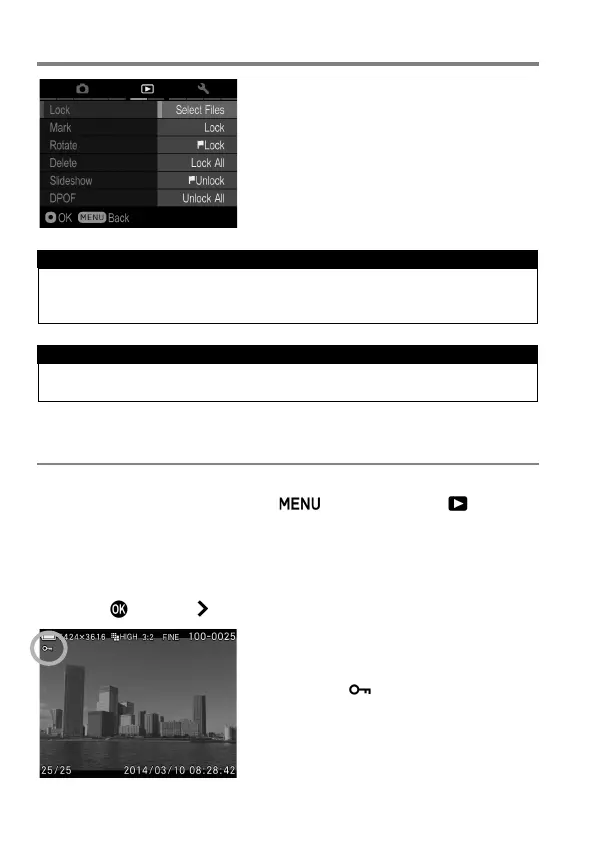
Display images to lock, press the button and open [ Playback
Menu] (P.27) to select [Lock].
2
Select [Lock] from sub menu.
3
Press the button or button.
A key icon will appear in the file
indicating that the file is locked.



 To Next Page